After regeneration, the inlet vent configuration is the same as it was before regeneration.
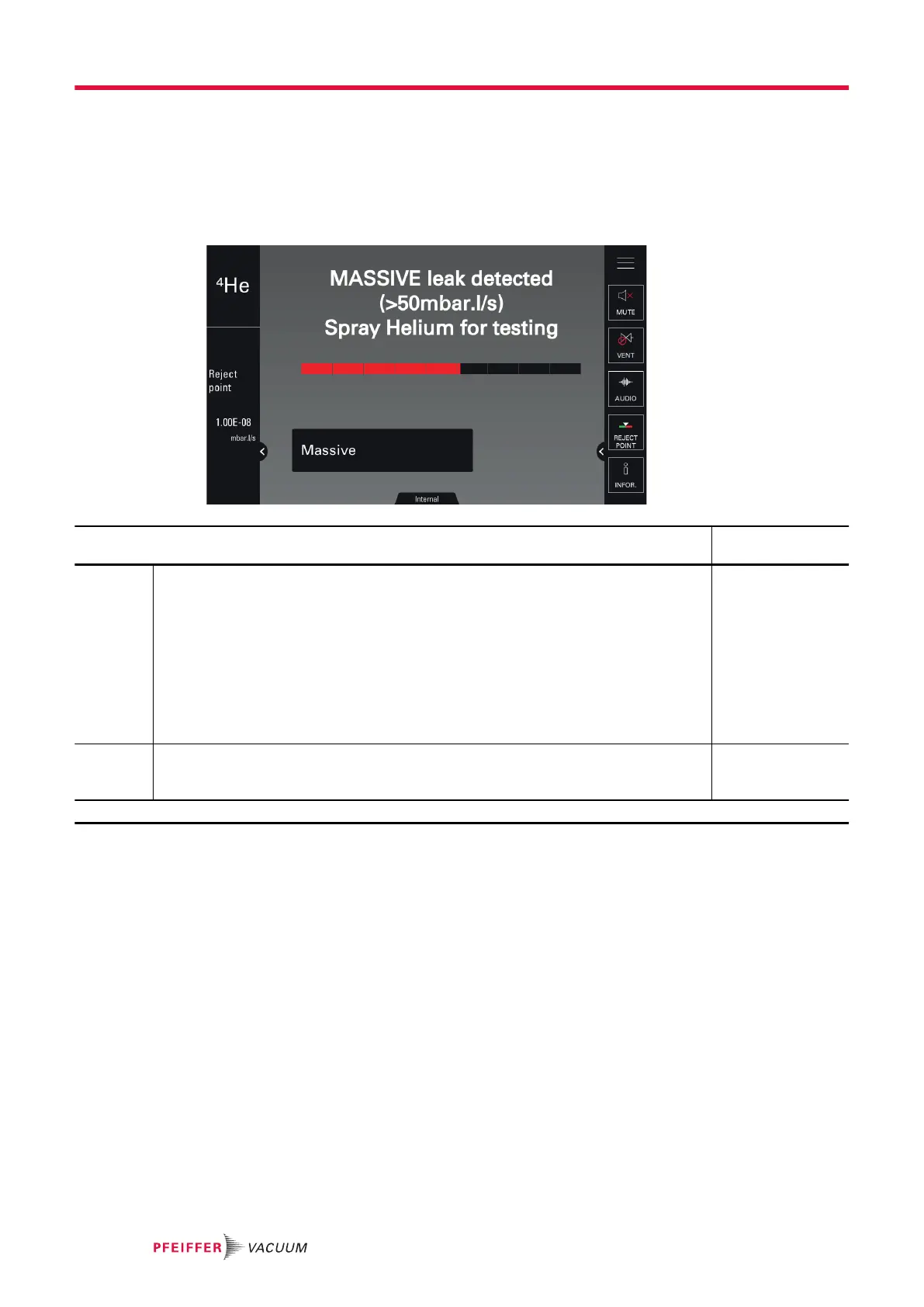
8.2.9 Massive Mode
This mode allows the detector to perform a test (
4
He only) on a very large leak when the detector has
not shifted to Gross Leak Mode and remains in roughing.
Massive mode can only be used if an external gauge is selected (see chapter “External gauge”):
Access: Menu [Test] [Massive Mode] Choice - Setting
limit
1)
Active To be selected
Prerequisites for the detector to shift automatically into Massive mode:
● function enabled
● pressure < 100 hPa
● pressure stabilized for at least 30 s
A message informs the use that the detector has shifted automatically into Massive
mode.
The detector can then perform a qualitative test of a leak (information leak > 50 mbar
· l/s (5 Pa · m
3
/s) only).
The maximum use time is 55 minutes.
No
Yes
Sensitivity To be selected
● High = large volume test (default configuration, recommended)
● Low = test on volume < 1 l (if necessary)
High
Low
1) Initial setting: see chapter “Tree diagram to the Settings menu”
8.2.10 Calibration check
Calibration check allows the user to save time because this operation is faster than full calibration.
The calibration check is performed with the leak detector’s internal calibrated leak (leak type parameter
= ’internal’).
Calibration check is enabled if the calibration is set to ‘Check at start’ (see chapter “Calibration func-
tion”).
The leak detector compares the measured leak rate of the internal calibrated leak with the set leak rate
of the internal calibrated leak:
●
If the ratio is within the limits allowed, the leak detector is properly calibrated.
●
If the ratio is out of limits, a message appears suggesting that a full calibration of the leak detector
be started.
Settings menu
58/98



 To Next Page