Access to 'navigation' and 'edit' modes
1. Press an item (folder or file). It will be highlighted in red.
In 'navigation' mode, any selected item is highlighted in red.
2. Press this item (folder or file) until it is highlighted in green. The 'edit' mode is enabled.
In 'edit' mode, any selected item is highlighted in green.
Possible actions in 'edit' mode:
●
Press [DELETE] to delete the selected item.
●
Press [RENAME] to rename the selected item.
●
Press [MOVE TO] to move the selected item.
3. Press an item (folder or file) until it is highlighted in red. The 'edit 'mode is disabled, the 'naviga-
tion' mode is enabled.
In 'navigation' mode, any selected item is highlighted in red.
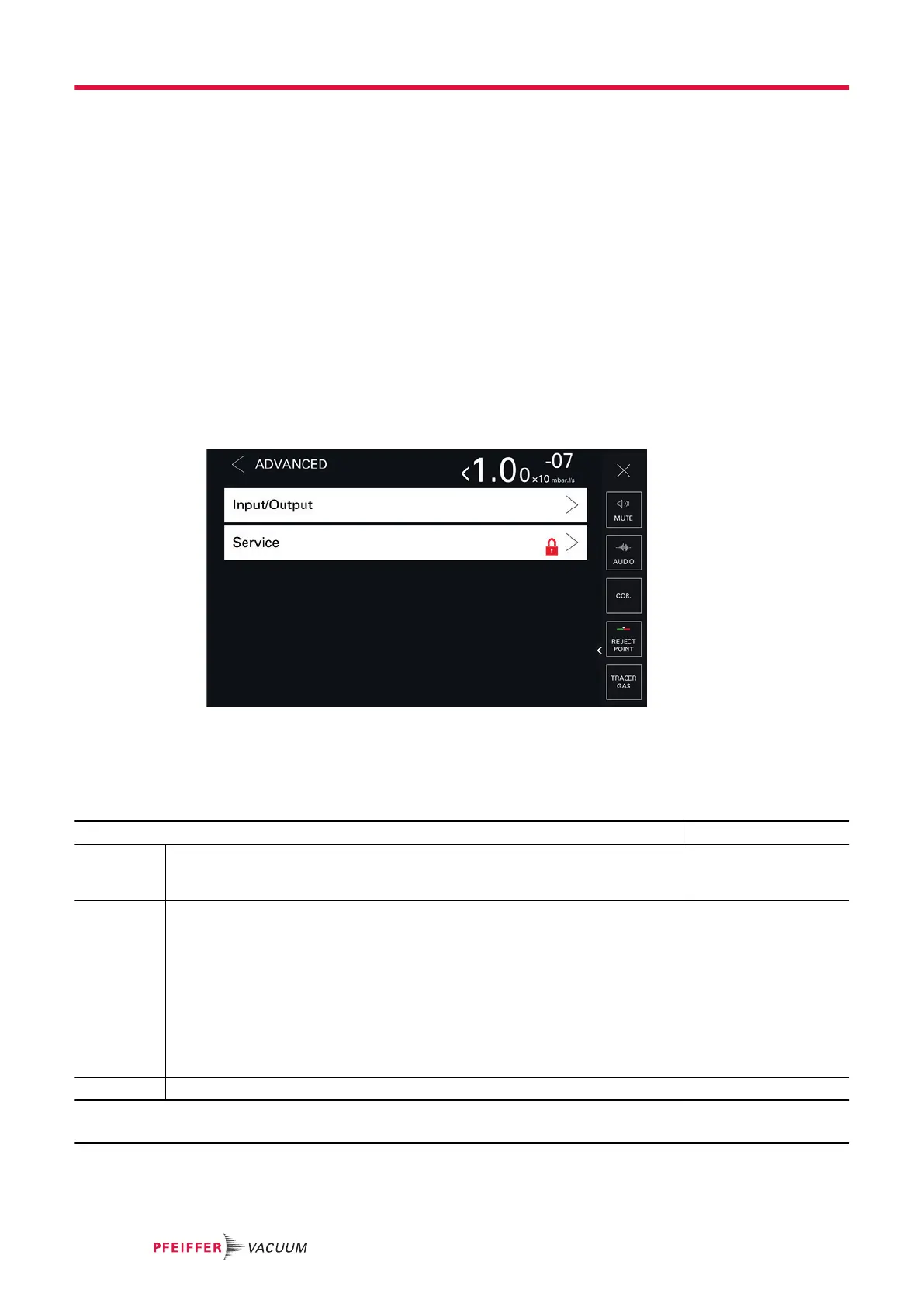
8.6 Advanced menu
Advanced functions reserved for specific uses of the detector (advanced settings requiring proper
knowledge of leak detection).
8.6.1 Input/Output
Serial link 1 and serial link 2
The parameters displayed depend on the choices made.
Access: [Advanced] [Input/Output] [Serial Link 1] menu
Choice - Setting limit
1)
Type Read only
Link type depending on use: see the operating instructions of the accessory/
option to be used.
Serial
Mode To be selected
Link mode according to its use: see the operating instructions of the accessory/
option to be used.
Basic
Table
Advanced
Export Data
RC 500 WL
RC 500
HLT 5xx
HLT 2xx
Ext. module
Period
2)
To be set 0 s – 24 h
1) Initial setting: see chapter “Tree diagram to the Settings menu”
2) 'Table' mode only
Settings menu
74/98



 To Next Page