Procedure
The calibration involves setting the limit pressure then the atmospheric pressure.
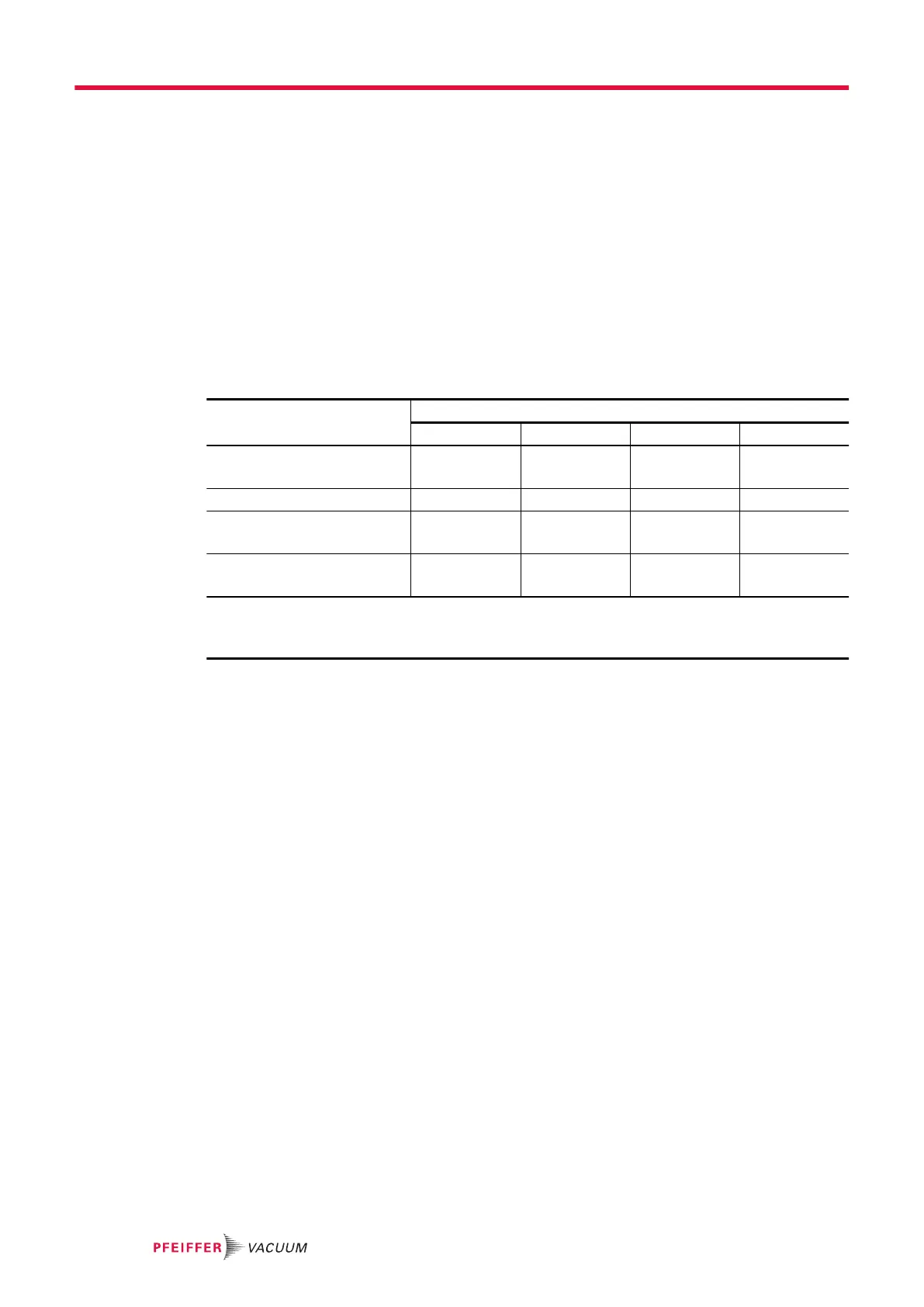
The pressures displayed at the different steps are indicated in the table below.
1. Implement the preliminary conditions.
2. Put the leak detector on ‘Stand-by’ mode (step 1).
3. Close the detector’s inlet with a blank-off flange.
4. Create an inlet vent: press [VENT].
5. Wait 5 minutes.
6. Press [Valid Atm] (step 2).
7. Start a test: press [Start] on the menu or the START/STOP button.
8. Wait 5 minutes for the measurement to stabilize (step 3).
9. Press [Valid HV] (step 4).
10. Start the test: press [Stop] on the menu or the START/STOP button.
Pressures displayed during the procedure
Pressures displayed at the different steps in the procedure
Step 1 Step 2 Step 3 Step 4
Pressure P
1
(≈ 30000)
P
1
(≈ 30000)
P
2
(≈ 5000)
P
2
(≈ 5000)
Inlet pressure
1 · 10
-3
1 · 10
-3
1 · 10
-3
1 · 10
-3
Limit pressure (HV) V
(≈ 5000)
V
(≈ 5000)
V
(≈ 5000)
P
2
(≈ 5000)
Atmospheric pressure (Atm) A
(≈ 30000)
P
1
(≈ 30000)
P
1
(≈ 30000)
P
1
(≈ 30000)
P: pressure value
V: limit pressure value (HV)
A: atmospheric pressure value (Atm)
8.4.8 Saving/Loading of the detector parameters
Saving of parameters
This function is used to save the following detector parameters:
●
all of the parameters set in the “Settings” chapter.
●
all of the parameters set in the “Graph screen: graph parameters” chapter.
Access: Menu [Maintenance] [Save LD Parameters] [Save LD Parameters]
The file manager opens (see chapter “File manager menu” of the operating instructions).
1. Press [Internal Memory] or [USB Stick] to select the desired location.
2. Rename the file, if necessary.
–
The created backup file is called “Setting” by default.
3. Press [Save].
–
The backup file is a .CF4. file.
Loading of parameters
This function is used to load the previously saved detector parameters.
Access: Menu [Maintenance] [Save LD Parameters] [Load LD Parameters]
The file manager opens (see chapter “File manager menu” of the operating instructions).
1. Press [Internal Memory] or [USB Stick] to select the desired location.
2. Select the backup file to be loaded (.CF4).
3. Press [Open].
8.5 File Manager menu
This function is used to manage saved files:
●
in the detector’s internal memory,
●
on a USB stick.
Settings menu
72/98



 To Next Page