8 Settings menu
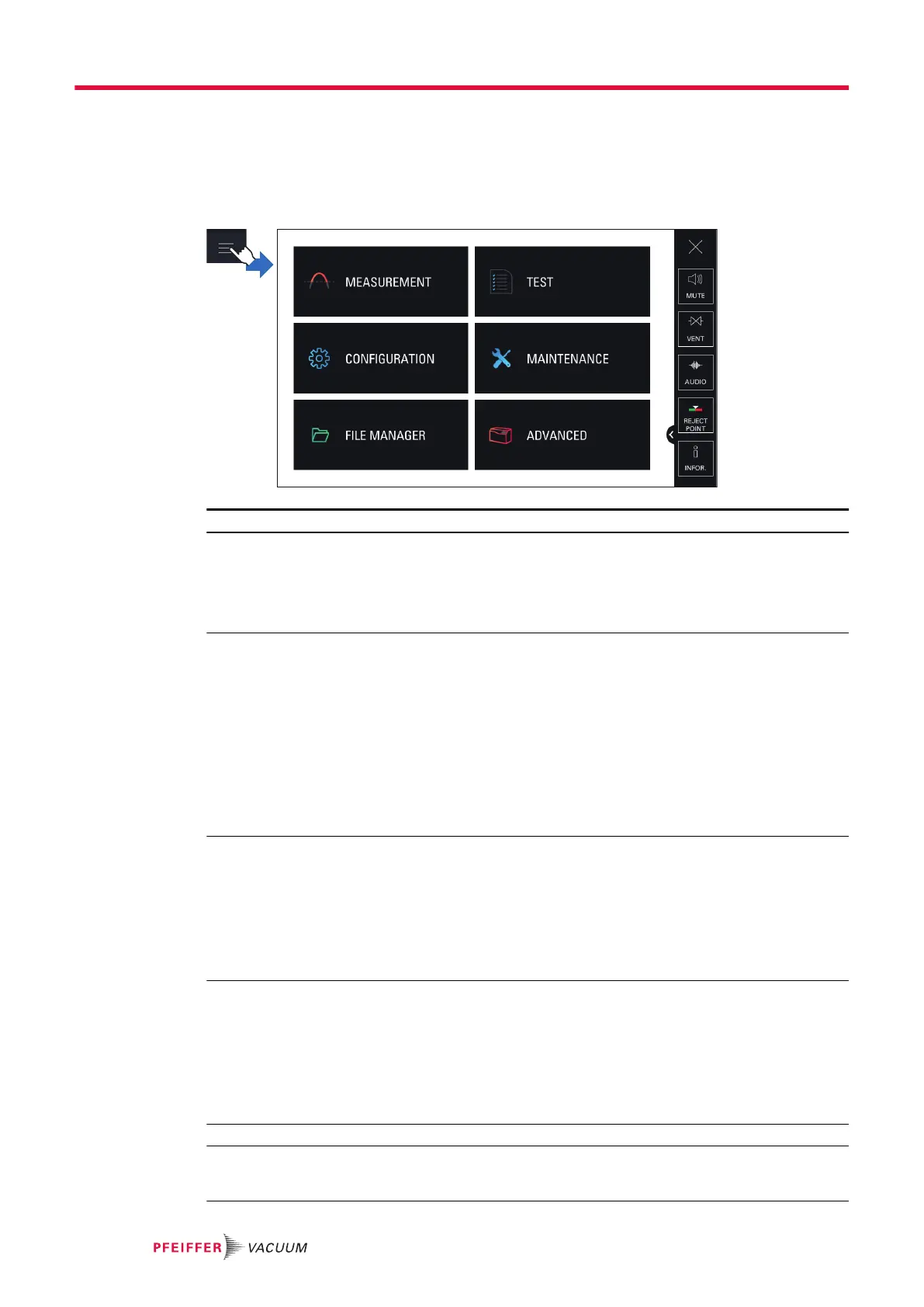
The Settings menu allows the user to set the product according to its specific use.
The functions of the Settings menu are divided into 6 menus.
►
From the control panel, press [SETTINGS] (see chapter “Home” or “Graph screen”).
Functions by menu
MEASUREMENT menu
● Tracer gas
● Set points
● Correction factor
● Calibrated leak settings
● Target value
TEST menu
● Method
● Mode
● Probe type
● Cycle end
● Inlet vent
● Memo Function
● Zero activation
● Regeneration
● Massive mode
● Calibration check
● Calibration mode
● Start-up timer
CONFIGURATION menu
● Unit
● Date
● Time
● Language
● Sound volume
● Function keys
● Screen settings
● Access/Password
MAINTENANCE menu
● History
● Information
● Last maintenance operations
● Timers before next maintenance
● Maintenance turbo pump and cell
● Burn-in
● Internal Pirani Calibration
● Save LD Parameters
FILE MANAGER menu
ADVANCED menu
● Input/Output
● Service
Settings menu
46/98



 To Next Page