Access: Menu [Test] [Zero activation]
Choice - Setting limit
1)
Activation To be selected
● None: ZERO button inactive
● Operator: user activation by pressing on the ZERO button, de-
pending on configuration (see below: Zero Exit)
● Automatic: depending based on configuration (see below: Trig-
ger)
None
Operator
Automatic
Zero exit
(If operator 'Activa-
tion')
To be selected
Type of press to exit the function (see below)
● Press once: activate/deactivate zero by quickly pressing the
ZERO button.
● Press > 3s:
─ activation: quickly press the ZERO button. Each time the key
is pressed quickly, a new zero is carried out.
─ deactivation: keystroke > 3 s the ZERO button.
Press once
Press > 3s
Trigger
(If automatic 'Activa-
tion')
To be selected
Factor for initiating the carrying out of another zero.
Timer
Set point
To be set
Initiation value
00'00'' – 59'59'' (if timer
'Trigger')
1 · 10
-19
– 1 · 10
+19
(if set
point 'Trigger')
1) Initial setting: see chapter “Tree diagram to the Settings menu”
Using this function is recommended when the background of the tracer gas is stable. This
function is used to measure a leak rate that is lower:
●
than 2 decades in hard vacuum test mode: 1 · 10
-12
mbar · l/s (1 · 10
-13
Pa · m
3
/s) mini-
mum
●
than 2 decades in sniffer mode: 5 · 10
-9
mbar · l/s (5 · 10
-10
Pa · m
3
/s) minimum
than the detector’s background, when the detector is no longer in roughing.
8.2.8 Regeneration
This function is used to ‘clean’ the tracer gas from the detector by automatically carrying out a series of
short tests and inlet vents between each test. This is used to decrease the background following pollu-
tion with tracer gas.
NOTICE
Risk of pollution
►
Before starting this function, make sure that the leak detector is in an environment free of tracer
gas pollution.
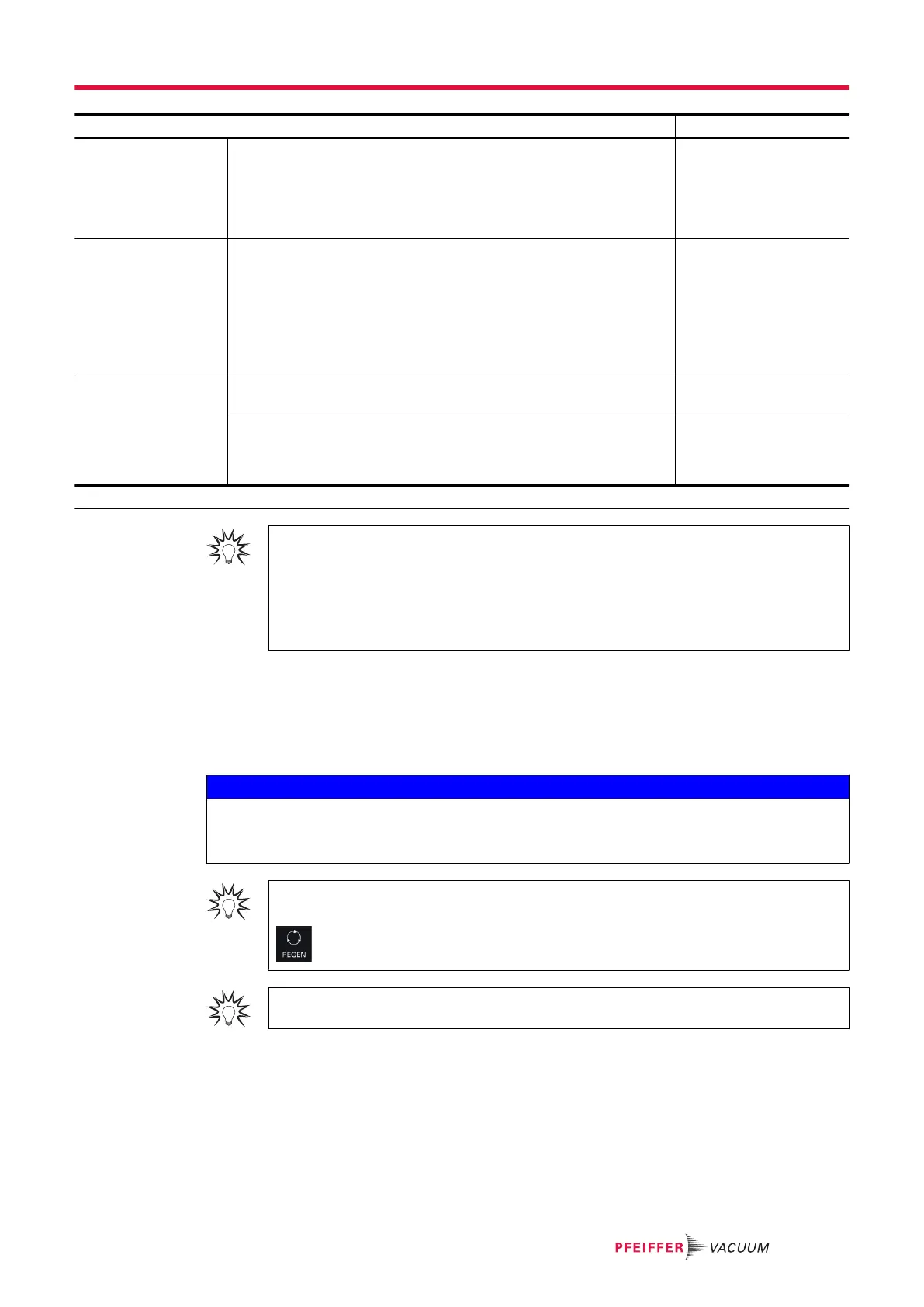
For quick access from the main screen, configure a function key to [REGEN] (see chapter
“Function keys”).
It is recommended to use this function when the background noise of the detector is high
1. Check that the detector is in ‘Stand-by’ mode.
2. Check that the inlet vent is “automatic.”
3. From the Settings screen, press [Test] [Regeneration].
4. Install a blank-off flange on the detector’s inlet port.
5. Press [Start].
–
Regeneration stops automatically after 1 hour.
6. To stop regeneration before the automatic stop time, press [Stop] or the START/STOP key.
–
Start a test (‘Zero activation’ function not enabled) to check that the detector is no longer pol-
luted.
Settings menu
57/98



 To Next Page