3. Press the padlock of the item to allow/deny access.
●
a green padlock indicates that access to the item is permitted.
─
If the item is a function key, the function key is added to the function key bar.
●
a red padlock indicates that access to the item is prohibited.
─
If the item is a function key, the function key is removed from the function key bar.
4. Repeat the operation for each user level to be customized.
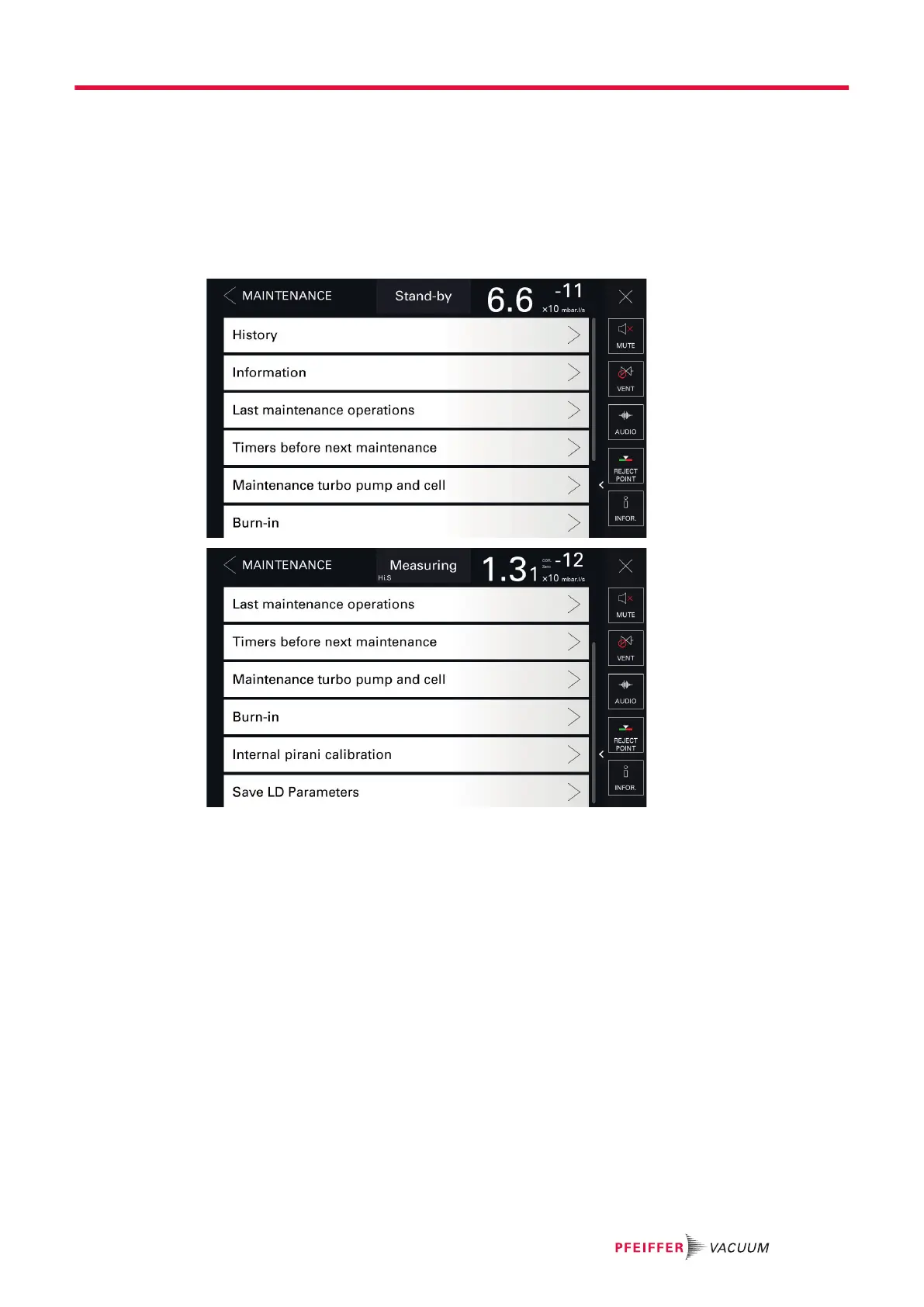
8.4 Maintenance menu
8.4.1 History
This function is used to view the event and calibration histories.
Events history
An event can be an error (Exxx), a warning (Wxxx) or information (lxxx).
The events history records the events that have occurred.
Access: Menu [Maintenance] [History] [Events history]
Settings menu
65/98



 To Next Page