Directions For Use
EN 17DVDR70 & DVDR75/0x1 3.
24
Allocating a decoder
Some TV channels send coded TV signals that can only be viewed properly with a purchased or
rented decoder. You can connect such a decoder (descrambler) to your DVD recorder. The
following function automatically activates the connected decoder for the TV channel you want to
watch.
How do I allocate the decoder for Easy Link?
If your TC=V set supports 'Easy Link' the decoder must be assigned to the
relevant TV channel on the TV set (see the operating instructions for your TV
set). Settings cannot then be made in this menu.
?
1 Switch on the TV set. If required, select the programme number for
the DVD recorder.
2 Switch on the DVD recorder using STANDBY/ON m .
3 Use the CH+ A and CH- B buttons or the number buttons
0..9 on the remote control to select the TV channel for which you
want to use the decoder. If necessary, use the MONITOR button to
switch to the internal tuner.
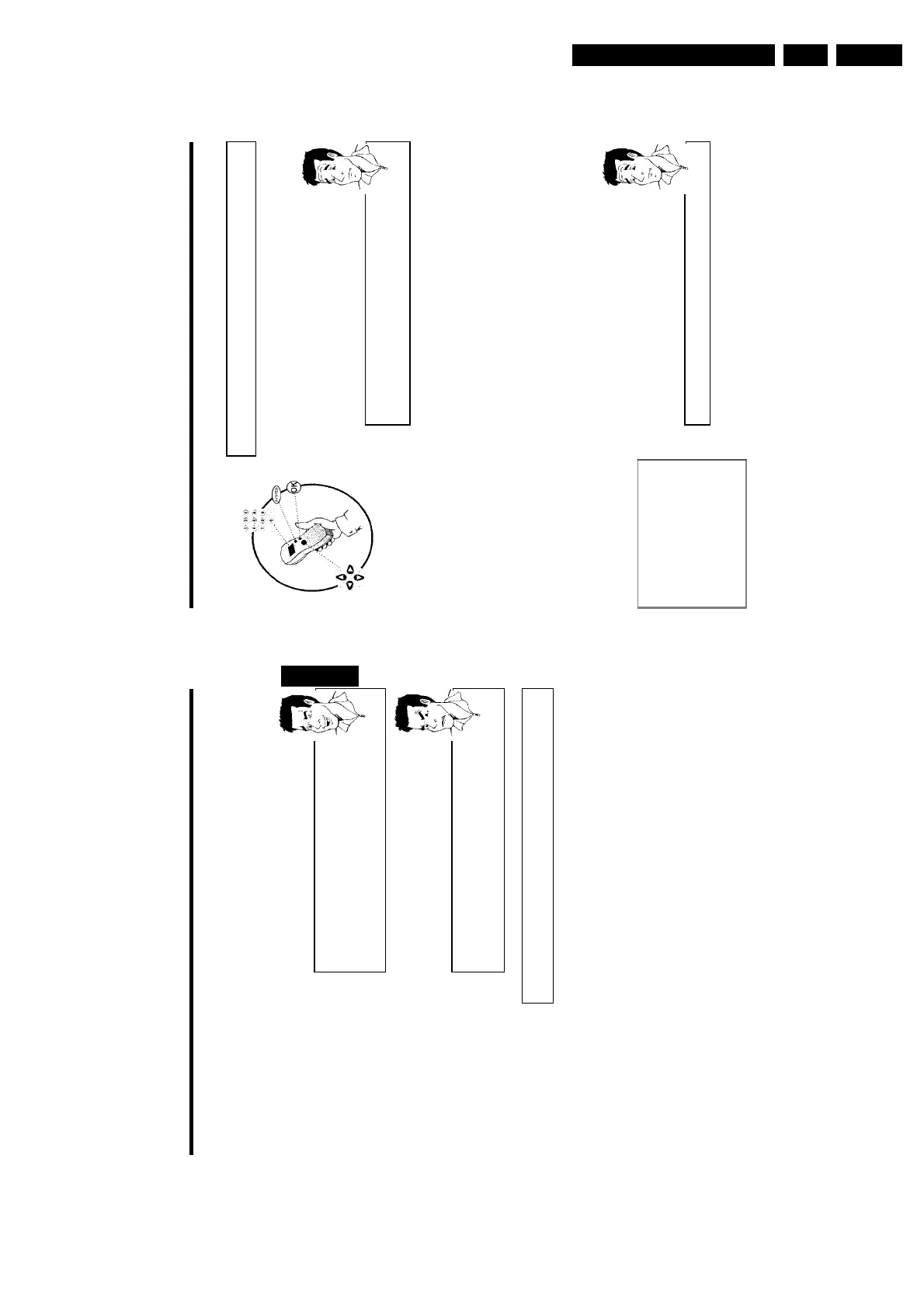
4 Press the SYSTEM-MENU button on the remote control. The menu
bar appears.
5 Select '
A
' symbol with D or C .
6 Select 'Installation' using CH- B or CH+ A and confirm with C .
7 Select 'Manual search' using CH- B or CH+ A and confirm with
C .
Installation
Manual search
Channel/freq. CH
Entry/search 01
Programme number 01
TV channel name BBC1
Decoder Off
TV system PAL-BG
NICAM On
Fine tuning 0
To store
Press OK
8 Select 'Decoder' using CH- B or CH+ A .
9 Select 'On' with D or C .
How do I switch the decoder off again?
Use C to select 'Off'inthe'Decoder' line on the screen (Decoder off).
?
0 Confirm with OK .
A To end, press SYSTEM-MENU .
Your decoder has now been allocated to this TV channel.
Installing your DVD recorder
23
 Check if the displayed settings for 'Year', 'Month' and 'Date' are
correct.
à When all information is correct, save by pressing OK .
The initial installation is now complete.
Satellite receiver
If you are connecting a satellite receiver, please read the section on 'Using a
satellite receiver'.
Decoder
If you are connecting a decoder, you must install it as described in the next
section.
Tip
a Sound may be distorted on some TV channels.
b If the sound is distorted on any of the stored TV channels or if there is no
sound at all, the wrong TV system may have been stored for the TV
channel. Read 'Manual TV channel search' for information on how to
change the TV system.
Problem
Using a satellite receiver
TV channels from a satellite receiver (connected to scart socket EXT 2 AUX-I/O ) are received
on the DVD recorder on programme number 'EXT2'
If necessary, use the MONITOR button to switch to the internal tuner.
Select programme number 'EXT1' with 0 on the remote control and then select programme
number 'EXT2' with CH- B .
You should select the TV channels to be received by the satellite receiver directly on the
receiver itself.
ENGLISH
Installing your DVD recorder















 To Next Page