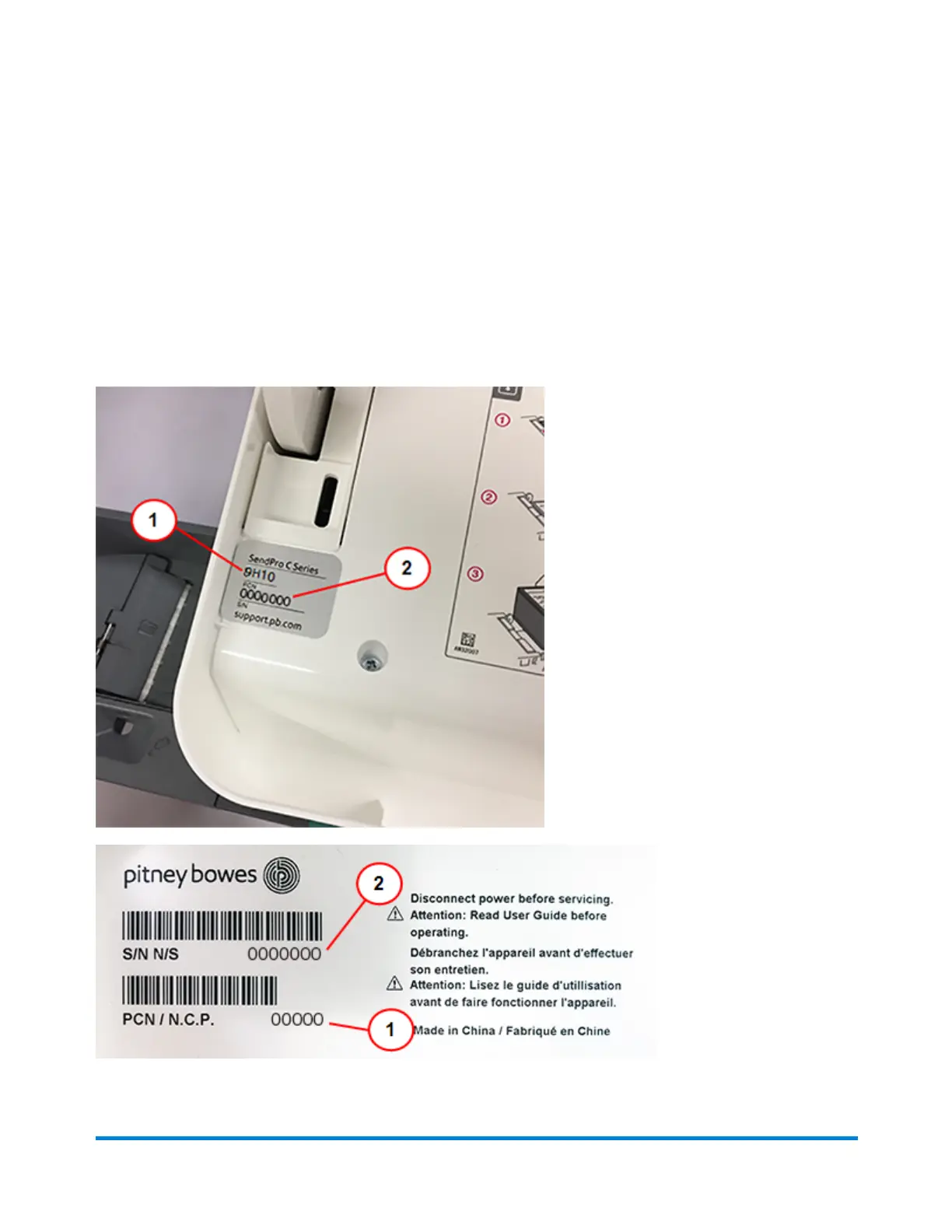
Finding the Product Code Number (PCN) and serial
number
In order to find the correct information for your device, you need to know the model number.
To locate the (1) Product Code Number (PCN) and the (2) 7-digit serial number, check the label on
the rear of the device or under the display cover. The serial number appears as zeros here for security
reasons.
Quick start guide
Pitney Bowes Operator Guide April 2022 11












 To Next Page