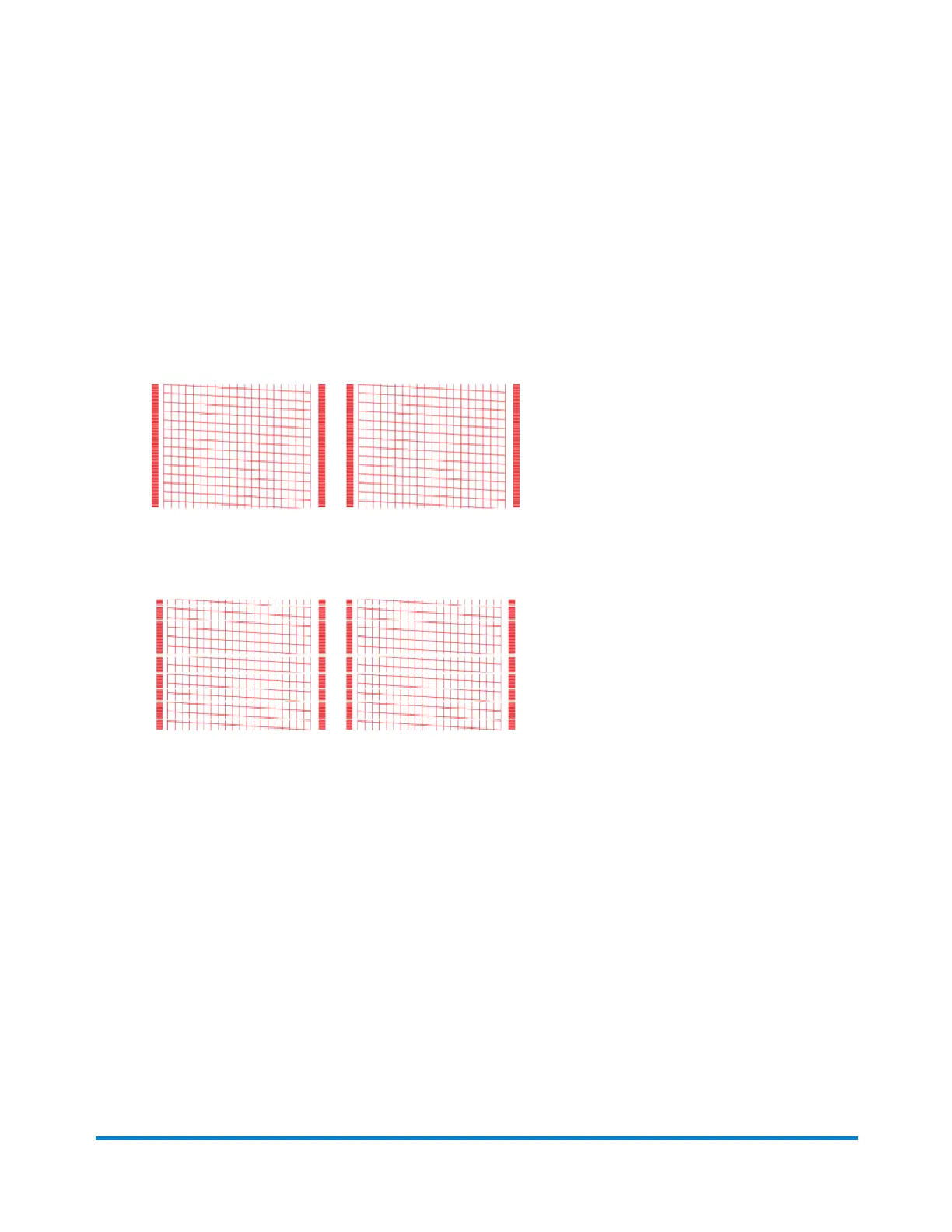
5. Examine the pattern printed on the envelope:
l
Tap Done if the lines are unbroken and match the "Good" test pattern shown on the display.
l
Tap Clean Print Nozzle if the test pattern has missing or incomplete lines
o
Once the cleaning operation completes, you must print another test pattern.
o
If this new pattern still has broken or missing lines, you may need to replace the ink
cartridge or clean or replace the printhead.
o
If you see no improvement in print quality, do not repeat the cleaning, as cleaning the
print nozzles consumes ink.
Good Test Pattern
Bad Test Pattern
Adding favorite apps
Add yourfavorite apps to make them easy to find on the Home screen.
1. Tap SendPro Apps on the Home screen. All the available apps display.
2. Tap Edit favorites and a star appears next to each app.
Quick start guide
Pitney Bowes Operator Guide April 2022 44












 To Next Page