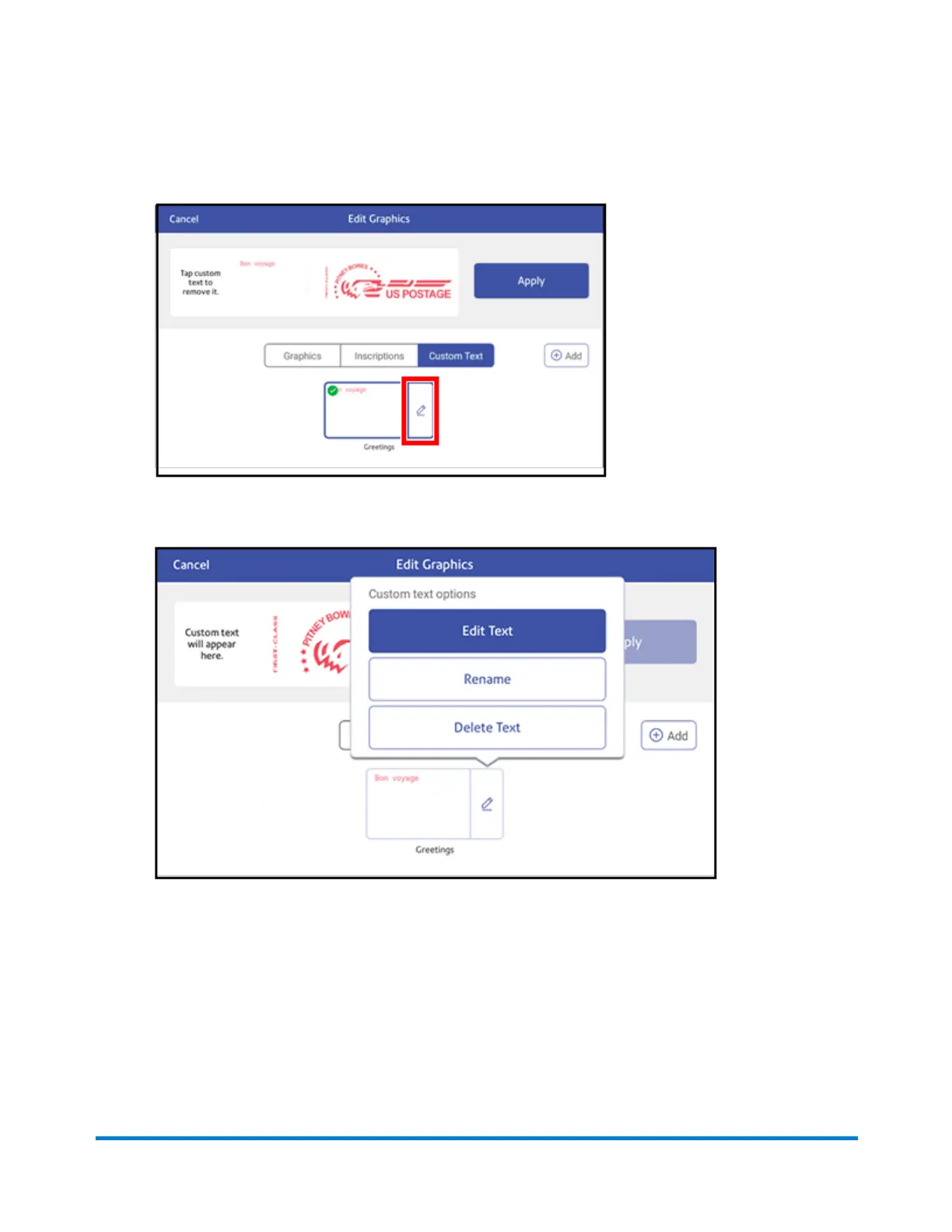
4. Tap on the custom message you wish to edit or delete, then tap Edit.
5. Select the appropriate option. You can edit the text message, rename it, or delete it.
6. Tap Apply.
Printing a graphic without printing postage
Print a graphic without printing postage, such as the Received graphic on incoming mail.
Printing on envelopes
Pitney Bowes Operator Guide April 2022 146












 To Next Page