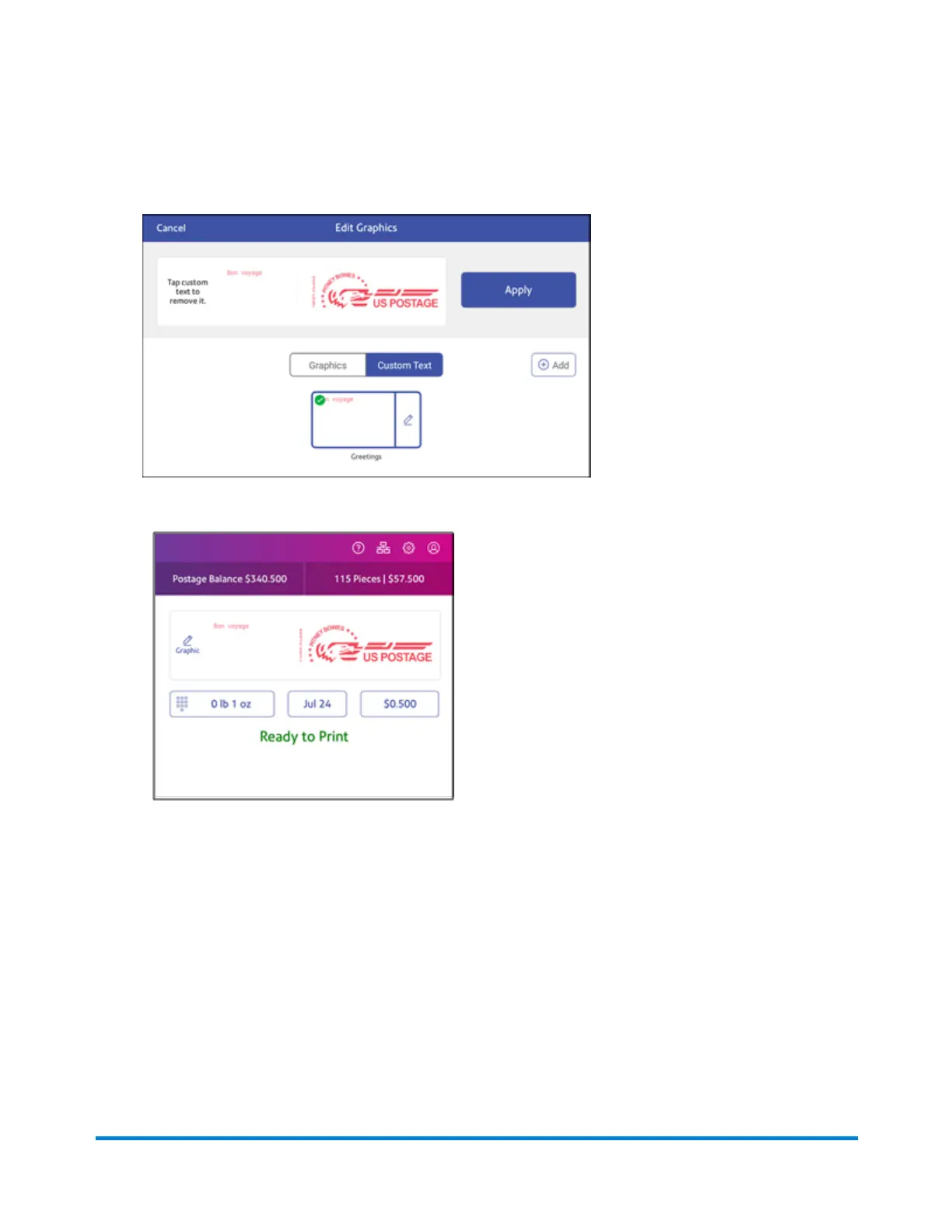
5. Tap on the text message you wish to use. A green check mark appears next to the selected
message.
6. Tap Apply. The custom text message appears on a preview screen.
7. Feed the envelope or tape strip through the device.
Editing or deleting a custom text message
Your device allows you to add a custom text message to your mail. You can edit or delete messages
you no longer need.
Printing on envelopes
Pitney Bowes Operator Guide April 2022 144












 To Next Page