3. Swipe up on the Print Mode screen and tap Seal Only.
4. Tap Apply.
5. Load the envelopes onto the feeder with the flap side facing down and the top edge against the
rear wall.
6. Tap Start to continue.
Sealing envelopes and printing postage
Use the moistener on your device to seal your envelopes before you print postage.
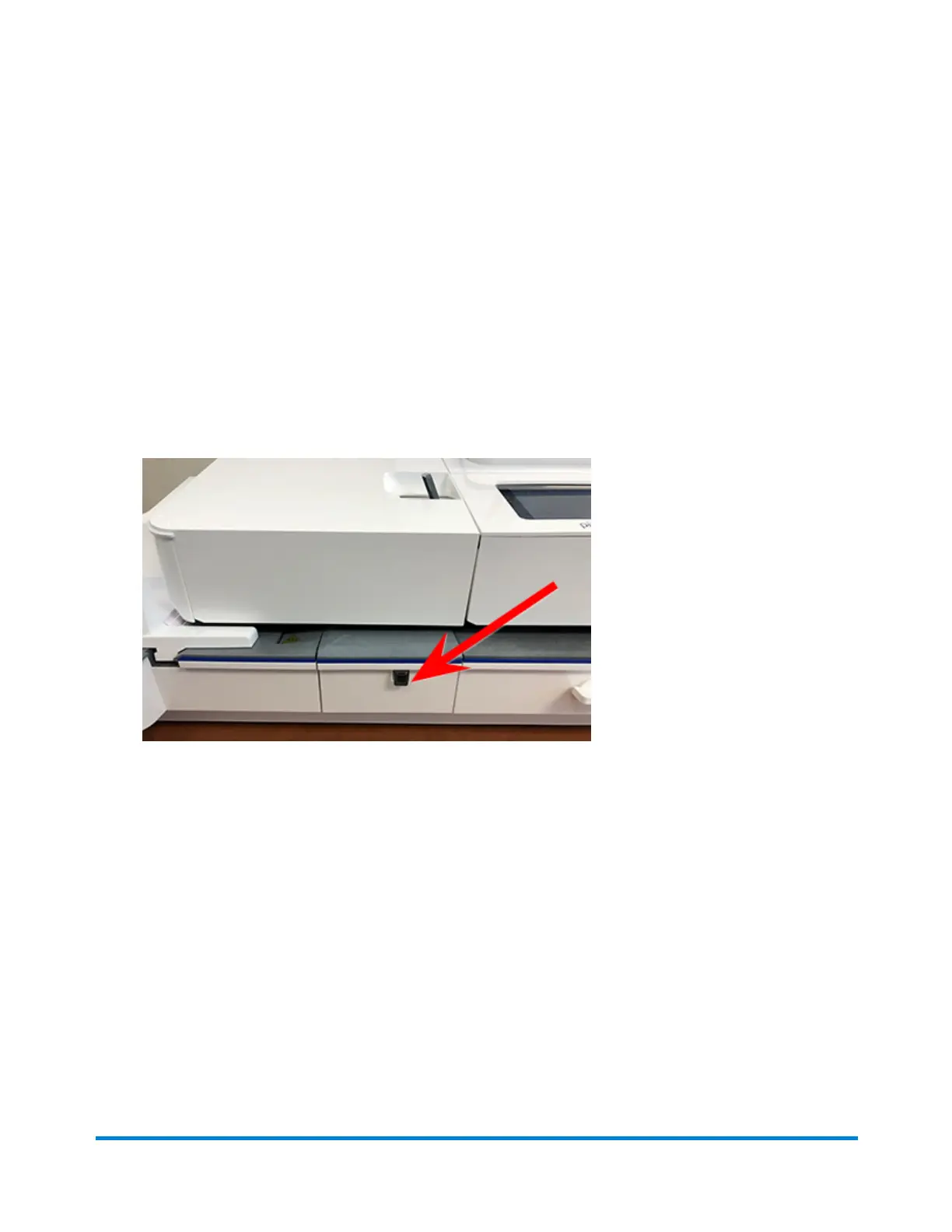
1. Check the level of sealing solution by checking the sight window on the front of the feeder deck.
2. Place the envelopes with the flap side facing down and the top edge against the rear wall.
Printing on envelopes
Pitney Bowes Operator Guide April 2022 135












 To Next Page