4. A message informs you that no date will print. Tap Got it.
5. Tap Apply.
6. Restricted Use Return Mail appears in the Extra Services box on the Envelope Printing or
Print on Envelopes screen.
Printing additional postage
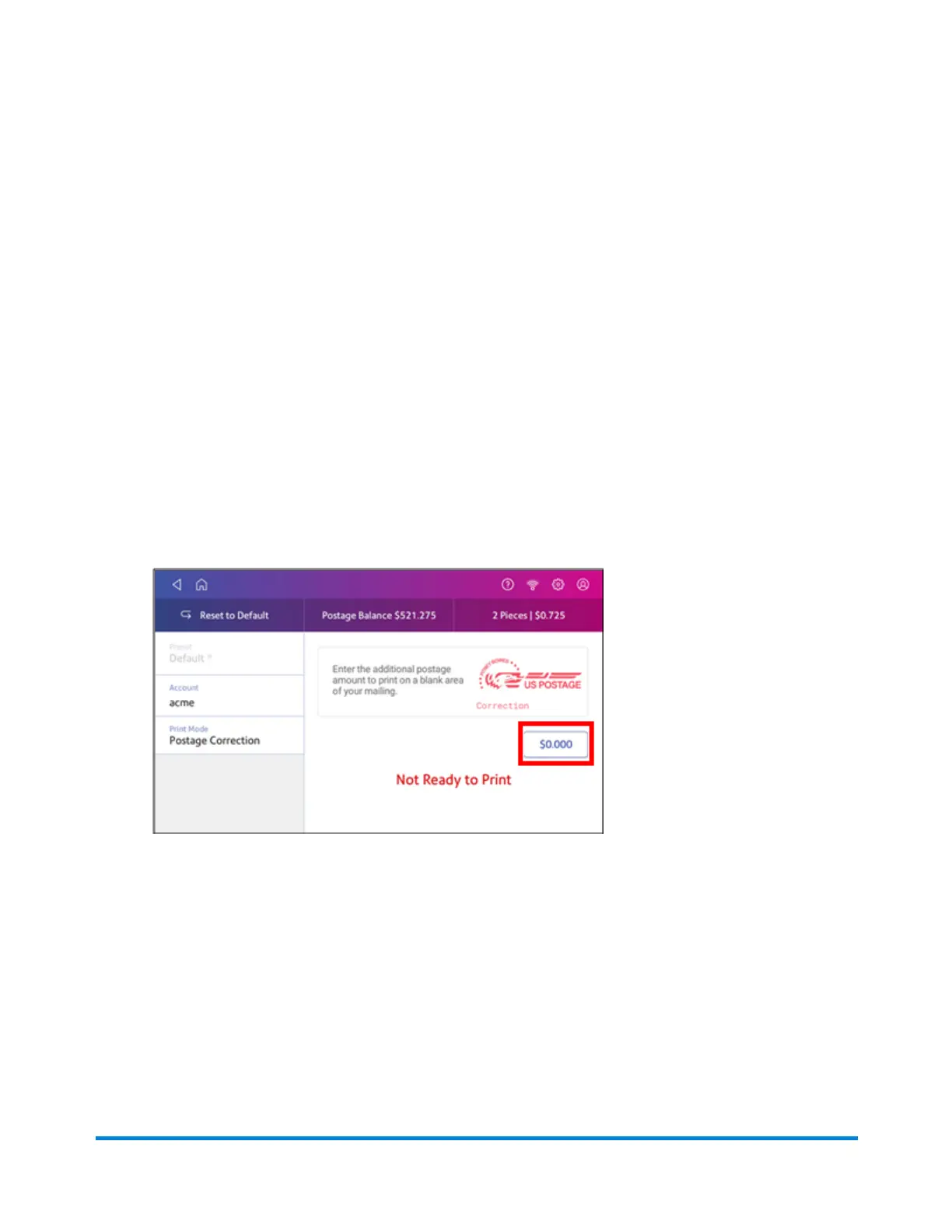
If you do not have enough postage on an envelope, you can add more postage directly on a blank area
on your envelope or you can print the additional postage on a tape.
1. Tap Envelope Printing or Print on Envelopes on the Home screen.
2. Scroll down and tap Print Mode.
3. Tap Postage Correction.
4. Tap Apply.
5. Tap the postage amount.
6. Use the keypad to enter the additional postage amount.
7. Tap the check mark when done.
8. Turn your envelope over to the blank side.
Printing on envelopes
Pitney Bowes Operator Guide April 2022 130












 To Next Page