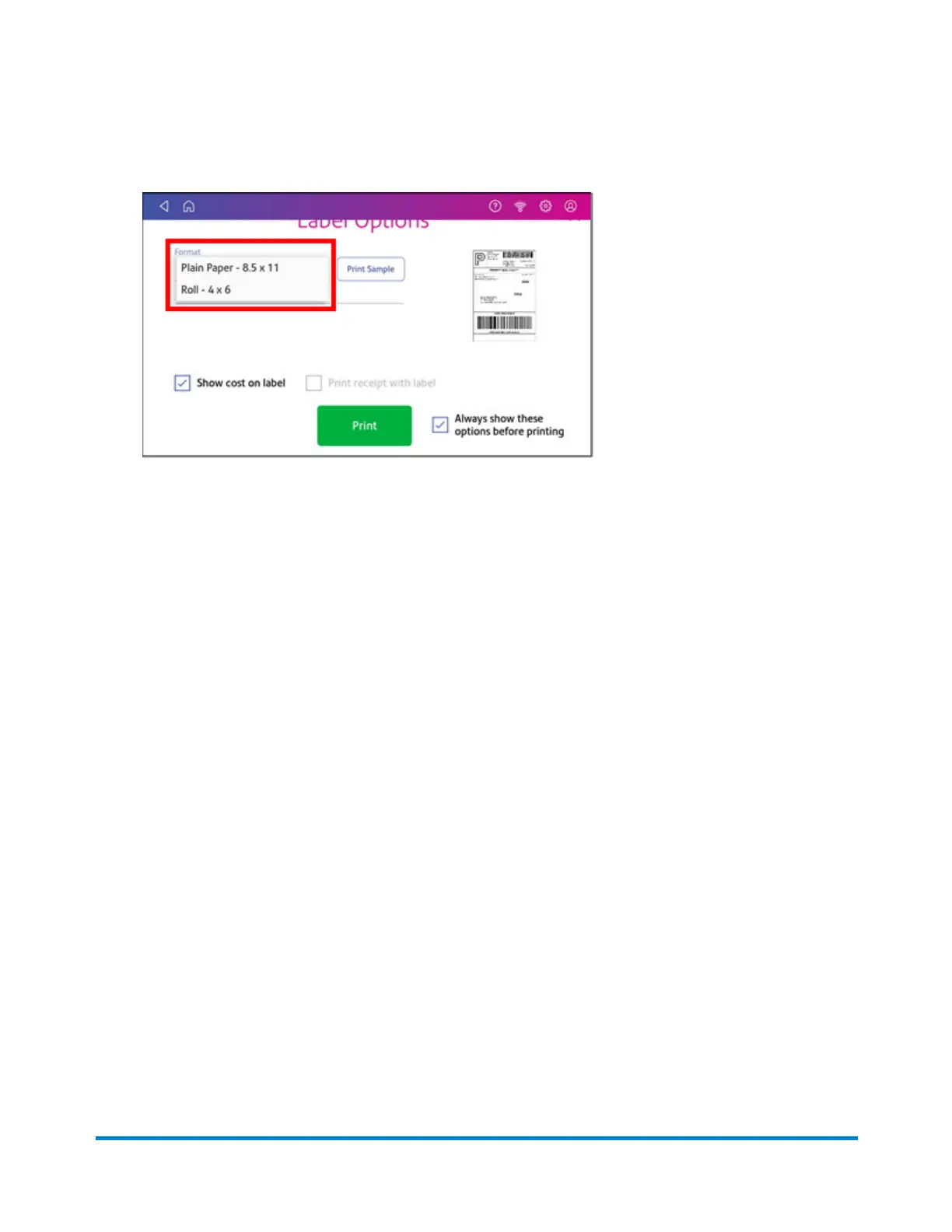
15. On the Label Options screen, tap Format and select the printer format.
16. (Optional) Tap Print Sample to print a sample label.
17. Tap Print again and the label prints.
l
You may need to enter the Sender and Recipient's phone number, as it is required for some
services.
18. The carrier screen reappears.
Using cost accounts to charge back shipping label
postage
You can assign the costs for a shipping label to an account when you create the label. In order to use
cost accounts for label postage, you need to turn on the cost accounts feature.
Quick start guide
Pitney Bowes Operator Guide April 2022 22












 To Next Page