Adding a custom text message to your envelope or tape 142
Editing or deleting a custom text message 144
Printing a graphic without printing postage 146
Printing an inscription 147
Printing only the date and time 147
Presort features 149
Creating a PresortXtra letter preset 149
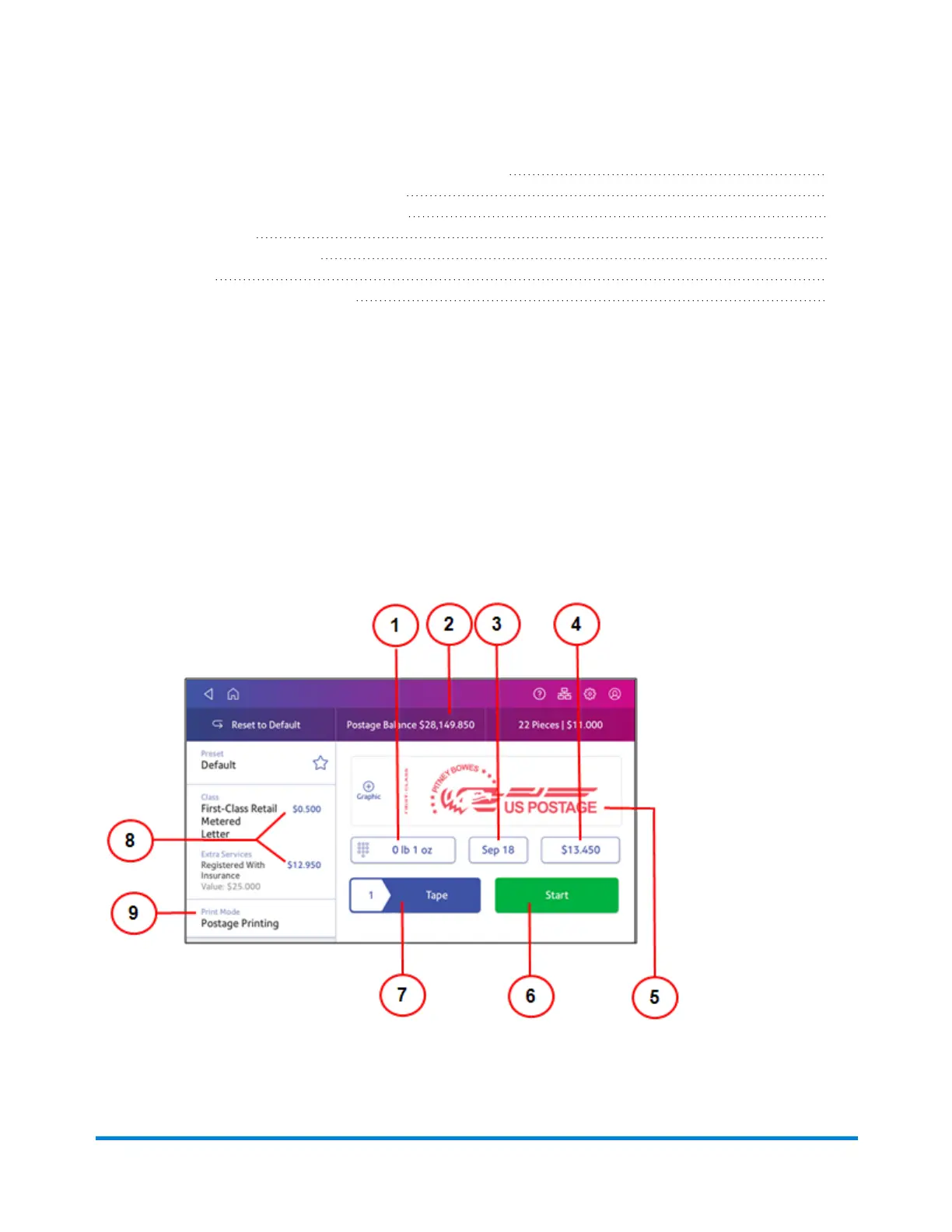
Navigating the Envelope Printing or Print on Envelopes
app
The Envelope Printing or Print on Envelopes app is the starting point for printing postage on an
envelope or a tape. It also allows you to change what you print.
To open the Envelope Printing or Print on Envelopes app, tap Envelope Printing or Print on
Envelopes.
On this screen, you can:
Printing on envelopes
Pitney Bowes Operator Guide April 2022 118












 To Next Page