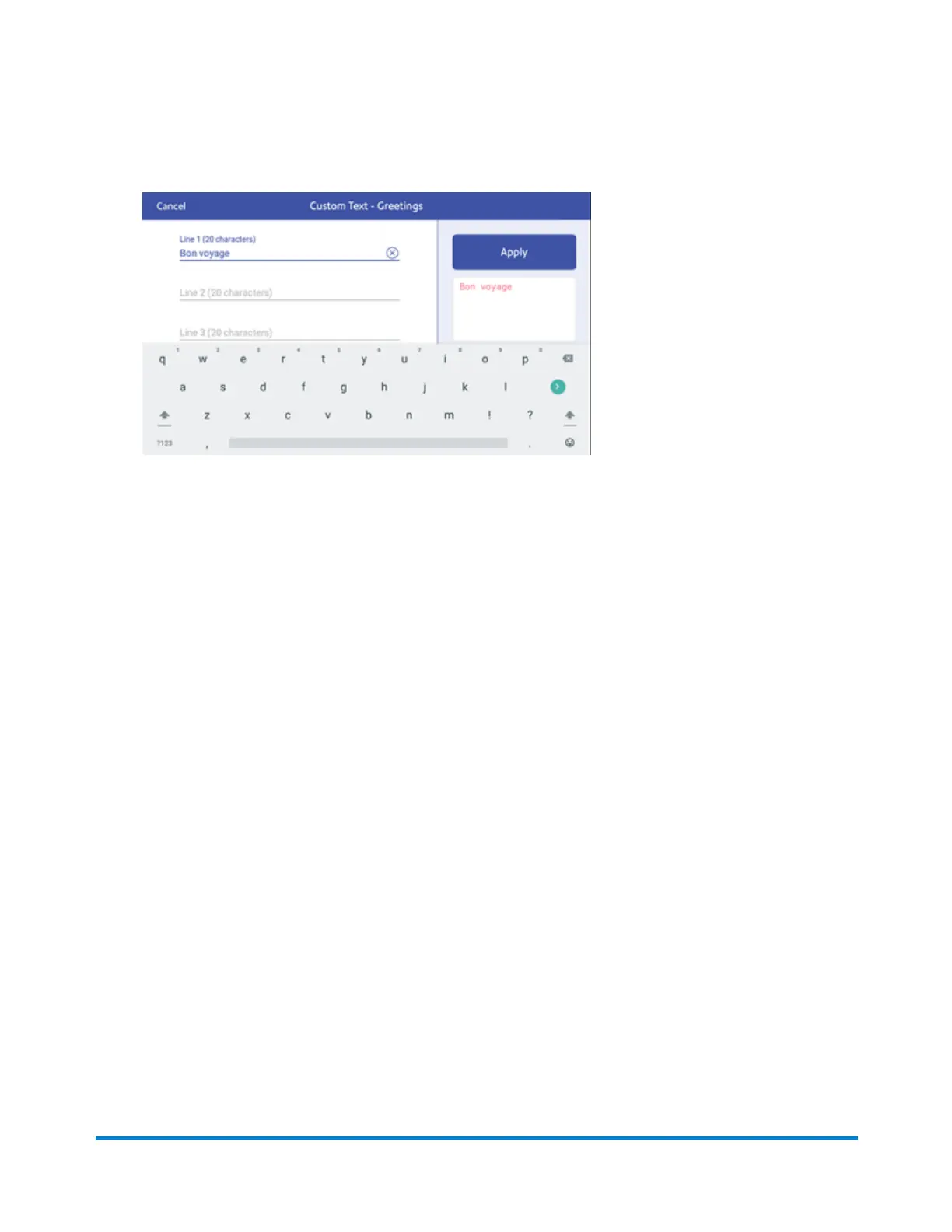
10. Enter the text on any or all the lines, with a maximum of 20 characters per line.
11. When finished, tap Apply. The screen displays the message as it will appear on your envelope
or tape.
12. Tap Apply again. The custom text message is now available when you print postage.
13. Tap the back arrow to return to the Home screen.
Adding a custom text message to your envelope or tape
Your SendPro C Auto allows you to add a custom text message to your mail. This can be a return
address, for example. Your message can be up to five lines, with 20 characters per line. The message
prints on the left side of the print.
1. Tap Envelope Printing or Print on Envelopes on the Home screen.
2. Weigh your envelope, select a class and special services, if required.
Printing on envelopes
Pitney Bowes Operator Guide April 2022 142












 To Next Page