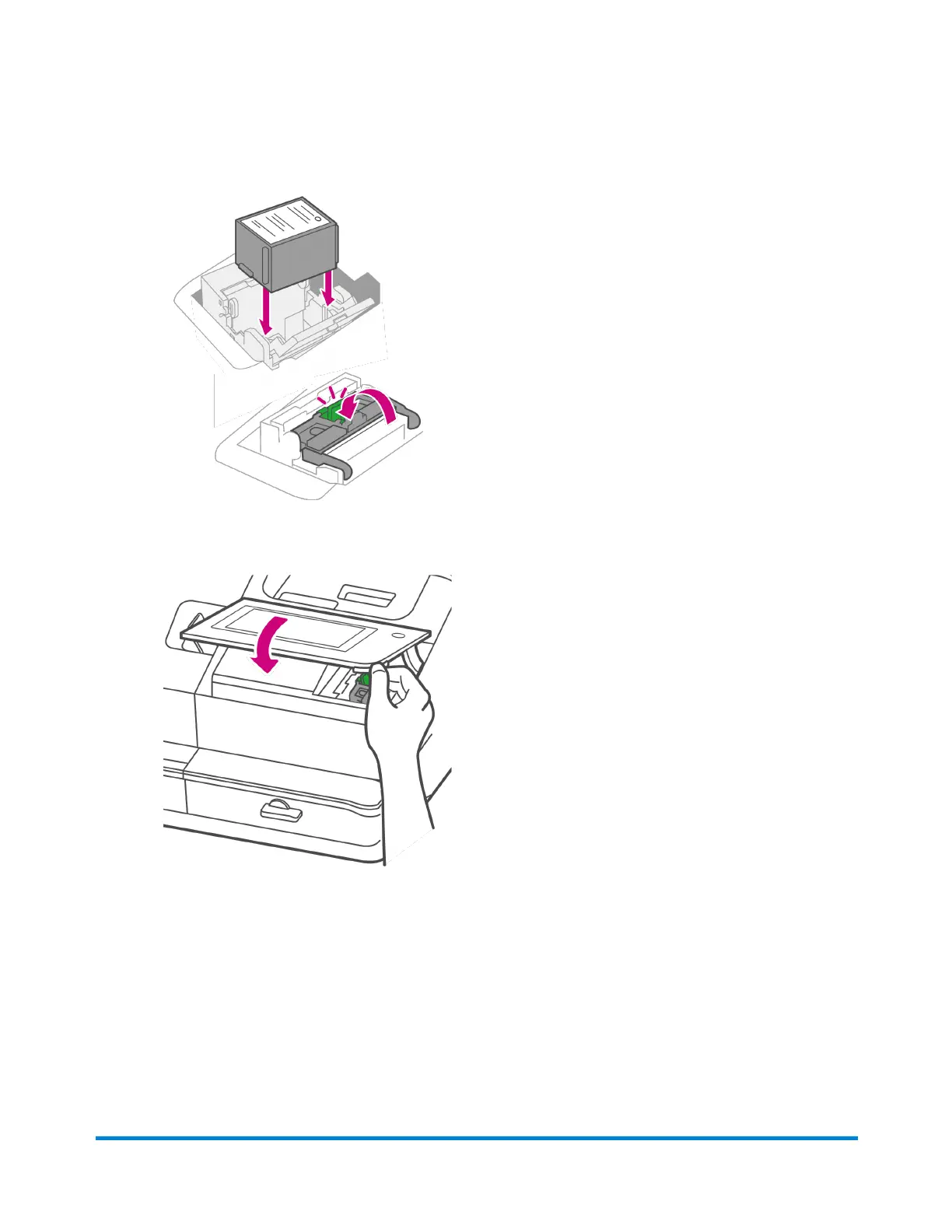
12. Install the ink cartridge and close the guard.
13. Close the cover. The ink cartridge moves back to the original position.
14. Tap Done.
15. Print a print test pattern to be sure that your printhead is functioning properly.
16. If the test pattern looks good, tap Done.
Installing the printhead
You may need to install a new printhead when the existing printhead is producing poor print quality.
Maintenance
Pitney Bowes Operator Guide April 2022 190












 To Next Page