1. Tap Settings.
2. Scroll down and tap Envelope Printer Maintenance.
3. Tap Install Printhead.
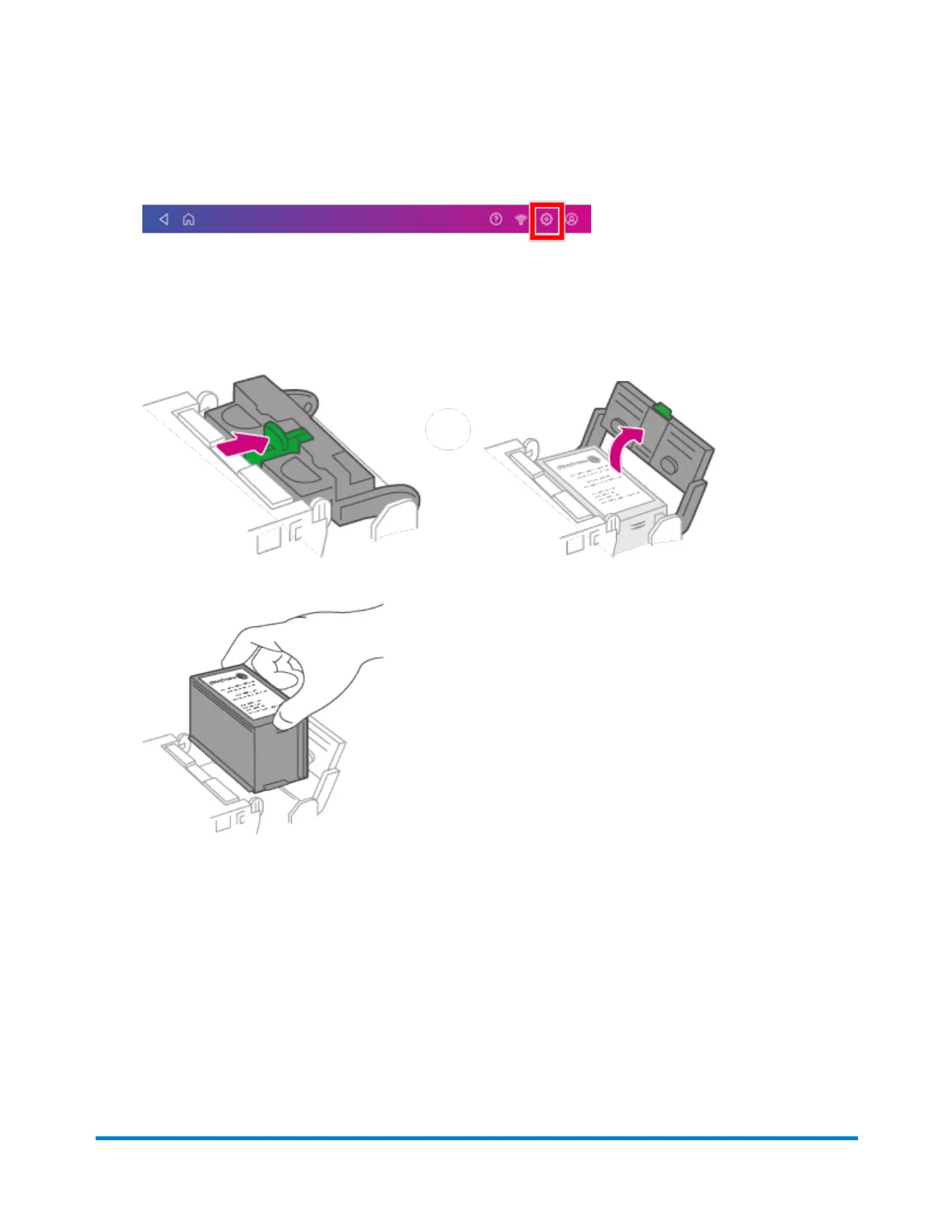
4. Lift the cover. The ink cartridge moves to the front position.
5. Flip the ink cartridge cover open.
6. Remove the ink cartridge.
Maintenance
Pitney Bowes Operator Guide April 2022 191












 To Next Page