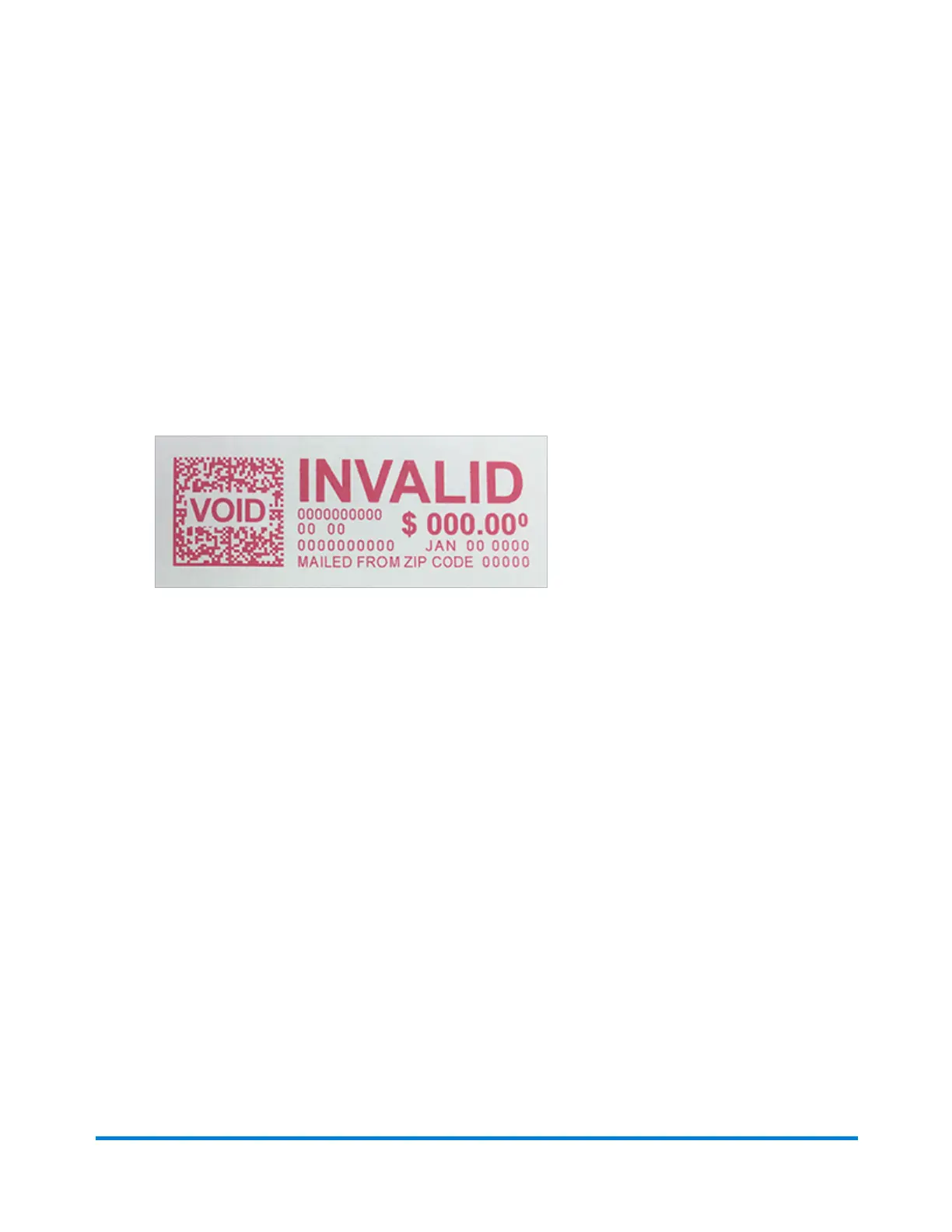
Checking the postage print quality
You can make a test print to check the quality of the postage printed on an envelope or tape strip.
1. Tap Envelope Printing or Print on Envelopes on the Home screen.
2. Tap Print Mode.
3. Scroll down and tap Test Print.
4. Tap Apply.
5. Feed an envelope or tape strip through the machine.
6. Check the print quality.
Clearing a tape error or jam
If your device has a problem printing on a tape, you will see a message telling you the location of the
problem. Follow the on-screen instructions or the steps below to resolve the problem.
Out of tape strips
If you do not have enough tapes loaded in the tape slot, the following error message appears:
"You're out of tape strips"
Maintenance
Pitney Bowes Operator Guide April 2022 178












 To Next Page