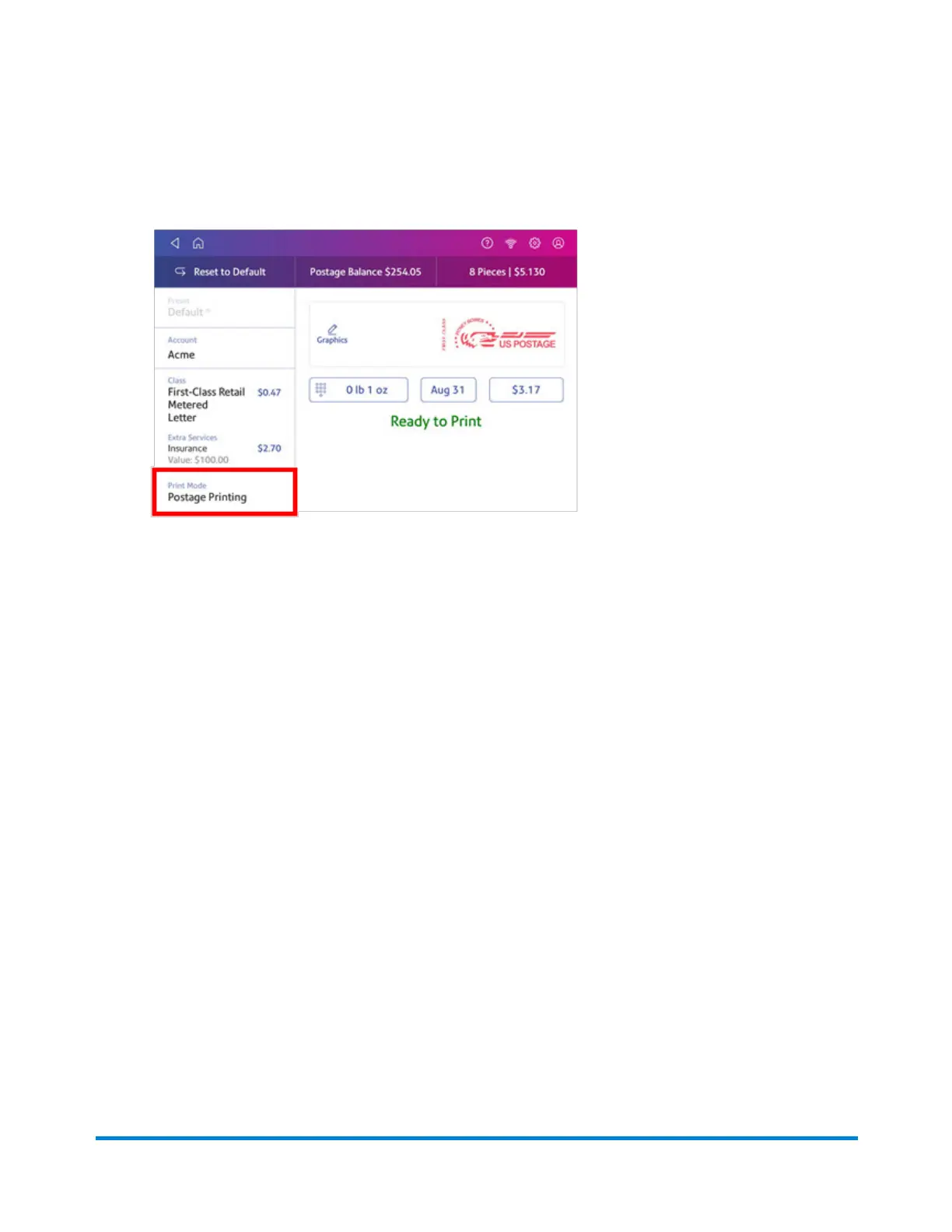
1. Tap Envelope Printing or Print on Envelopes on the Home screen.
2. Tap Print Mode (you may have to scroll down to see this).
3. Select Date and Time Stamp.
4. Tap Apply.
5. Place the envelope or envelopes on the feed deck. Depending on the SendPro C model you
have, feed the envelopes manually or tap Start to feed the envelopes.
Printing on envelopes
Pitney Bowes Operator Guide April 2022 148












 To Next Page