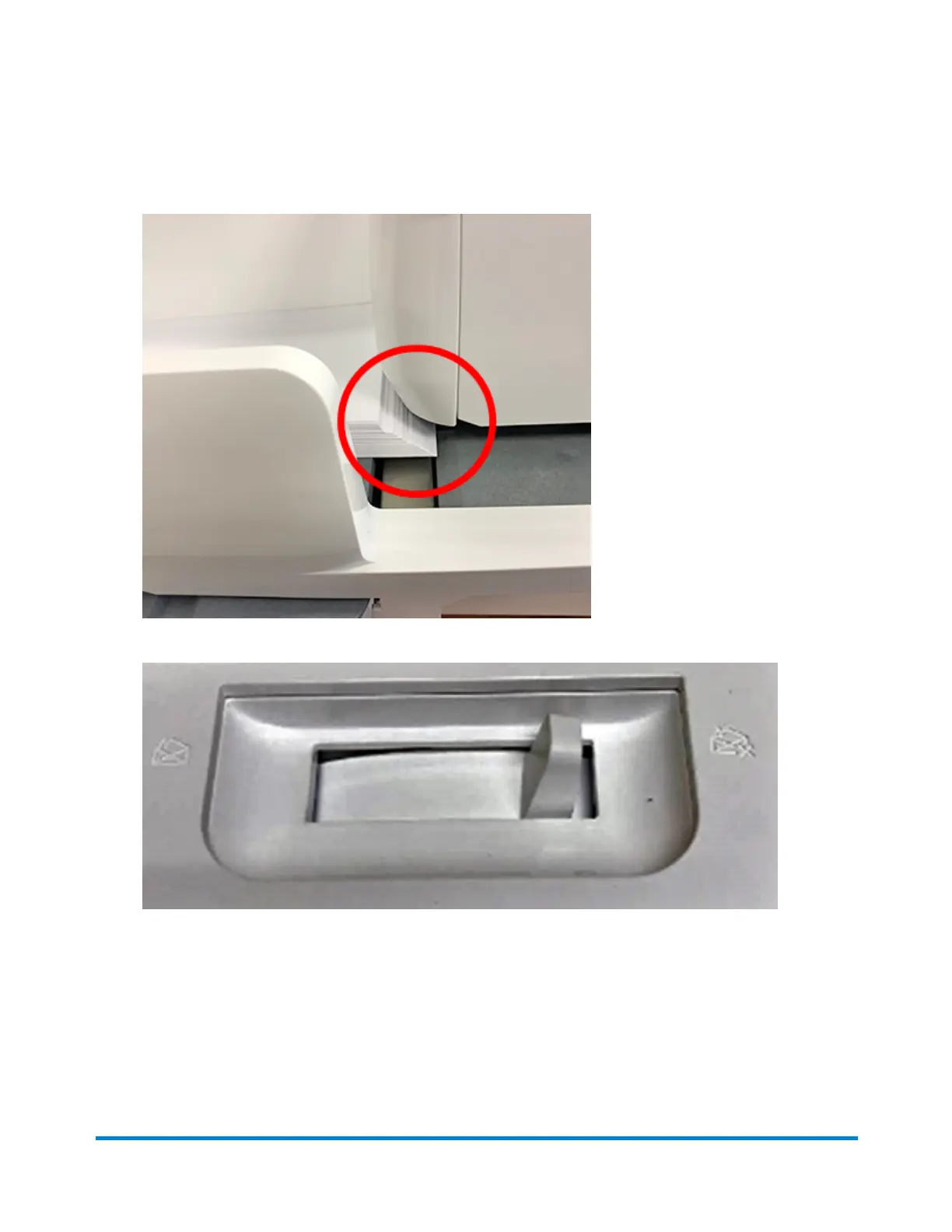
4. Push the stack into the feeder until you feel resistance. The image shows how far into the feeder
you need to position the stack. The side guide is pulled away to show the edge of the envelopes.
5. Set the desired moistener setting for your envelopes. In this photo "no seal" is selected.
6. Tap Start on the Envelope Printing or Print on Envelopes screen. The device automatically
feeds the envelopes and prints the postage.
l
If you are using a stacker, extend the stacker tray so that the envelopes exit the feeder
completely.
l
If you are moistening the envelope flaps, press down on the envelopes after printing to
ensure the flaps are securely glued closed.
Quick start guide
Pitney Bowes Operator Guide April 2022 29












 To Next Page