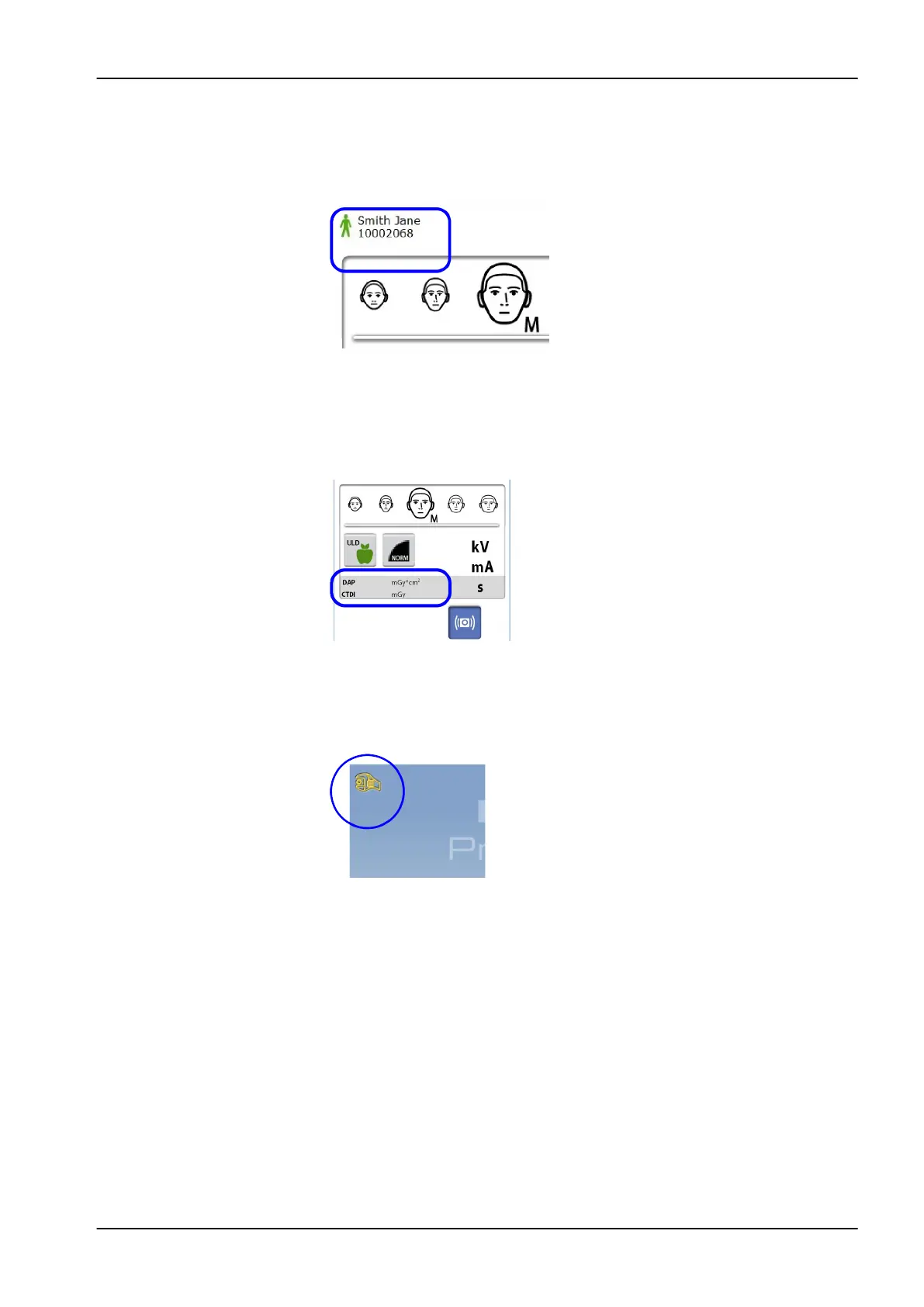
Checking patient’s name and ID number
The patient’s name and ID number are shown in the top right corner of the
touch screen. The patient and exposure mode have to be selected in
Planmeca Romexis.
Checking DAP and CTDI values
The estimated values for DAP (Dose Area Product) and CTDI (Computed
Tomography Dose Index) display in black text on the touch screen before
you take an exposure. The actual values display in green text after the
exposure.
Changing settings
To change a setting, select the settings symbol on the main screen. This
takes you to the settings menu where you can adjust the settings of the X-
ray unit. For more information, see section "Settings" on page 70.
About stand-by mode
The touch screen automatically switches to stand-by mode if you do not
touch the screen or the exposure button for more than thirty minutes. In
stand-by mode the green light on the on / off switch indicates that the X-ray
unit is switched on even though the screen is dark. The screen switches on
as soon as you touch it again.
6 Main parts
User's manual Planmeca ProMax 17














 To Next Page