Accept button
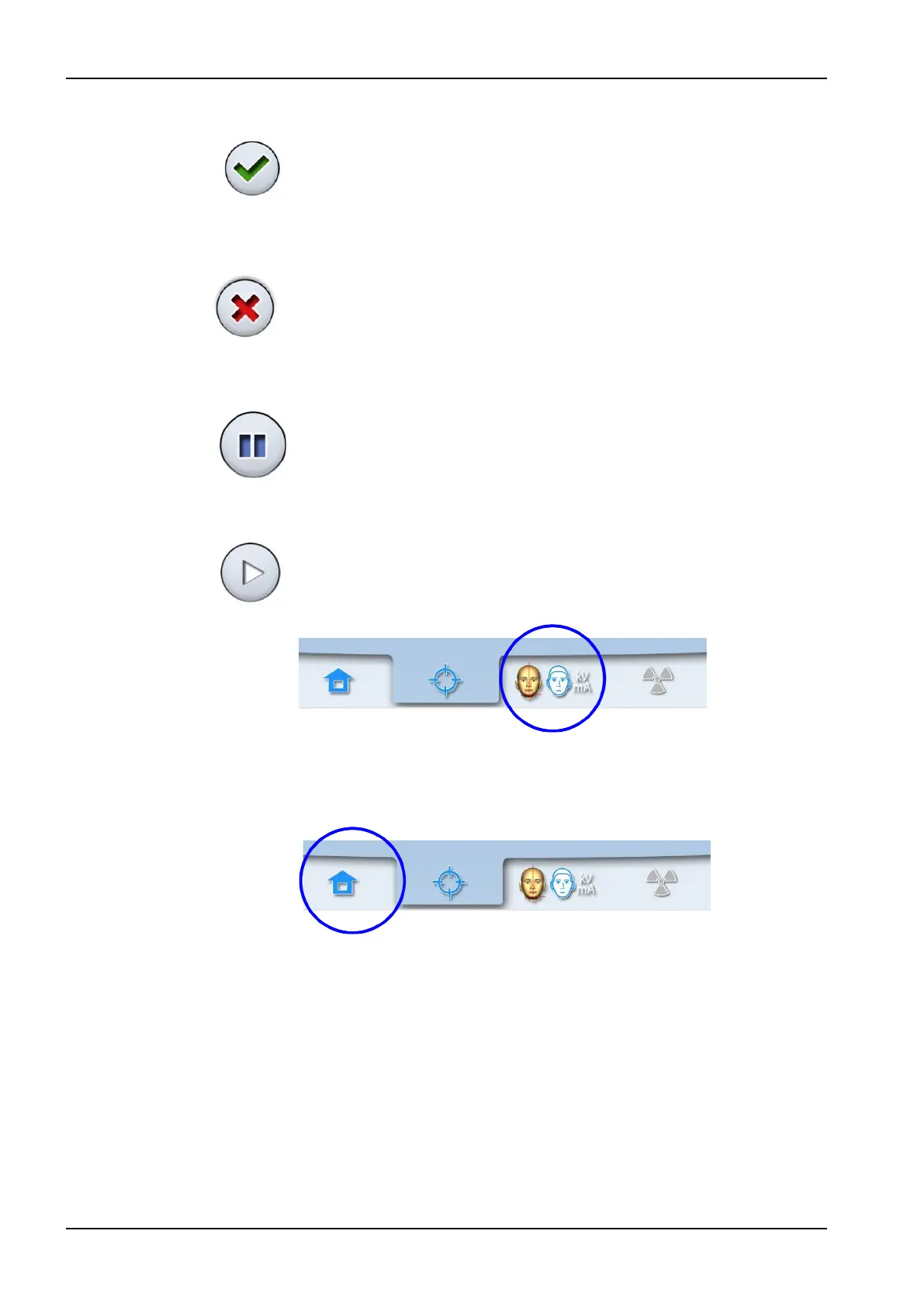
To accept a selection, select the green check mark button.
Cancel button
To cancel a selection and close the screen, select the red cross button.
Pause button
To pause a function (instead of cancelling it), select the pause button.
Moving forward
To go to the next screen, select either the forward button, or the next symbol
at the bottom of the screen.
Moving backward
To go back to a previous screen, select a previous symbol at the bottom of
the screen.
Scrolling lists
To scroll a list down or up, slide your finger on the touch screen.
6 Main parts
16 Planmeca ProMax User's manual














 To Next Page