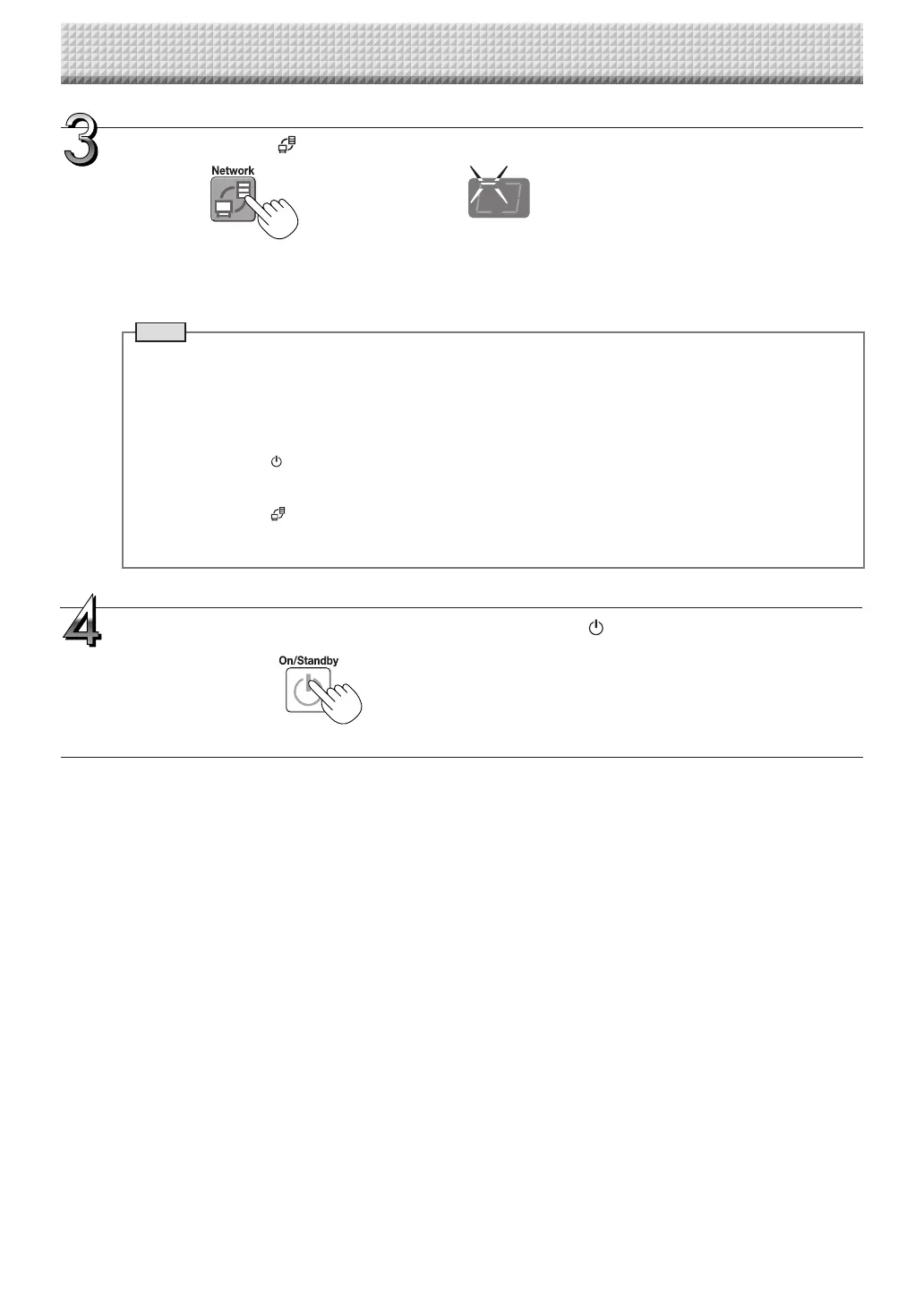
Press the Network button to save the image.
• Thescanningoperation(scrolling)isperformedoveronesheet’sworthofimage,andwhenscanningstopsthedatais
storedinthesavetolocationsetinthenetworksettings.
Forinstructionsonselectingthesavetolocation,see“NetworkSettings”onpageE-40.
Note
• Dependingonthenetworkcommunicationsconditions,sometimemayberequiredforidentificationandstorage.
• If“E8”flashes(forabout5seconds),“Invalid”issetat“SecuritySetting”→“NetworkStorage”.(SeepageE-42.)
• If “L1” to “L5” flashes (for about5 seconds), this indicatesthatthenetworksettings are incorrect. (See page
E-47.)
• If“FL”flashes(forabout5seconds),thereisnotenoughspaceinthesavetolocation.Deleteimagefilestopro-
videspace.(SeepagesE-27andE-29.)
• IftheON/Standby buttonispressedduringthescanningoperation,savingisinterruptedandtheimagedata
scanneduptothatpointissaved.
Tomovethesheetsurface,waituntilscrollingstops,thenpresstheScroll/Stopbutton.
• WhentheNetwork buttonispressed,imagefilesarestoredsuccessivelyinthesavetolocation.
Thecaptureboard’sdateandtimearerecordedasthedateandtimeofsavedfiles.Forinstructionsonsettingthe
time,seepagesE-12,E-38.
LEDsflashincircularmotionduringsaving
[Displaywindow]
Whennotusingthecaptureboard,presstheON/Standby button to turn off the power
(standby mode).
Using the Captureboard Connected to a Network
https://www.supplychimp.com/



 To Next Page