CB Setup and Network Setting Procedure
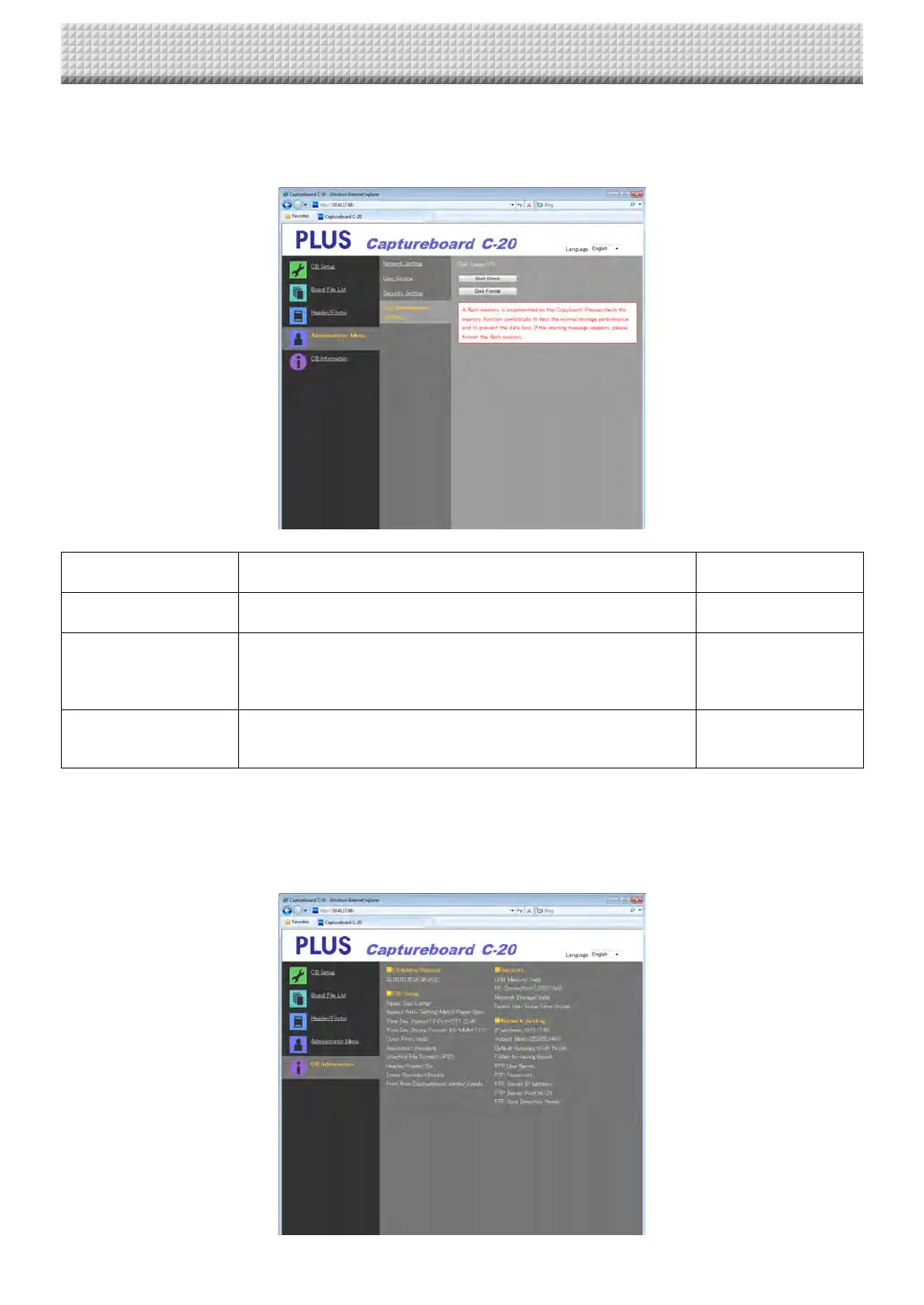
Disk management Setting
Theamountofdiskspaceusedcanbechecked,thediskcanbecheckedandthediskcanbeformattedhere.
(Forinstructionsondisplayingthescreen,see“BasicSettingOperations”step3onpageE-36.)
DiskManagementSetting
Item
Setting/Description Default
DiskUsage Thisdisplaystheamountofnetworkstoragememoryused(inpercent-
age).
—
DiskCheck Whenthe[DiskCheck]buttonisclicked,checkingofthenetworkstor-
age memory starts. When checking is completed, the results of the
checkaredisplayed.
Ifawarningisdisplayed,formatthedisk.
—
DiskFormat Whenthe[DiskFormat]buttonisclicked,thediskisformatted.
Notice:
• Transferimportantimagefilestoacomputerbeforeformatting.
—
CB Information
Thisdisplaysthecontentsofthedetailedsettingsmadeonthecaptureboardandthecaptureboard’sfirmwareversion.
Notethatthepasswordsarenotdisplayed.
(Forinstructionsondisplayingthescreen,see“BasicSettingOperations”step3onpageE-36.)
https://www.supplychimp.com/



 To Next Page