Header/Footer
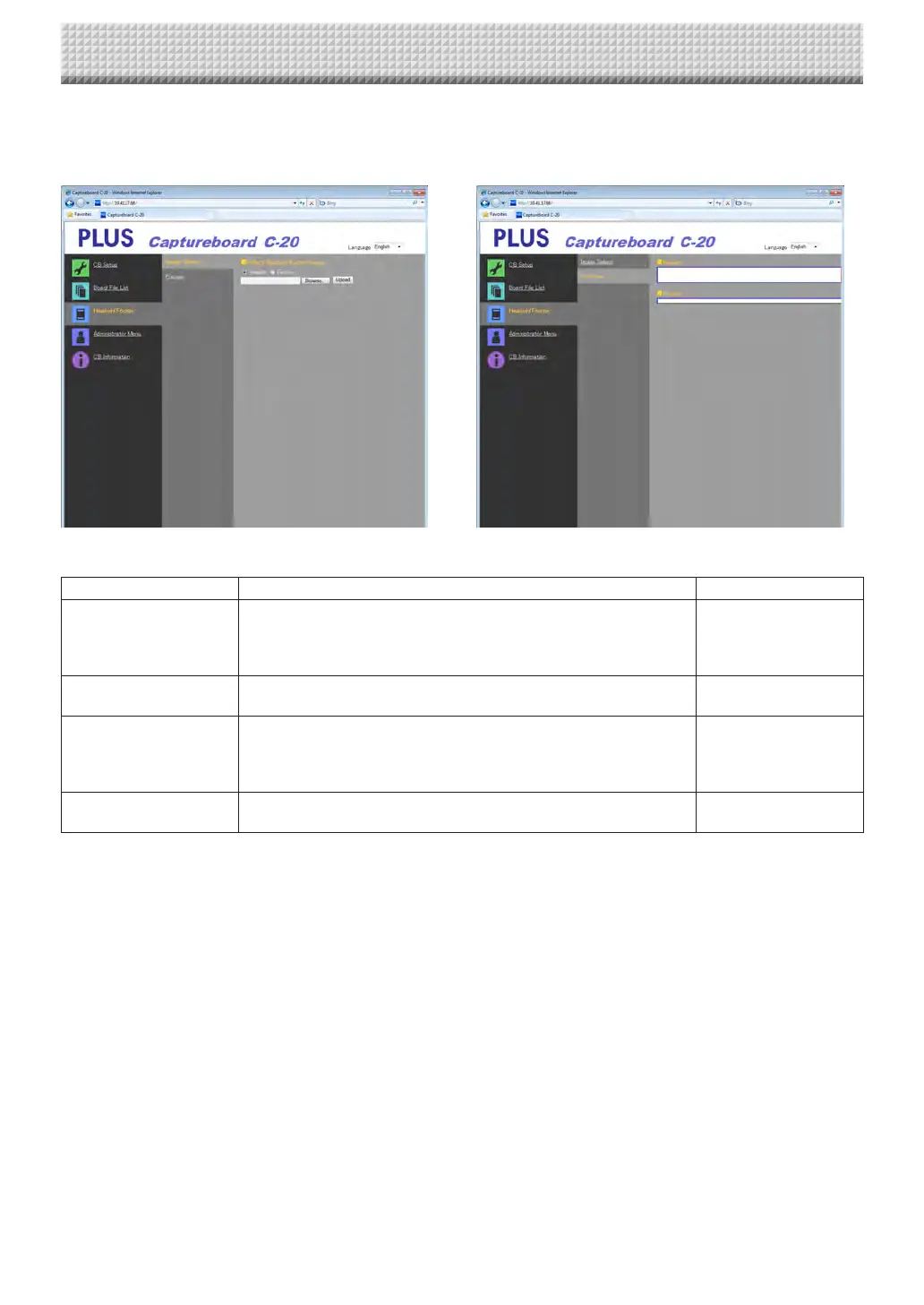
Thisisthescreenforregisteringheadersandfootersonthecaptureboardandcheckingtheimage.(Forinstructionsondisplaying
thescreen,see“BasicSettingOperations”step3onpageE-36.)
ImageSelectscreen Previewscreen
ImageSelect/PreviewItem Setting/Description Default
SelectHeader/Footer
Image
Select whether the image to be registered on the captureboard is a
headerorfooter.
Clicktheradiobuttonstoselect.
• Forinstructionsoncreatingimages,seepageE-45.
Header
Browse
When the [Browse] button is clicked, the computer’s “Browse Files”
screenopens.Selecttheimage,thenclickthe[OK]buttontosetit.
—
Upload
Thisuploadstheselectedheaderorfooterimagetothecaptureboard.
Whenthe[Upload]buttonisclicked,uploadingstarts.
• If an image is already registeredon the captureboard, that image is
overwritten.
—
Preview
Thisdisplaysapreviewoftheheaderorfooterimageregisteredonthe
captureboard.
—
CB Setup and Network Setting Procedure
https://www.supplychimp.com/



 To Next Page