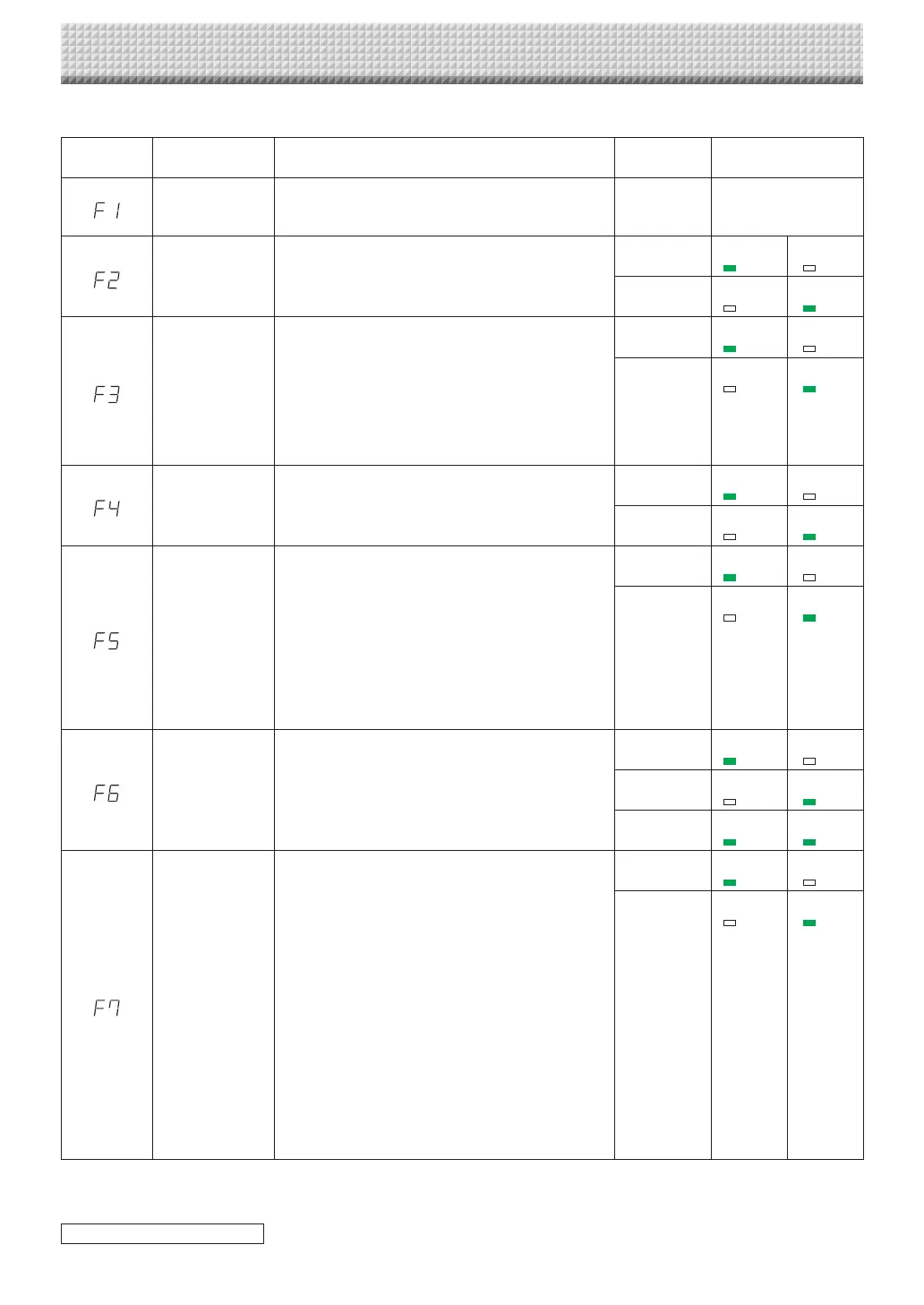
Table of Function Numbers and Settings
Function
Number
SettingItem Description Setting StatusIndicators
TimeSetting
Thedateandtimearestampedontheprintingpaper
and recorded in the file information when files are
stored.
Year,month,
day,hours,
minutes
Notlit
PaperSize
SelectionofwhethertoprintinA4papersizeorletter
size.
• Thisoperateswhenthecaptureboardisconnected
toaprinter.
A4* USB
(Lit)
Printer
(Off)
Letter USB
(Off)
Printer
(Lit)
AspectRatioSet-
ting
Selection of the image’s vertical-to-horizontal ratio
(aspectratio)whenprinting.
EqualRatio:Theimageisprintedwiththesameratio
asthecaptureboard’ssheetsurface.
Compressed:The image is compressed in the hori-
zontal direction to the ratio of A4 or
lettersizepaperforprinting(ex:circles
becomeellipses).
Compressed* USB
(Lit)
Printer
(Off)
EqualRatio* USB
(Off)
Printer
(Lit)
ColorPrinting
Ifthisissetto[Invalid],colorprintingisnotpossible.
Valid:Whenthisisset,colorprintingispossible.
Invalid:Whenthisisset,colorprintingisnotpossible.
Valid* USB
(Lit)
Printer
(Off)
Invalid USB
(Off)
Printer
(Lit)
Resolution
Selectionoftheimagefile’sresolution.
Standard:Thevertical/horizontalsize ofthe scanned
image is set to 1/2. The amount of data
is 1/4 that of when “High Resolution” is
selected.
HighResolution:Theimagefilehasthesameresolu-
tionasthescannedimage (vertical/
horizontal size of 1/1). The picture
quality is better than when “Stan-
dard”isselected.
Standard USB
(Lit)
Printer
(Off)
HighResolu-
tion
USB
(Off)
Printer
(Lit)
GraphicsFile
Format
Selectionoftheformatinwhichimagefilesaresaved.
ScannedimagesareconvertedintoJPEG(extension
“.jpg”), PNG (extension “.png”) or PDF (extension
“.pdf”)format.
JPEG* USB
(Lit)
Printer
(Off)
PNG USB
(Off)
Printer
(Lit)
PDF USB
(Lit)
Printer
(Lit)
Header/Footer
Settingofwhetherornottooutputtheheader/footer
informationregisteredonthecaptureboard.
“Off”:Theheader/footerinformationisnotoutput.
“On”: The header/footer information isoutput when
printingandwhensavingimagefiles.
Note:
• Headersandfootersrefertotheinformationatthe
top and bottom margins, respectively, of printed
pagesorimages.Titles,companynamesorother
characters or images can be inserted so that the
sameinformationisprovidedonallpages.
• For instructions on creating and registering head-
ers and footers, see “Creating and Registering
HeadersandFooters”(pageE-45).
• Depending on the type ofprinter,the colors may
differfromtheactualgraphicimage.
Off* USB
(Lit)
Printer
(Off)
On USB
(Off)
Printer
(Lit)
CB Setup and Network Setting Procedure
continued on next page
https://www.supplychimp.com/



 To Next Page