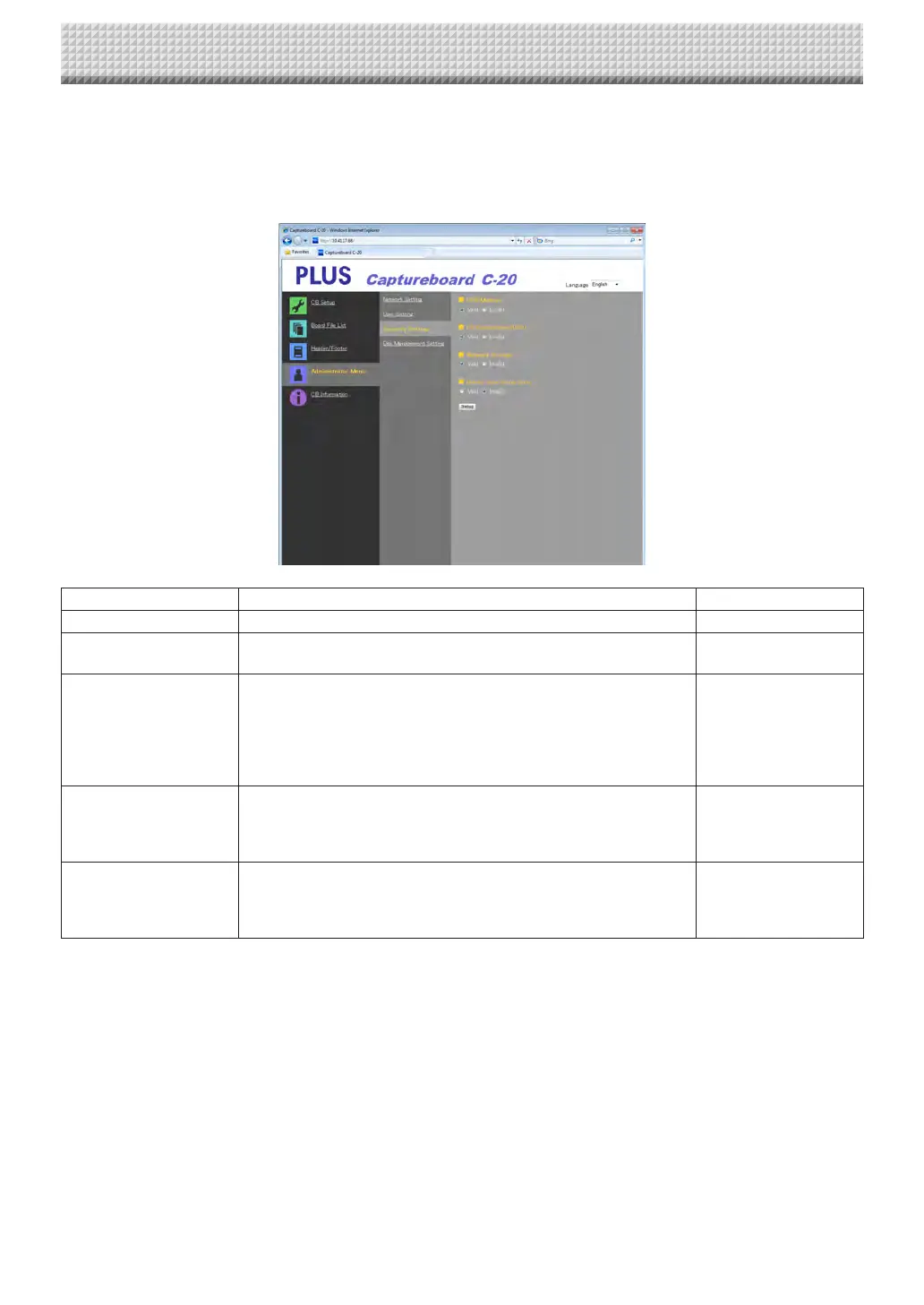
Security Setting
Thesesecuritysettingscanbemadetorestrictaccesstosettingitems.
Forthispage,thesecuritysettingspagecannotbedisplayedunless[AdministratorMenu]isclickedandtheadministrator’suser
nameandpasswordareinputontheverificationscreen.(Forinstructionsondisplayingthescreen,see“BasicSettingOperations”
step3onpageE-36.)
SecuritySettingItem Setting/Description Default
USBMemory SetwhetherornottoenableordisablesavingonUSBmemorydevices. Valid
PCconnection(USB) Set whether or not to enable or disable saving in a computer storage
memory.
Valid
NetworkStorage Setwhetherornottoenableordisabletransferofimagefilestonetwork
storage(folderforsaving:“Board”or“FTPServer”)toacomputerorFTP
server.
Notice:
• When set to “Invalid”, the network storage memory is formatted.
Transferimportantimagefilestoacomputerbeforesettingthis.
Valid
DeleteUserImageData Setwhethertoenableordisablethefilelist“Delete”functionwithfilelist
browsingauthority.
Whensetto“Invalid”,theimagefilesstoredonthecaptureboardcannot
bedeleted.
Valid
Setup
Whenthe[Setup]buttonisclicked,theabovesettings/changesaresent
tothecaptureboard,overwritingprevioussettings.
Once overwriting iscompleted, the “CB Setup”page switches to the
“Setupiscompleted.”characterdisplay.
—
CB Setup and Network Setting Procedure
https://www.supplychimp.com/



 To Next Page