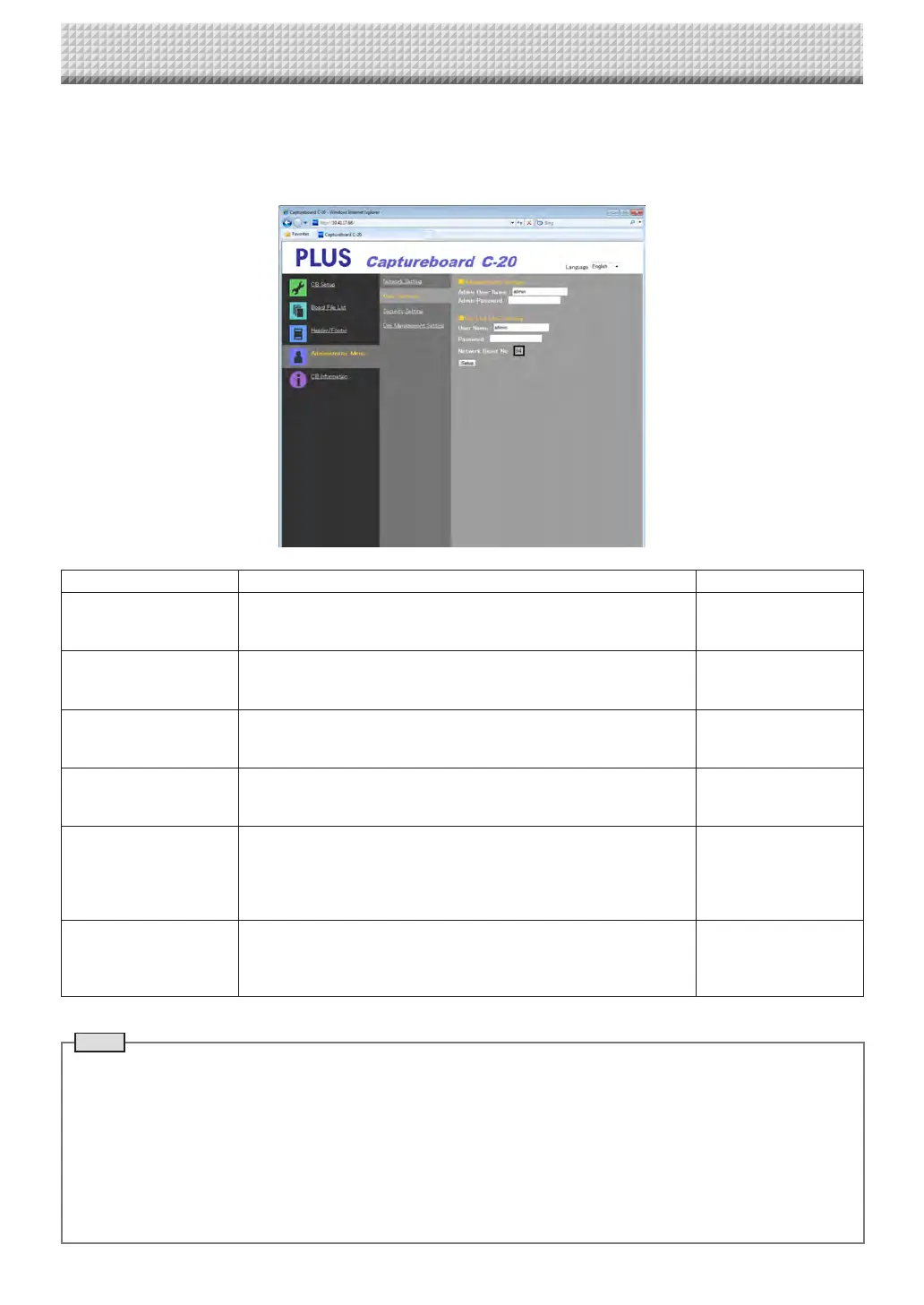
User Setting
Settheusernameandpasswordrequiredforadministratoranduserverificationandthenumberrequiredforresettingthenetwork
settings.
(Forinstructionsondisplayingthescreen,see“BasicSettingOperations”step3onpageE-36.)
UserSettingItem Setting/Description Default
AdminUsername Settheadministrator’susername.
• Inputusingnomorethan14characters.Thenamewillbecasesensi-
tiveforverification.
admin
AdminPassword Settheadministrator’spassword.
• Inputusing nomorethan14 characters.The passwordwillbe case
sensitiveforverification.
None
UserName Settheusername.
Thelimittothenumbercharactersthatcanbeinputisthesameasfor
theadministrator’susername.
admin
Password
Setthepassword.
Thelimittothenumbercharactersthatcanbeinputisthesameasfor
theadministrator’spassword.
None
NetworkResetNo. This is the number used for resetting the networksettings. (See page
E-44)
Note:
Besureto copy downthis number. Itwill be requiredif you forgetthe
administrator’spassword.
—
Setup
Whenthe[Setup]buttonisclicked,theabovesettings/changesaresent
tothecaptureboard,overwritingprevioussettings.
Onceoverwritingiscompleted,the“CBSetup”pageswitchestothe
“Setupiscompleted.”characterdisplay.
—
CB Setup and Network Setting Procedure
Note
• Copydowntheusersettingsincaseyoushouldforgetthem.
AdminUsername
AdminPassword
UserName
Password
NetworkResetNo.
https://www.supplychimp.com/



 To Next Page