IP Address=*
Subnet Mask=*
Default Gateway=*
InputtheIPaddress(fixed).
Inputthesubnetmask.
Inputthedefaultgatewayifnecessary.
Contentsuponpurchaseandwhennetworksettingsarereset
Item Itemname Setting Default
IPaddress IPAddress Anyvalue Blank
Subnetmask SubnetMask Anyvalue Blank
Defaultgateway DefaultGateway Anyvalue Blank
Savethe“setting.ini”settingsfile,overwritingthe
previous file.
Savetolocation:“setup”folderoncaptureboard(removabledisk)
Filename:setting.ini
• Werecommendmakinganoteofchangedsettingsforfuturerefer-
ence.
Once overwriting is completed, the captureboard
reboots automatically.
Perform the USB disconnection procedure on the computer (see
step3onpageE-20),thendisconnecttheUSBcable.
Check the connection.
1 Connect the captureboard to the LAN port on aswitching hub,
etc.
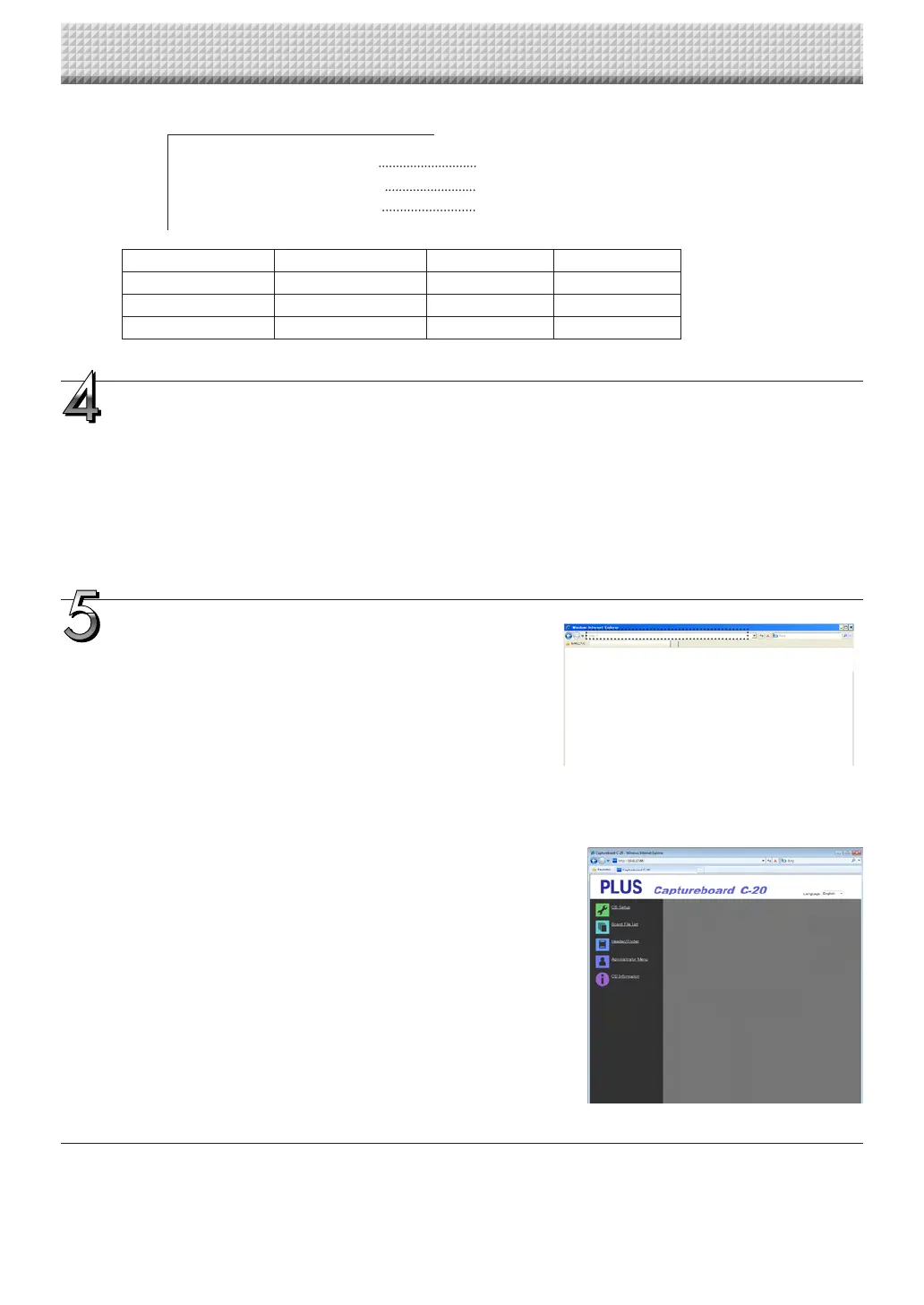
2 Launchawebbrowser(ex.:InternetExplorer)onacomputercon-
nectedtonetwork.
3 Intheaddressfield,input“http://”followedbytheIPaddressthat
wasset,thenpressthe[Enter]key.
If the captureboard’s top screen opens, the captureboard has
beencorrectlyconnectedtonetwork.
If the captureboard’s top screen does not open
Thiscouldbeduetooneofthefollowing:
• HaveyoumadeamistakeinputtingtheIPaddressthatwasset?
• Is the captureboard’s LAN terminal properly connected to a LAN
portonthenetwork?
• IstheIPaddressthatwassetbeingusedbyanotherdevice?
• Ifmultipleunitsofthiscaptureboardareconnected,aretheycon-
nectedtothenetworkwiththesameIPaddress?
• Is the IP address that was set within the automatic acquisition
rangeoftheDHCPoftherouter,etc.?
• Whenusingaproxyserver,addthecaptureboard’sIPaddressto
the“Exceptions”intheproxy’ssettingstosetsothattheproxyis
notused.
CB Setup and Network Setting Procedure
https://www.supplychimp.com/



 To Next Page