PMDG 737 0.00.101
INTRODUCTION
For Simulator Use Only DO NOT DUPLICATE NOVEMBER 2022
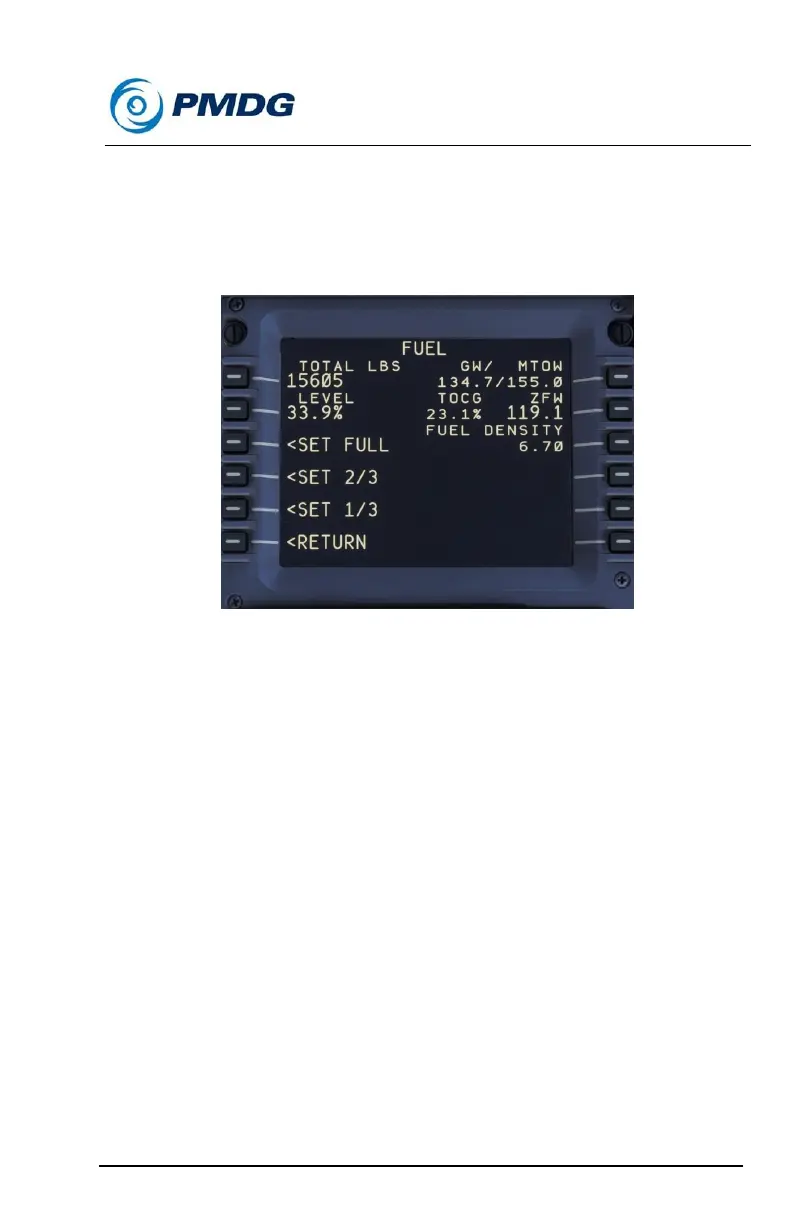
Fuel:
The FUEL page allows you to manually set the aircraft’s fuel load. Preset
level functions on the lower left side of the display set the load to LONG,
MEDIUM or SHORT RANGE levels. The fuel quantity may also be set as
a percentage of total quantity or as a total numeric value directly.
In order to set the fuel quantity as a total or percentage, type the relevant
number in the scratchpad, and then line select it to the TOTAL LBS (or
KGS) LEVEL line. The simulator will automatically distribute the fuel
quantity properly between the tanks.
On this menu the current gross weight, takeoff center of gravity location,
zero fuel weight and maximum taxi weight values are displayed for your
convenience.



 To Next Page