PMDG 737 0.00.17
INTRODUCTION
For Simulator Use Only DO NOT DUPLICATE NOVEMBER 2022
INSTALLING LIVERIES
PMDG Operations Center
Liveries are downloaded and installed using the PMDG Operations
Center application (hereafter referred to as OC2), which is installed
automatically with the PMDG 737.
To open OC2, go to Start-> PMDG Operations Center v2.
Alternatively, OC2 can be found here:
C:\Users\<Your Username>\AppData\Roaming\PMDG\PMDG Operations Center
You are welcome to add a desktop shortcut for OC2 if you so wish.
Installing a Livery
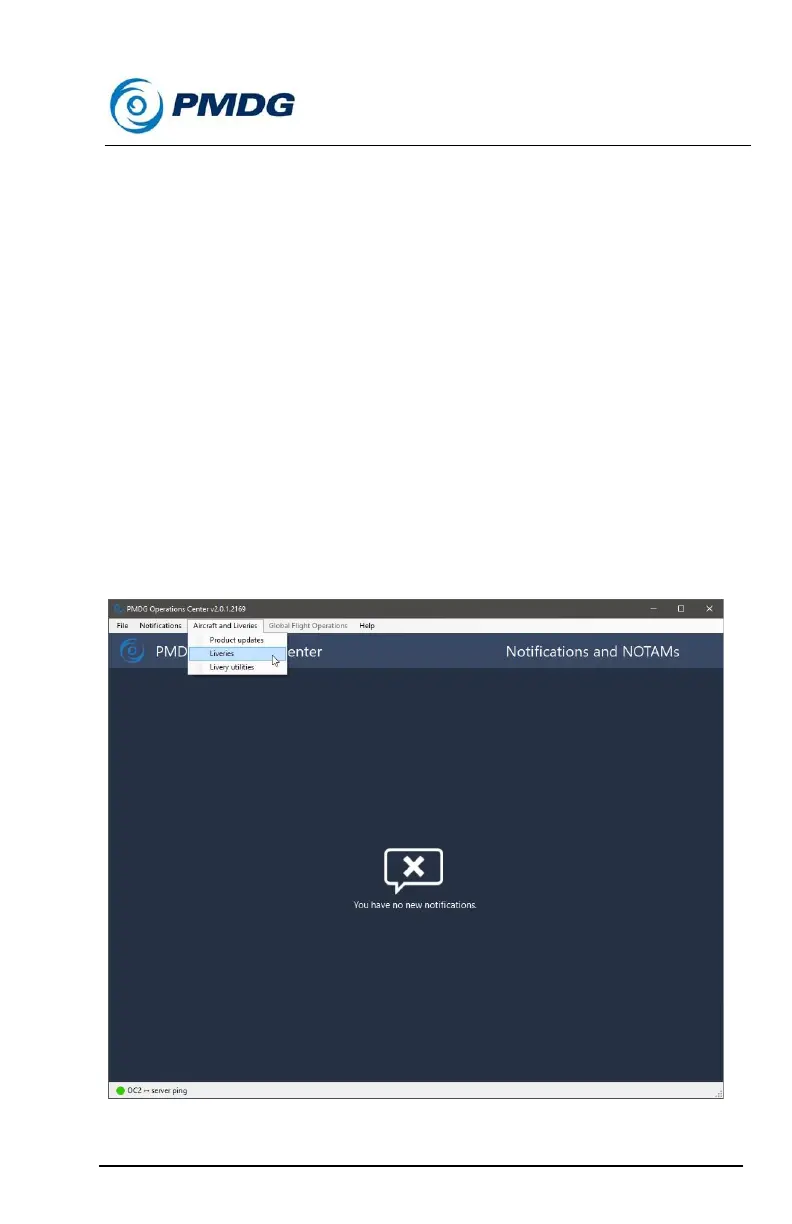
Once you have OC2 open, navigate to the ‘Aircraft and Liveries’ menu,
and from there, select ‘Liveries’ in the dropdown:



 To Next Page