PMDG 737 0.00.59
INTRODUCTION
For Simulator Use Only DO NOT DUPLICATE NOVEMBER 2022
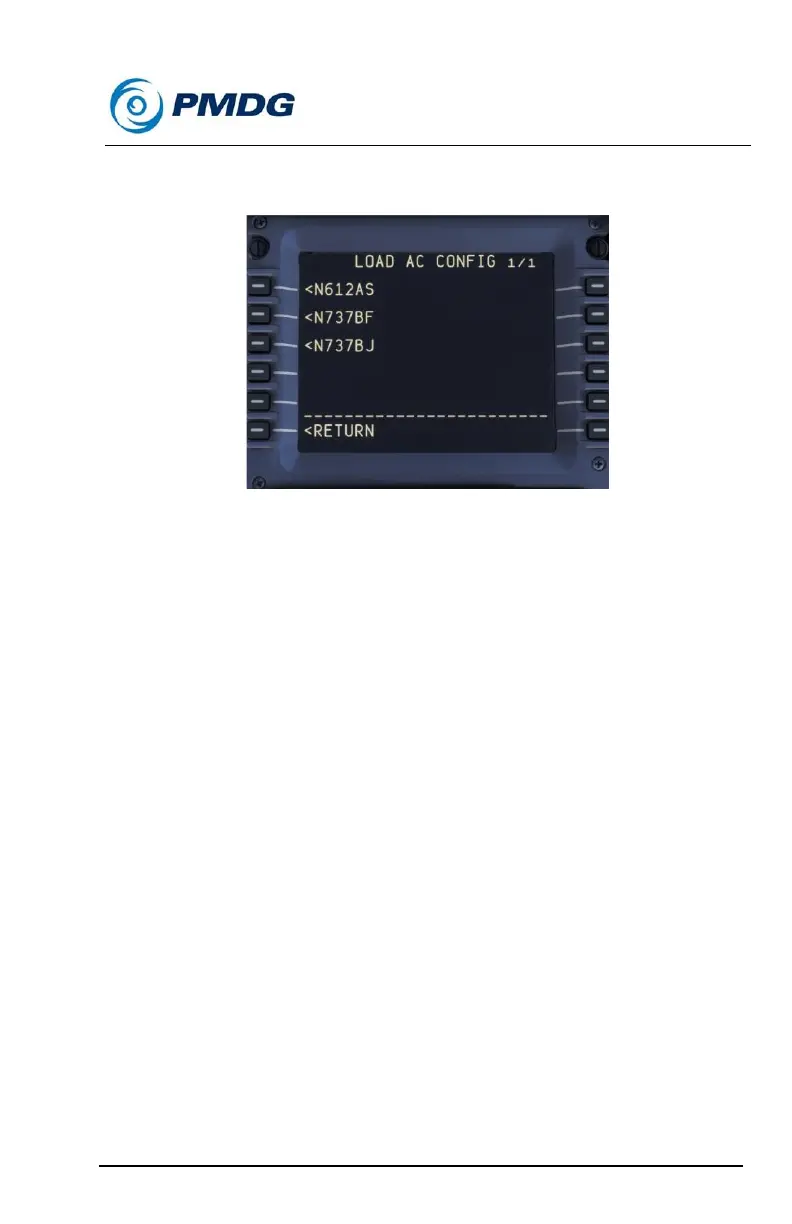
Selecting the LOAD FROM ANOTHER > prompt will take you to the
following menu:
This menu will list all the available aircraft definition files currently loaded
or that you have created.
To load the N737BW configuration displayed in the example above, you
simply press the line select key, and then confirm the entry.
This will cause the configuration definition for N737BW to be used with
whatever livery you currently have loaded.
NOTE: If you switch liveries, you will need to re-select the N737BW
definition if that is your wish. Every time you load a livery from the free
flight MSFS menu, the PMDG 737 will load that livery’s definition file!
Using a Fixed Definition File for All Flights:
You may find that you settle into a favorite cockpit configuration that you
want to use no matter which livery you are flying. In this case you can set
the configuration as your FIXED CONFIG by using the FIXED CONFIG
prompt to select it from displayed list.
Once you have selected an airline definition file as your FIXED CONFIG it
will remain until you delete. (Press the DEL key, then the FIXED CONFIG
prompt to delete.)



 To Next Page