PMDG 737 0.00.113
INTRODUCTION
For Simulator Use Only DO NOT DUPLICATE NOVEMBER 2022
Auto Cruise:
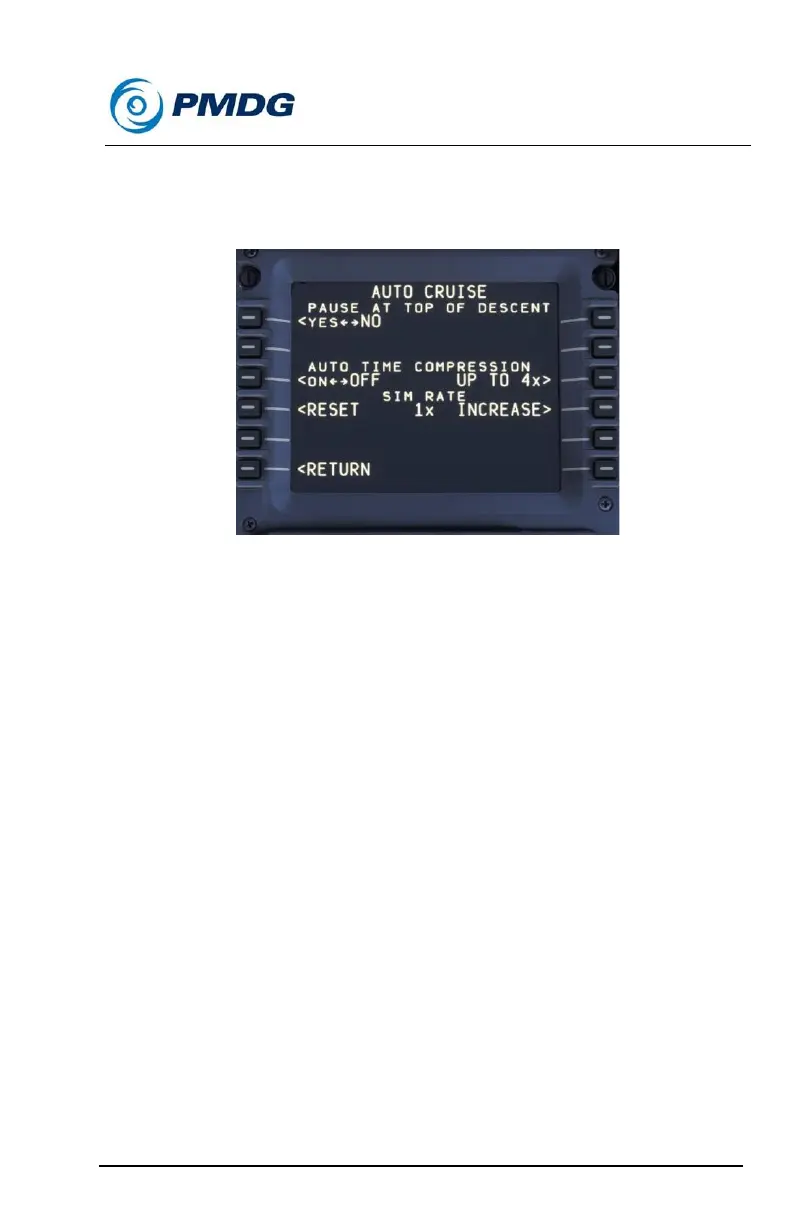
The AUTO CRUISE menu allows you to set up various cruise related
items in your aircraft.
From the AUTO CRUISE menu, you can choose to enable Pause At Top
Of Descent. You can also set the Auto Time Compression option to On or
Off and specify the time compression ratio. You can select between 2X,
4X, 8X and 16X.
The Sim Rate can be increased without having to access the MSFS
menu. To reset the Sim Rate, press the <RESET LSK and the rate will be
set back to 1.



 To Next Page