0.00.60 PMDG 737
INTRODUCTION
NOVEMBER 2022 DO NOT DUPLICATE For Simulator Use Only
EQUIPMENT Options:
When purchasing an airplane from Boeing, the airline customer will
choose from a package of equipment options that provide advanced
capabilities beyond what the basic airplane is capable of.
These options are available for you to select from in the EQUIPMENT
pages so that you can experiment with the mix of data equipment options
that are interesting to you as a pilot.
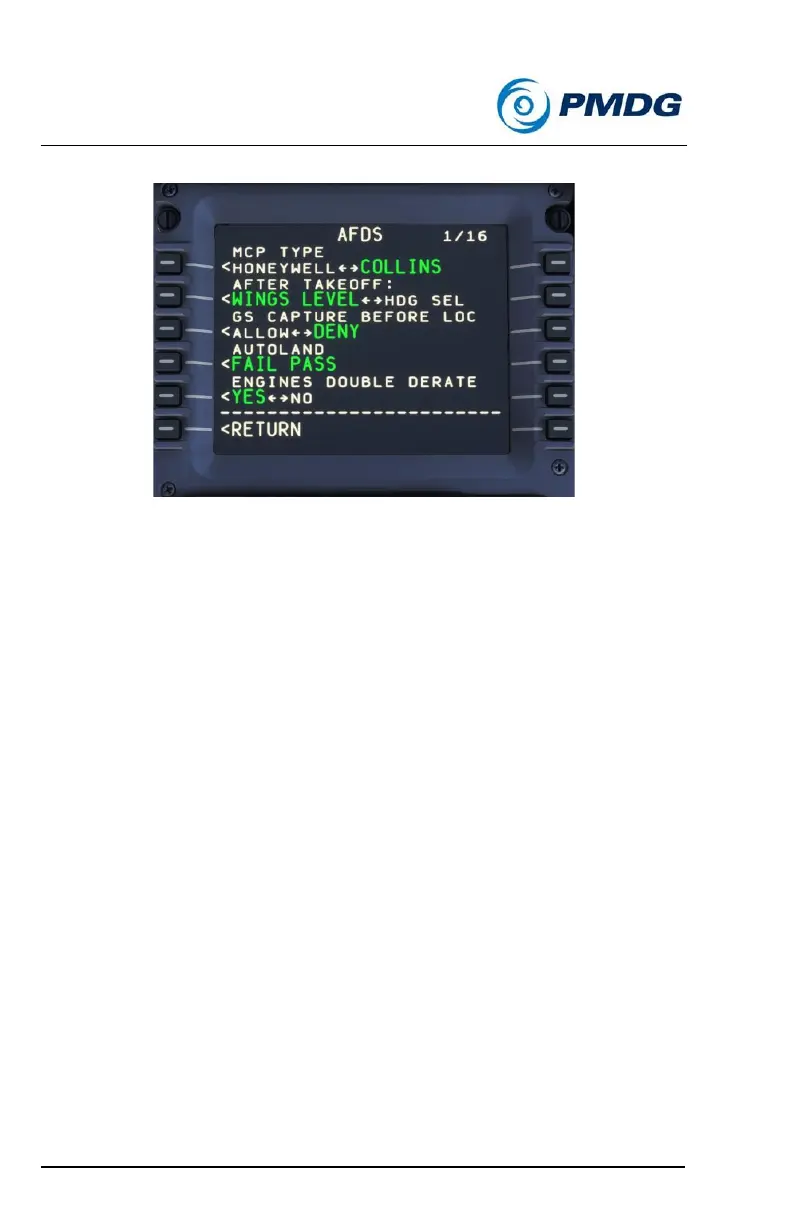
There are numerous pages of options available that will allow you to
customize the displays in the cockpit of your 737. You can use the PREV
PAGE and NEXT PAGE buttons on the CDU to move forward and back
through the pages.
In the list that follows, we have provided images to show you the
difference between equipment types when applicable. We also document
some of the known conflicts between equipment types (if any) so that you
are aware that turning some features ON may disable other features.
You can’t hurt anything by experimenting with combinations of features,
so feel free to turn things on or off and add/remove equipment capabilities
as your needs or interest may allow!
If you get into a simulated flight and decide you’d like to try some
changes, you can do so live, in the simulator, without having to worry
about disrupting your current flight.



 To Next Page