0.00.92 PMDG 737
INTRODUCTION
NOVEMBER 2022 DO NOT DUPLICATE For Simulator Use Only
System Failure / Maintenance Menu:
If you wish to work with mechanical failures located within an individual
system, you can do so quite easily by selecting the system from the list
displayed under <FAILURES.
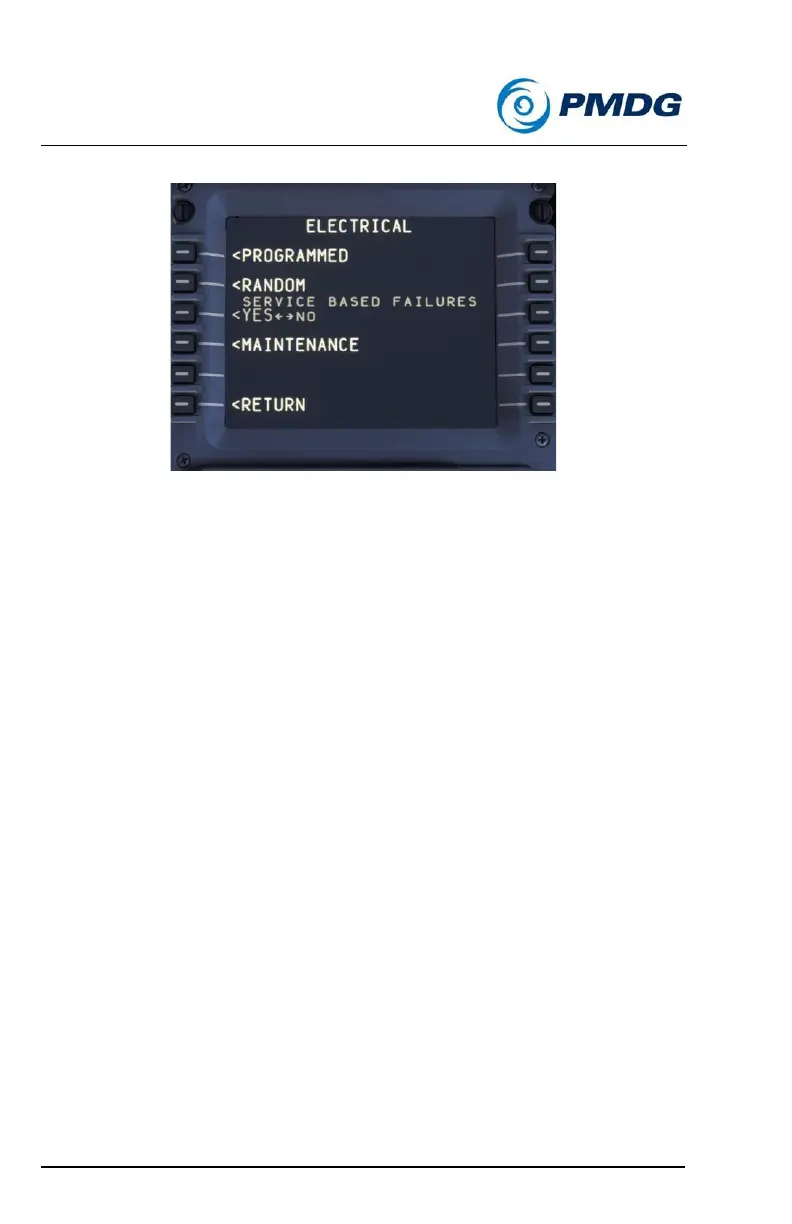
In the example graphic shown above, we are shown the ELECTRICAL
page of the failures menu. There are four items displayed here from
which you can choose:
• <PROGRAMMED: This menu will display all of the potential
mechanical failures that the system is capable of simulating. You
can then individually activate, arm, disarm or deactivate the
failures listed.
• <RANDOM: This menu will allow you to activate/deactivate
random failures within this system, just as you would with the
global random failures method described above.
• <SERVICE BASED FAILURES: Allows you to interact with the
service based failures just as you would in the top menu
described above. (Will be grayed out if service based failures are
not selected active in the top menu.)
• <MAINTENANCE: Allows you to interact with the maintenance
functionality for the selected system.



 To Next Page