PMDG 737 0.00.57
INTRODUCTION
For Simulator Use Only DO NOT DUPLICATE NOVEMBER 2022
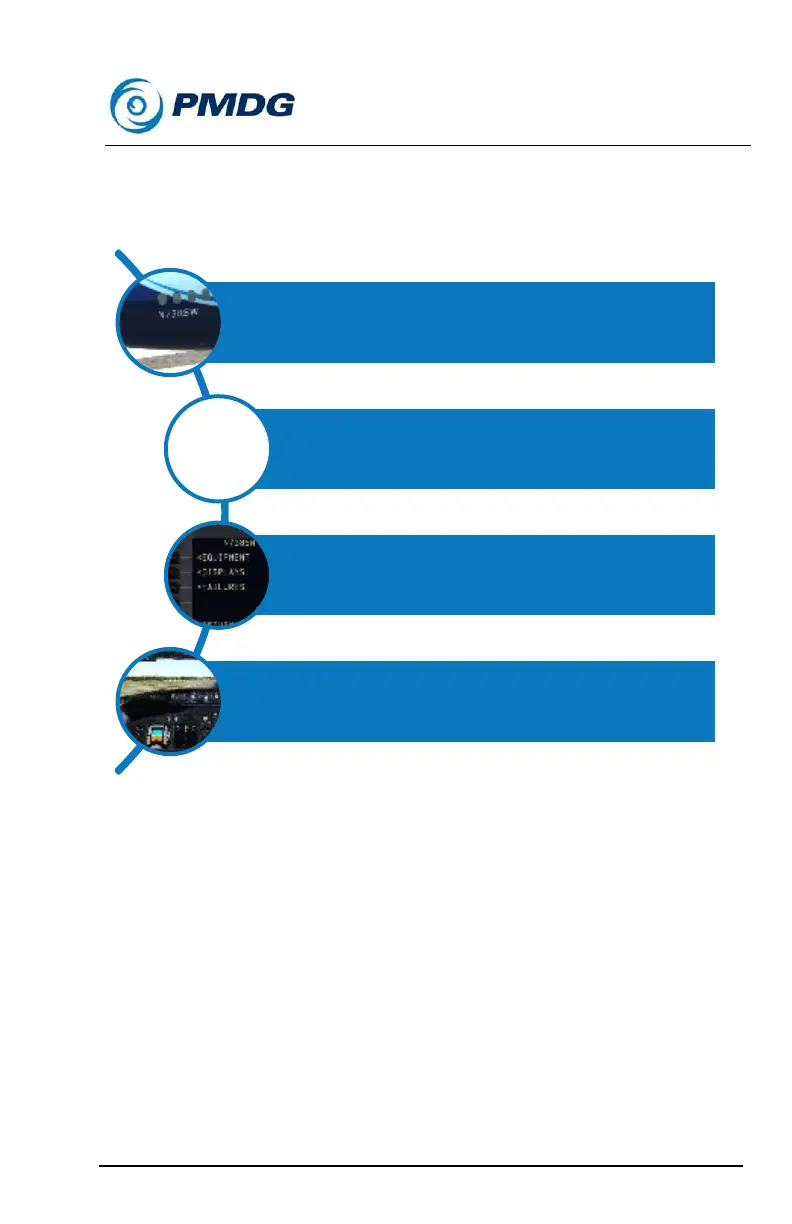
The following matrix should help you to visualize how the airplane-specific
equipment, display and maintenance options are tracked for individual tail
numbers:
Using the AIRCRAFT menu:
When you load a livery from the MSFS Aircraft Selection menu and then
launch the simulator, the PMDG 737 will load the definition file that
describes how that aircraft is laid out in terms of cockpit equipment,
displays and mechanical fitness.
The AIRCRAFT menu is designed to give you the ability to change the
equipment installed in the cockpit, change the way information is
displayed to you on the cockpit displays, and to interact with the
mechanical reliability of the airplane.



 To Next Page