0.00.50 PMDG 737
INTRODUCTION
NOVEMBER 2022 DO NOT DUPLICATE For Simulator Use Only
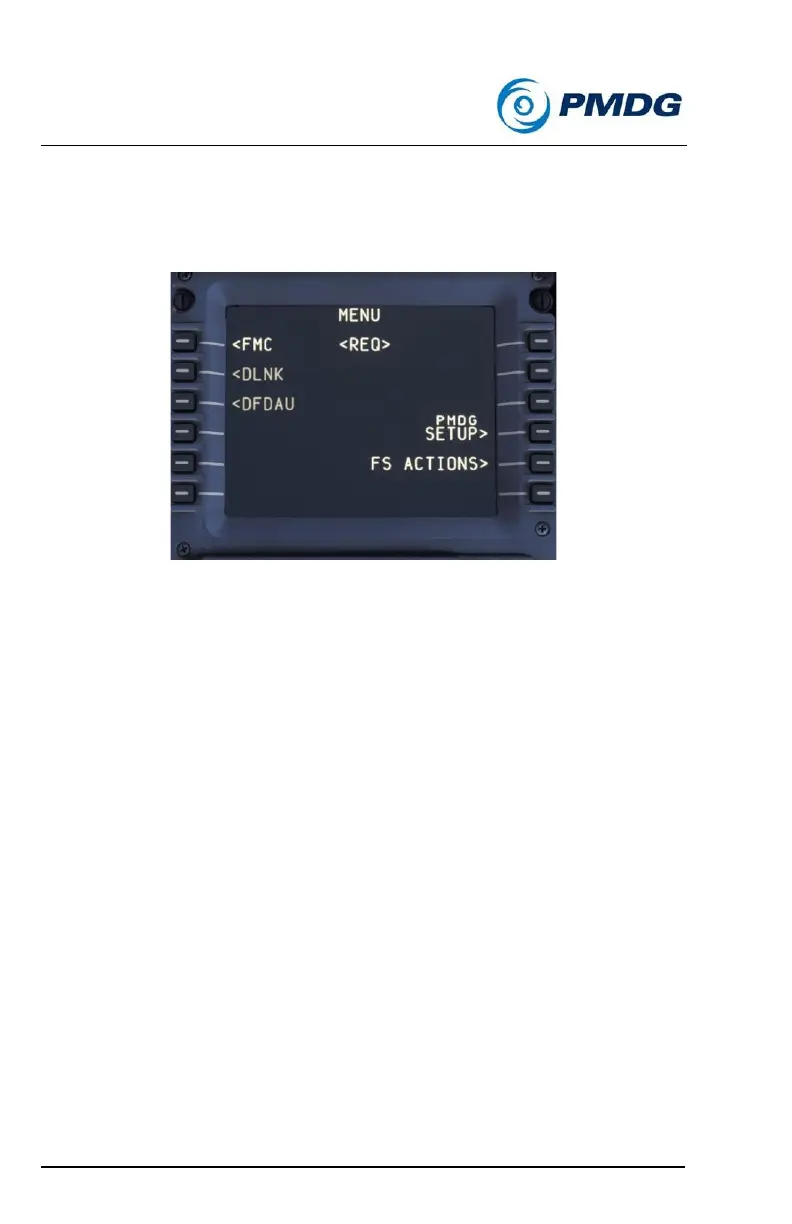
PMDG 737 Home CDU Menu:
At any time while flying the PMDG 737, you can press the MENU button
on the CDU, and you will be presented with the top menu for the CDU
system:
On the left side of the screen, you can select the <FMC prompt to enter
the aircraft flight management functions. On the right side you will find the
PMDG SETUP> and FS ACTIONS> prompts. These options are the core
of your ability to customize your PMDG 737 flight experience.
If at any time you get lost in the CDU, simply press the MENU button and
you will be brought immediately back to this page!



 To Next Page