0.00.88 PMDG 737
INTRODUCTION
NOVEMBER 2022 DO NOT DUPLICATE For Simulator Use Only
Failures: Top Menu:
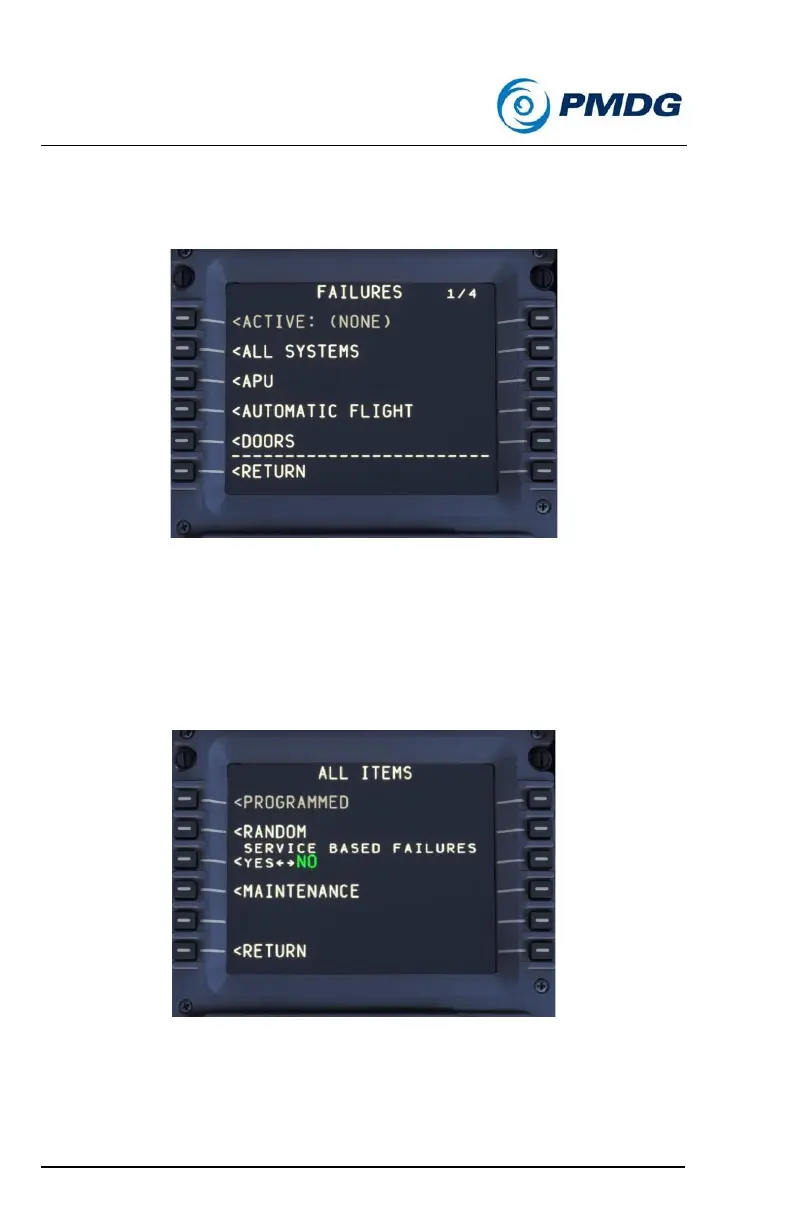
Entering the failures menu from the SETUP menu will display the following
menu:
From the FAILURES top menu, you can select from individual systems
(use the PREV PAGE and NEXT PAGE to scroll up and down) or you can
go into the ALL SYSTEMS to set random or service based failures, or you
can select an individual system from within which you can set specific
failures.
All Systems: Top Menu:
This menu allows you access to establish the RANDOM and SERVICE
BASED FAILURES modes. This page will also allow you to enter the
maintenance performance section.



 To Next Page