PMDG 737 0.00.89
INTRODUCTION
For Simulator Use Only DO NOT DUPLICATE NOVEMBER 2022
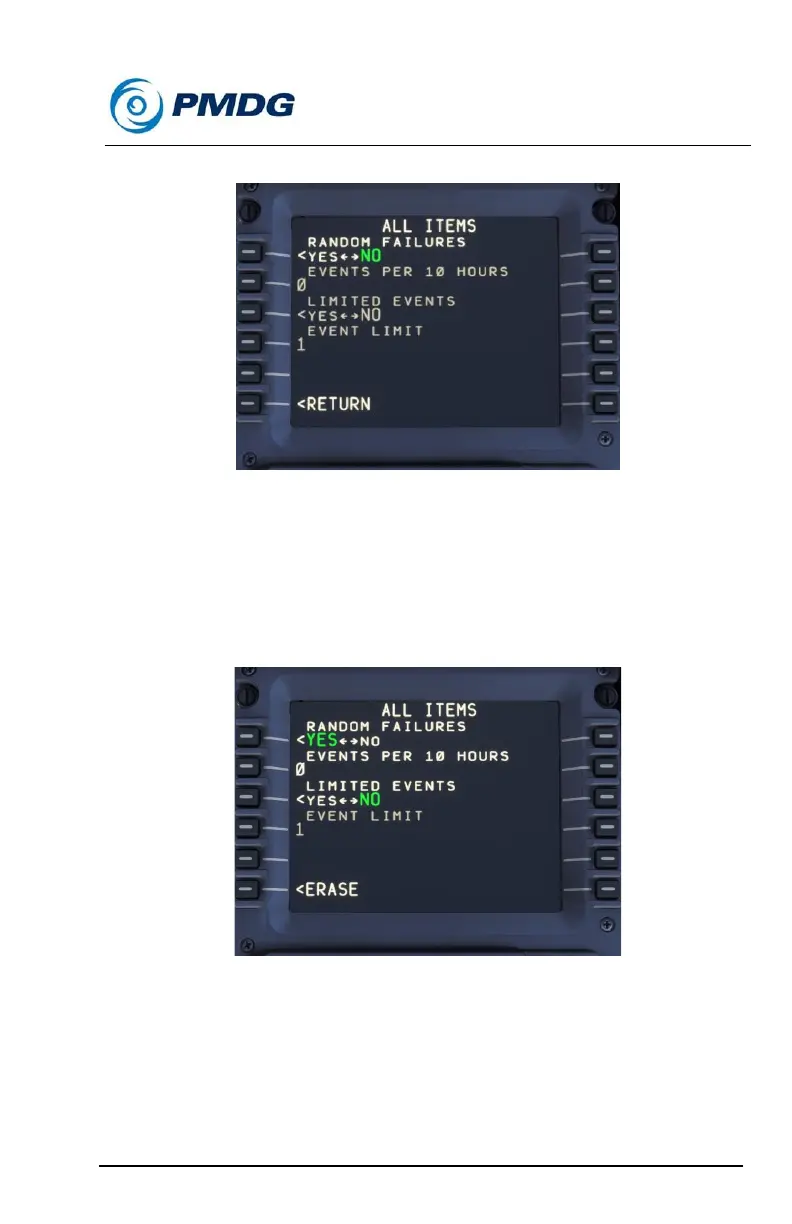
Random Failures Sub-Menu:
The random failures menu allows you to set up a process for random
failures to be triggered at a specific rate, with a limit to the total number of
events that may be triggered.
To turn the random failures mode on, simply set the RANDOM
FAILURES selector to YES. This will turn the random failure settings to
white to indicate that they are now active for manipulation.
Use of the random failure feature is pretty straight forward. First, choose
the approximate number of failure events you would like to see triggered
during an average 10 hour period of simulation. The rate at which failures
will occur will roughly approximate the theoretical [EVENTS PER HOUR /
10 HOURS].
Note that the actual rate may vary slightly so it is possible that you might
see failures triggered in rapid succession, and you may see more than



 To Next Page