PMDG 737 0.00.25
INTRODUCTION
For Simulator Use Only DO NOT DUPLICATE NOVEMBER 2022
Sound Settings
During the development of the PMDG 737 we recorded more than 1,400
sounds in order to provide the greatest degree of sound immersion
possible. As part of the process, we have spent a significant amount of
time balancing the sound levels, mixing them based upon volume and
location in the cockpit.
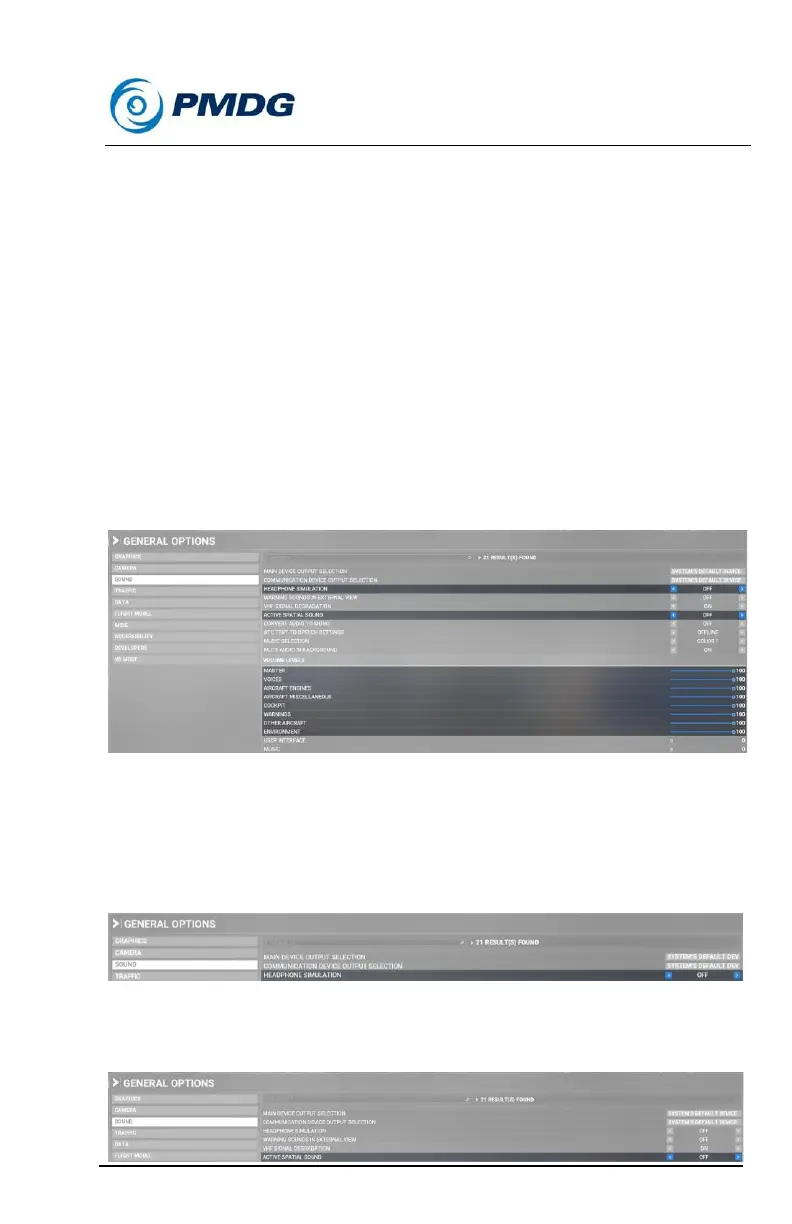
1. Sound Sliders:
The sound sliders in MSFS will control the 737 sounds as follows:
1. Aircraft Engines — Engine sounds.
2. Cockpit — All switch, lever, knob and cockpit (panel) sounds.
3. Environment — All rattle, ground roll and wind sounds.
4. Warnings — All CAWS sounds
2. Headphone Simulation:
If you are not hearing the engine sounds, make sure you do not have
HEADPHONE SIMULATION set to ON. In order to hear the majestic
sounds of the PMDG 737, go ahead and make sure this setting is set to
OFF:
3. Active Spatial Sound:
For an optimal 737 sound experience, ensure that this is turned OFF.



 To Next Page