0.00.106 PMDG 737
INTRODUCTION
NOVEMBER 2022 DO NOT DUPLICATE For Simulator Use Only
Pushback:
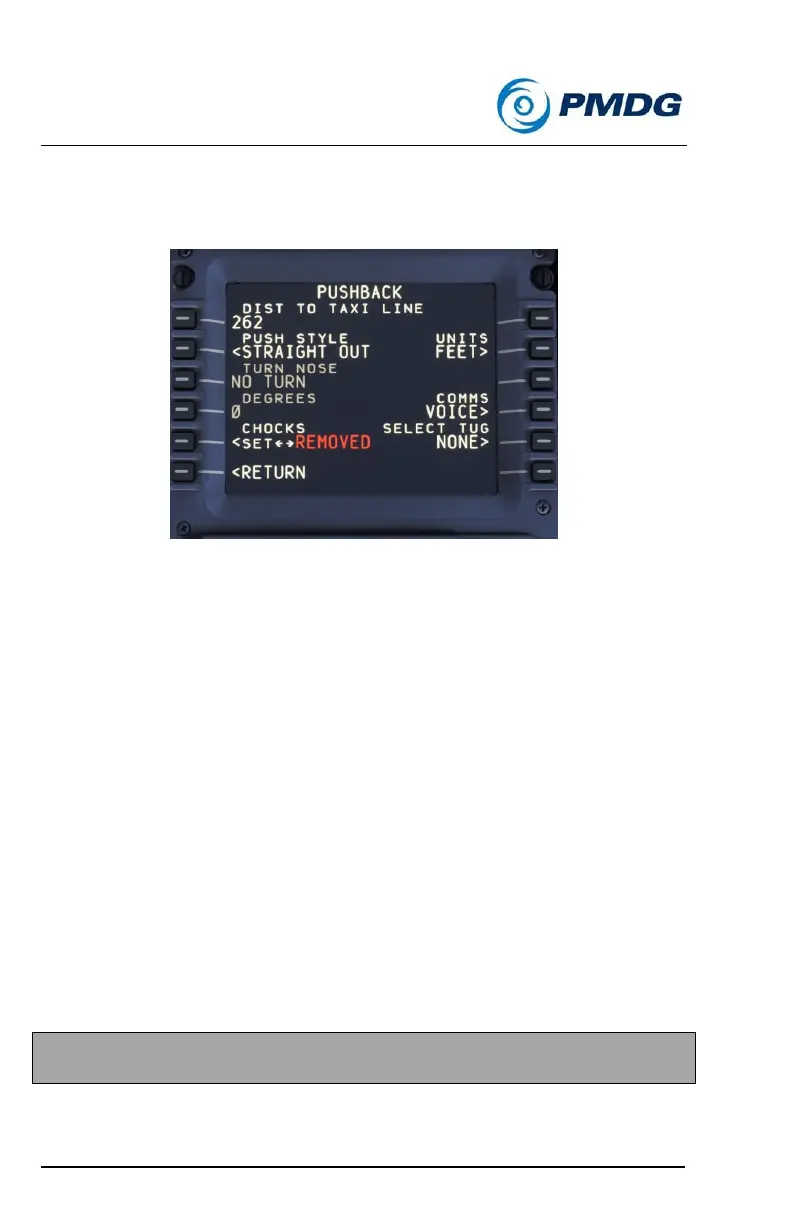
The PUSHBACK menu allows you to manage the pushback process from
within the simulator.
Automated Pushback:
The pushback functionality allows you to set the parameters to be used
during the pushback from the gate. Using this menu, you can set the units
to FEET or METERS, enter the total pushback distance, the direction the
nose will be turned and the number of degrees that will be used in the
turn.
Different styles are also available now:
• Straight Out: The aircraft is pushed straight back with no turn.
• Standard L: The classic arced style.
• Dot the I: The aircraft is pulled straight back, angled out, and
pulled back near the centerline angled away from the gate.
• Cross the T: Similar to the standard L, but the aircraft is pulled
back near the centerline at the specified angle.
• None/Other: To be used on pull-through stands, or with other
pushback tools.
Additionally, you can determine whether you will hear voice
communication during pushback.
NOTE: In order to receive the START prompt, a tug type must be
selected.



 To Next Page