0.00.76 PMDG 737
INTRODUCTION
NOVEMBER 2022 DO NOT DUPLICATE For Simulator Use Only
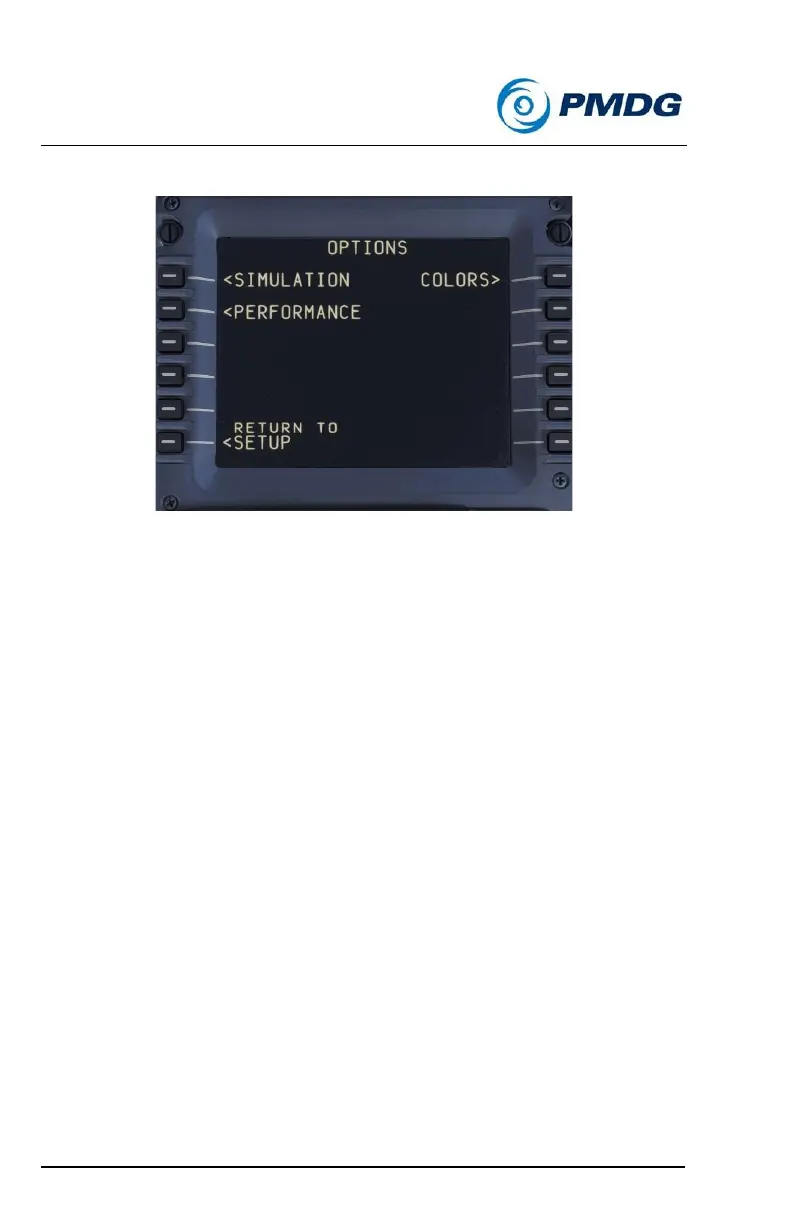
OPTIONS MENUS
The configuration options located under the OPTION menu provide you
with the opportunity to modify your simulation experience to suit your
tastes. These include performance tweaks, assigning key-driven
commands to cockpit functions, adjusting the way the sound environment
is simulated and many more. The OPTIONS menu is broken into sub-
menus to categorize options for ease of organization.
• <SIMULATION: This menu will allow you to change a number of
features in the simulation such as maintenance failures, user
interface items and other global features that apply across all
aircraft tail numbers to customize the simulation to your tastes.
• <PERFORMANCE: The options contained in this menu will allow
you to tweak slightly certain items that may be of benefit to users
suffering from poor performance on older machines. Going
through these items will help you to avoid using unnecessarily
performance hungry options if you are concerned about
performance on your computer.
• <COLORS: This menu will allow you to customize PFD, MFD,
instrumentation and cockpit lighting colors in the simulation.



 To Next Page