0.00.22 PMDG 737
INTRODUCTION
NOVEMBER 2022 DO NOT DUPLICATE For Simulator Use Only
2. PMDG Type Mouse Interaction:
This type of interaction allows existing PMDG customers who prefer the
PMDG type of mouse interaction (Left/Right click) to use the mouse in the
same way they have been used to in FSX/P3D, with only a minor setup
change required.
The following cursor types are used in the PMDG mouse interaction type:
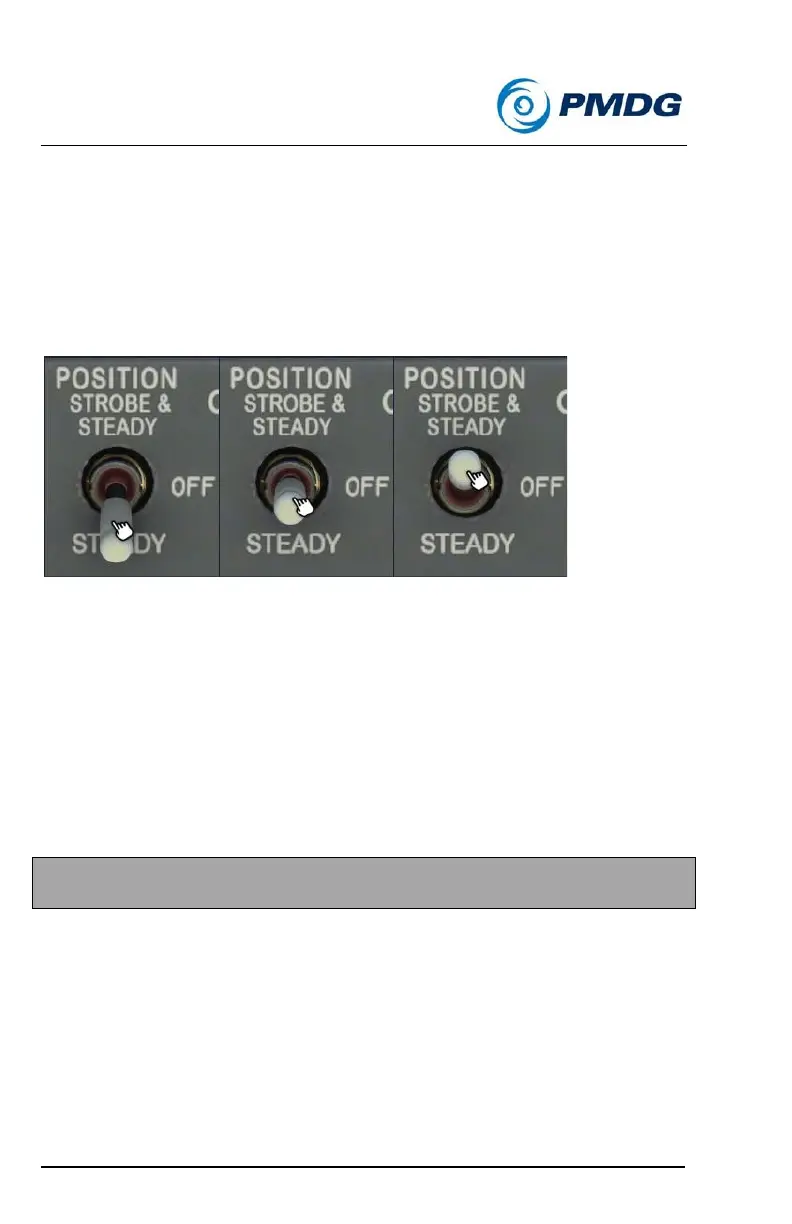
HAND CURSOR
All knobs, switches and levers use the Hand cursor.
When using this type of interaction, Left Click is used to turn knobs left
and pull 3-position switches down.
Right Click is used to turn knobs right and push 3-position switches up.
For 2-position switches, buttons and levers, the standard Left Click
interaction still applies.
NOTE: Apart from the Left/Right click interactions, Up (Forward) and
Down (Backward) mouse scroll is also supported.



 To Next Page