PMDG 737 0.00.21
INTRODUCTION
For Simulator Use Only DO NOT DUPLICATE NOVEMBER 2022
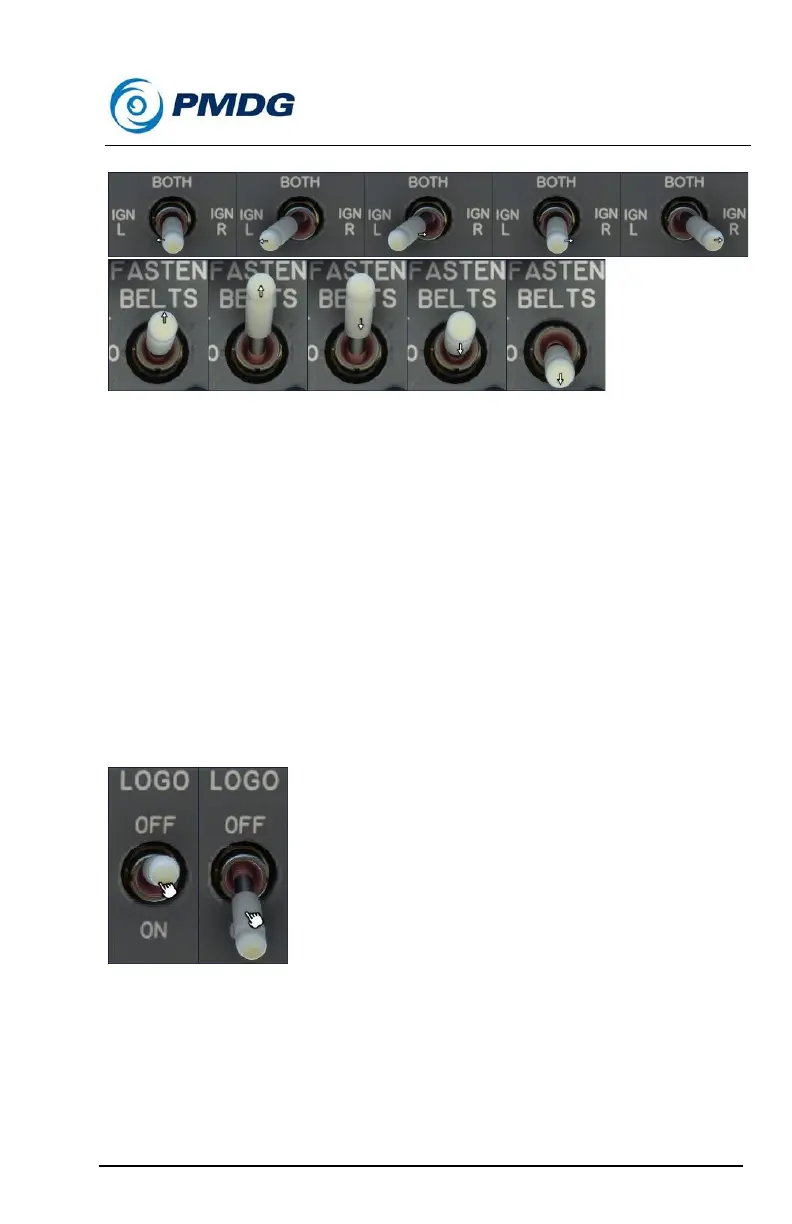
LEFT/RIGHT/UP/DOWN ARROW CURSORS
When operating a switch or lever in MSFS using the default type of
mouse interaction, you are presented with a Left/Right/Up/Down arrow,
depending on which side of the switch or lever your cursor is positioned at
the time.
Switches or levers that mover vertically in relation to the cockpit will
present Up/Down arrows, depending on which side of the switch or lever
your cursor is positioned at the time. Switches or levers that move
horizontally in relation to the cockpit will present Left/Right arrows,
depending on which side of the switch or lever your cursor is positioned at
the time. Left, Right, Up and Down arrows indicate switch and lever click
direction.
HAND CURSOR
All 2-position switches in MSFS use the Hand cursor. Here we use Left
Click to interact with these types of switches, no matter where the cursor
is positioned on/over the switch.



 To Next Page