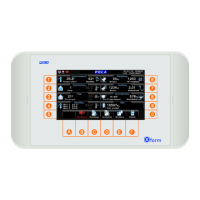
11
C.1 F.1
See paragraph
Vedi paragrafo
VIEWING
4. Zoom on Heating path: Home>
Heating 1 ambient temperature.
Heating 1 is activated below this temperature.
Heating 1 state: On-Off.
Temperature
Temp. set
Output state
Heating 1
*Note: In the screenshot you only see the display options activated in “Configuration” (see par.D.C).
Same for Heating #2 and #3 (if any)
Temperature Set Heating:
To be programmed in
Setting>Climate>Heating
Variation set.
It is displayed only if it’s
not 0.0°. It means there
is a set conditioning.
Hit key F to display.


 To Next Page
 Loading...