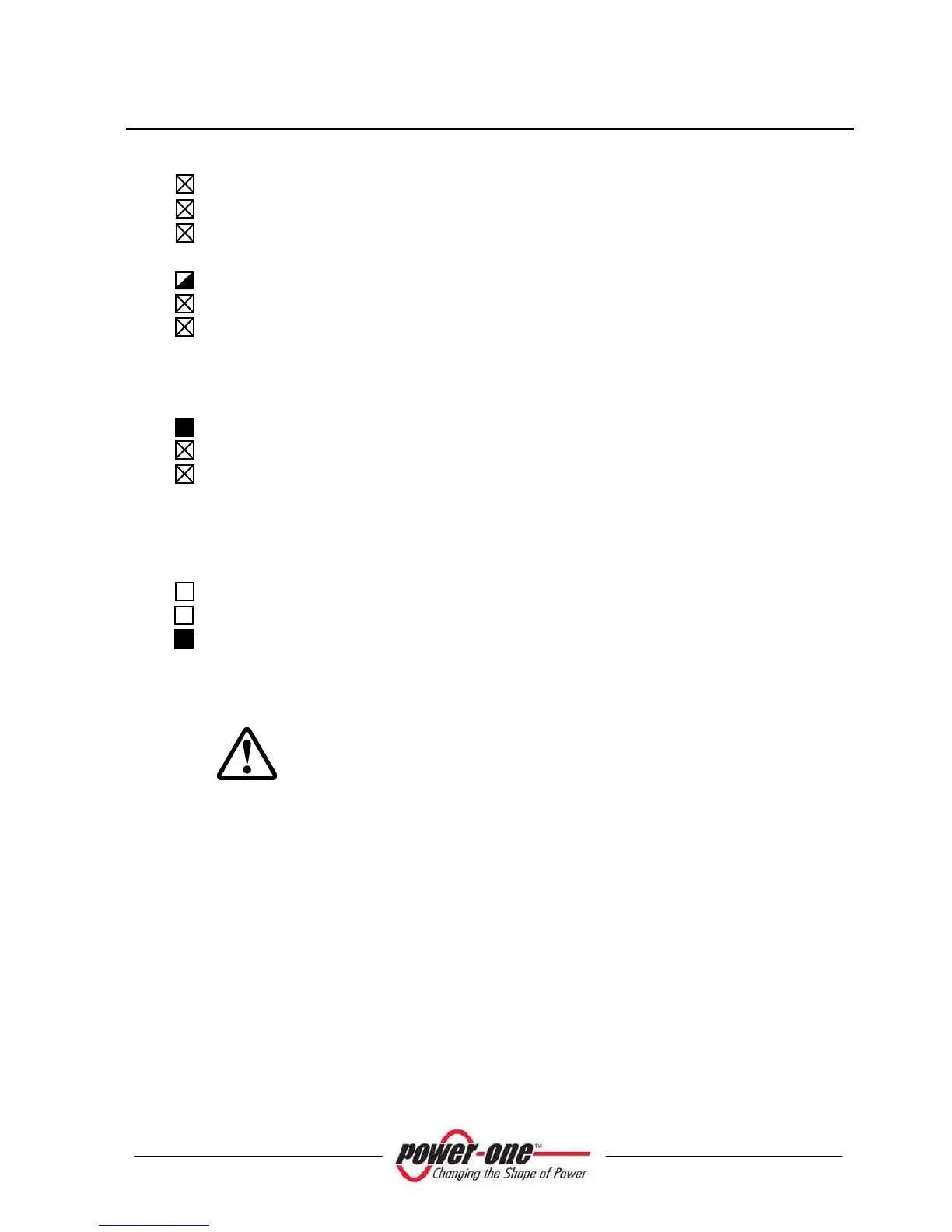
R
2) AURORA initialization and grid check
Initialization is in progress: Input power sufficient to feed the
inverter; AURORA is verifying start-up conditions (for instance:
Input voltage value, insulation resistance value, etc.) and a grid
check routine is launched.
G
R
3) AURORA is feeding the grid
After completing a set of auto-test routines, the system starts the
grid connection process.
As mentioned above, during this stage AURORA automatically
tracks and analyzes the maximum power point (MPPT) of the
photovoltaic field.
G
R
4) Ground insulation fault
AURORA indicates that insulation resistance was found to be too
low.
This may be due to an insulation fault in the connection between
the photovoltaic field inputs and the ground.
WARNING: It is extremely dangerous to attempt to correct
this fault yourself. The instructions below have to be followed
very carefully. In case you are not experienced or skilled
enough to work safely on the system, contact a specialized
technician.
What to do after an insulation fault has been found
When the red LED turns on, try to reset the fault indication by
pressing the multi-function ESC key at the side of the LCD
display. If AURORA reconnects to the grid, the fault was due to
a transient event (such as condensation and moisture getting into
the panels). If this trouble occurs frequently, have the system
inspected by a specialized technician.
If AURORA does not reconnect to the grid, open both the AC
and DC disconnect switches to place AURORA into a safe
condition and contact an authorized service centre to have the









 To Next Page