113
12 Home
12.2 User Profiles
StudioLive™ Series III
Owner’s Manual
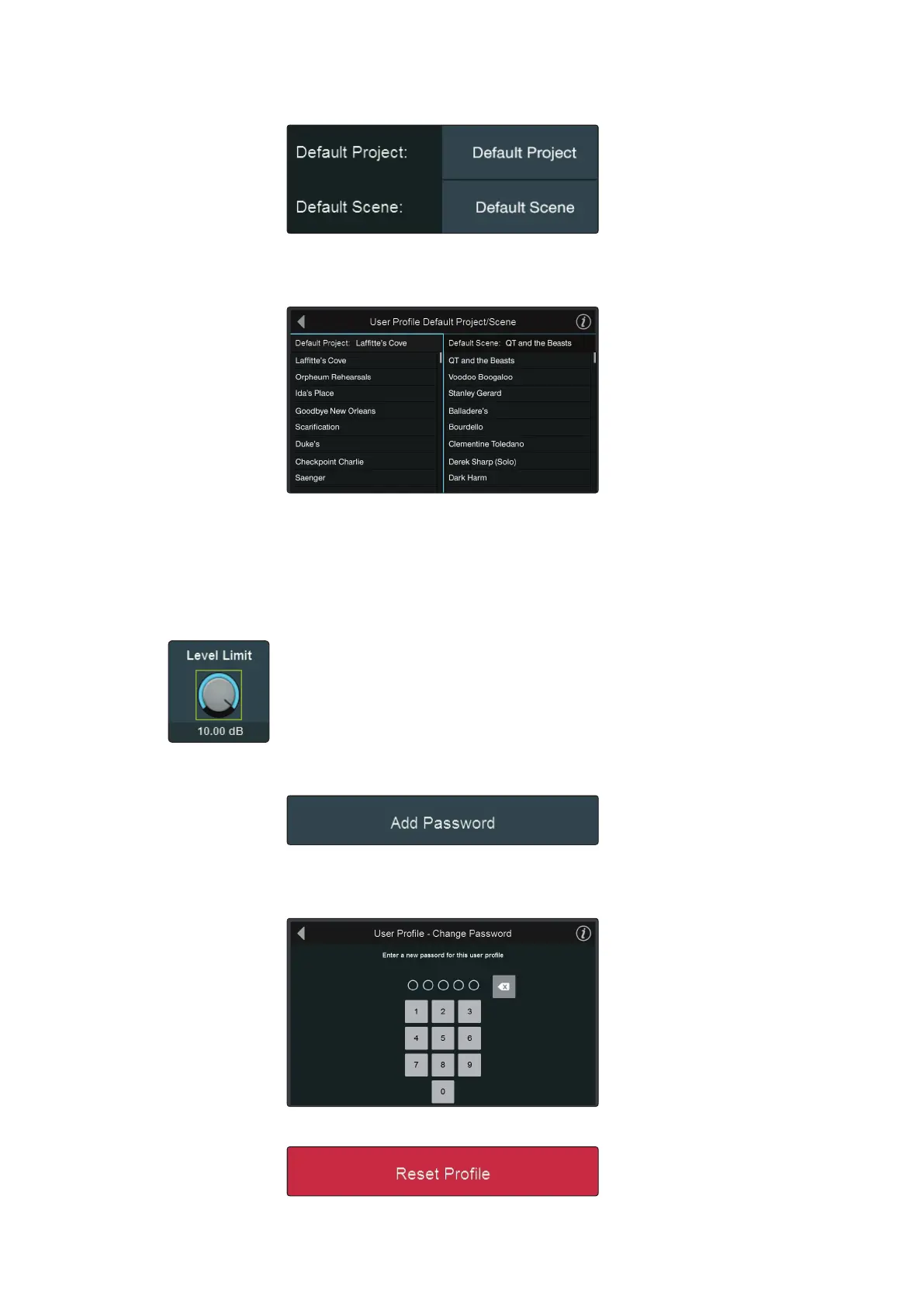
Default Project and Scene
Just like for the Default Administrator profile, you can select a Project to be
loaded when someone logs into their User Profile. This is especially useful for less
experienced users.
Tapping on either the Default Project or Scene from the Profile Settings screen will
open the User Profile Default Project/Scene screen. From here you can select the
Default Project and Scene.
Note: While any Project can be selected as default, only a Scene that is stored within the
designated Default Project can be selected.
Level Limit
Use this to set the maximum level for the Main bus.
Change Password (Optional)
5-digit numeric passwords can be set for any User Profile. Administrators can access
the settings for any User profile with or without the password simply by logging into
an Admin account.
Reset Profile
To reset a profile to factory default, select Reset Profile. You will be prompted to
confirm this choice.










 To Next Page