89
9 Master Control
9.5 DAW Button
StudioLive™ Series III
Owner’s Manual
9.5 DAW Button
Your StudioLive can act as a control surface for the mixer functions of a computer
running our Studio One, Logic or ProTools software. Press the DAW button to switch
between normal mixing functions and DAW control. To return to normal operation,
press the DAW button again.
While operating in DAW control mode, if there are more channels available in the
connected DAW or mixer than there are channel strips on your StudioLive, you can
press the Prev and Next buttons in the Bank section to switch between banks of
channels.
For more information on using your StudioLive mixer as a controller for your DAW
application please review the following addendums:
• StudioLive Series III Studio One DAW Control Addendum
• StudioLive Series III MCU for Logic DAW Control Addendum
• StudioLive Series III HUI Emulation for ProTools DAW Control Addendum
9.6 Scenes and Projects
As previously mentioned, every parameter on your StudioLive mixer can be
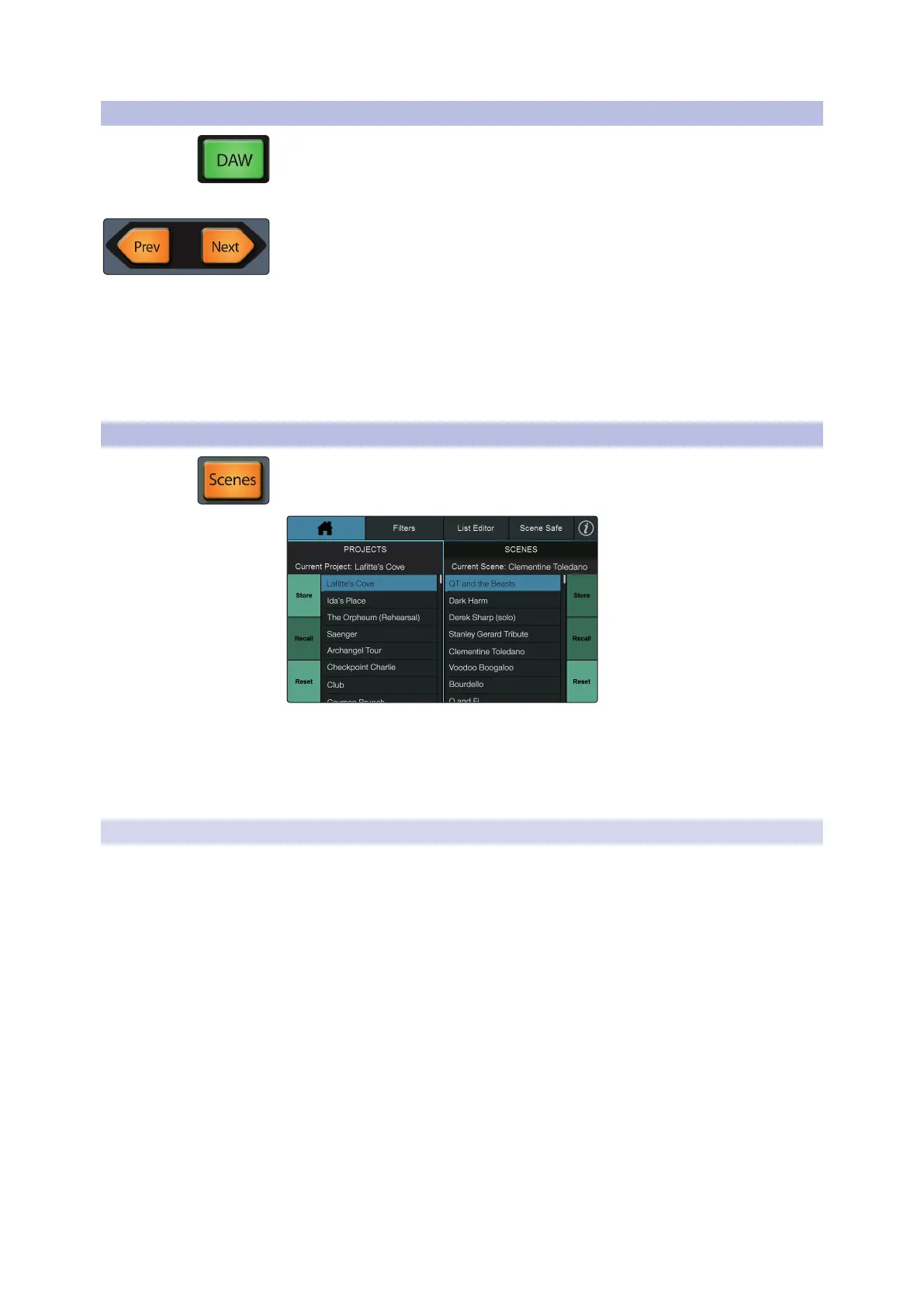
simultaneously stored and recalled later using Projects and Scenes. To access these
libraries, press the Scenes button. This will open the Projects library.
The Scene library for each Project is also viewable from this screen. The controls
on the left side of the screen save and load Projects as well as resets the default
routing of your mixer. The controls on the right side on the screen save and load
Scenes within the current Project, as well as resets the default state of every currently
recallable parameter.
9.6.1 Creating and Recalling Projects
Global System settings and routing are stored within a Project. A Project saves the
following Global parameters:
• User Function Buttons. The assignments for all User Function buttons.
• GEQ Settings. All bus assignments and curves.
• FlexMix Modes. Aux, Subgroup, Matrix.
• Pre/Post Modes. FlexMix and FX Mix.
• Solo Bus User Settings. Solo Mode (Radio, Latch, or Control Room), Solo in Place,
Solo Selects, Solo PFL, Solo Level.
• Global Options. Peak Hold, Link Aux Mute Mode.
• Monitor Options. Phones Cue Source.
• Network IP Address Settings. Dynamic, Self Assign, or Manual.
• Digital Patching. Input, Output, AVB, SD, and USB.
• AVB Listener Streams. All AVB streams to which the mixer is listening.
While any of these settings can be changed while a Project is loaded, they will not be
saved unless the Project is stored with the new changes. Loading a new scene will
not change any of these settings.










 To Next Page