112
12 Home
12.2 User Profiles
StudioLive™ Series III
Owner’s Manual
12.2.2 Creating a New Profile
You can create up to 10 User Profiles in addition to the Default Administrator profile.
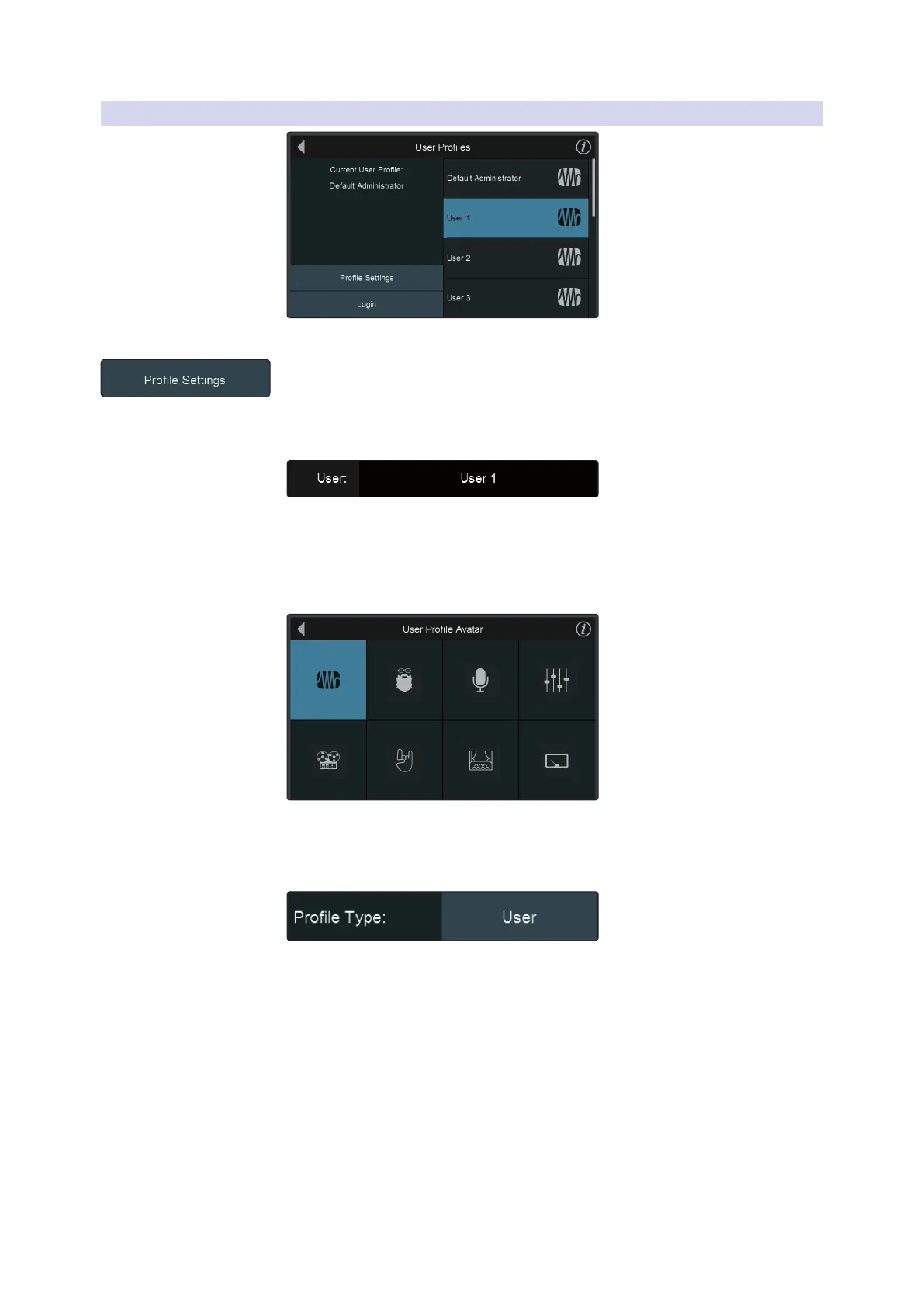
To customize any profile, select it from the list and tap Profile Settings.
Power User Tip: You must be logged into an administrator (default or custom) to create a
new User Profile.
Select a Name
Tap on the default name field to enter a custom profile name. The only name that
cannot be changed is the Default Administrator.
Touch the Enter button when done. Touch Cancel to leave the name unchanged.
Select an Avatar
By default, the PreSonus logo is the avatar for every user. This can be changed by
tapping the default avatar on the profile settings page.
Profile Type
You can create two different Profile Types: Admin and User. Admin profiles are given
access to every function and parameter. User profiles can have their permissions
limited. For more information on setting User Permissions, see Section 12.2.3.










 To Next Page